Import your race’s GPX and get pacing, nutrition, checkpoints, drop bags, crew notes and a printable race-day pack, all in one app.
Not a training plan. A race plan.
For 50K to 200-mile races · One-time purchase · No subscription
Build your race plan in minutes.
Now on iPhone and Android
Most ultrarunners juggle GPX viewers, pacing spreadsheets, nutrition plans, crew notes and race guides: a different tool for every piece of race day.
Everything in one race plan , built from your GPX and ready for race day.
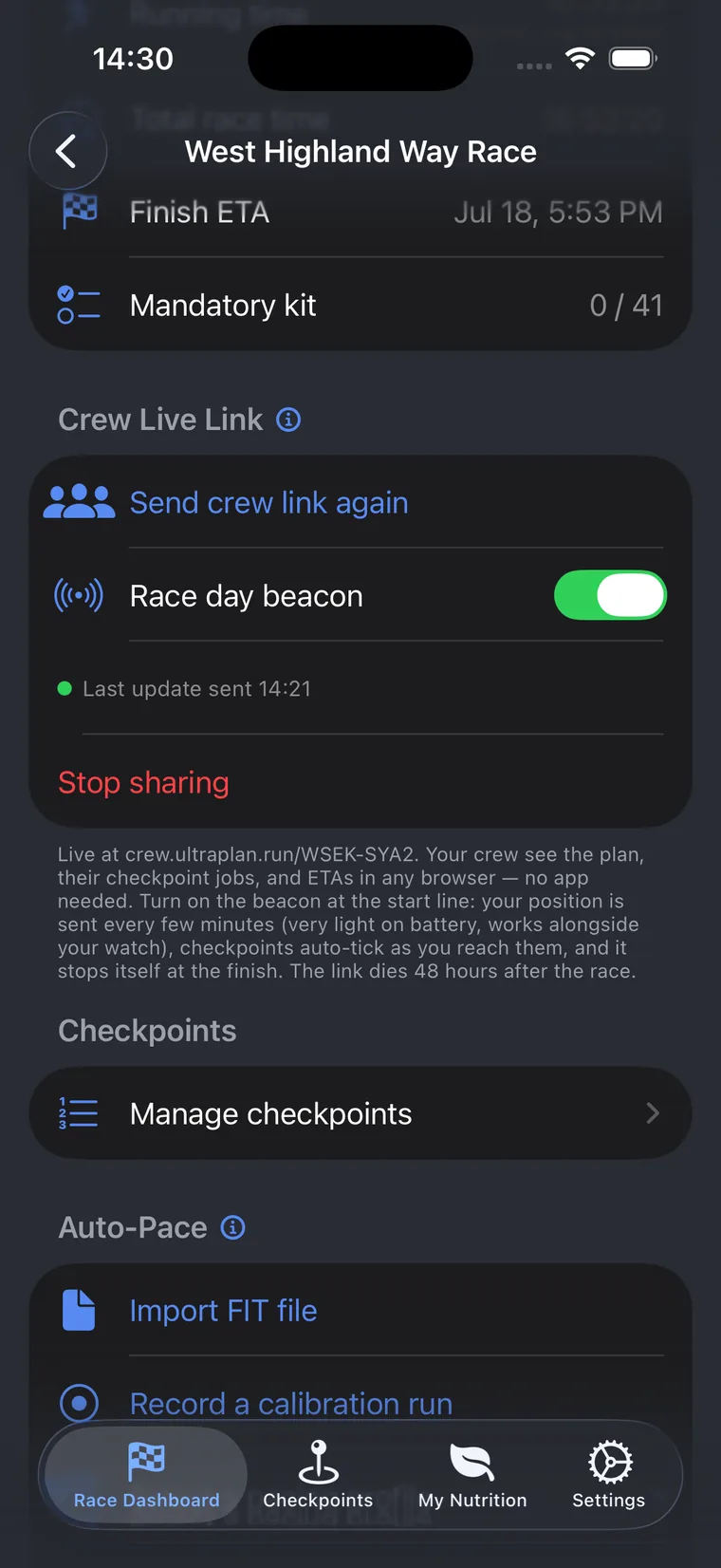
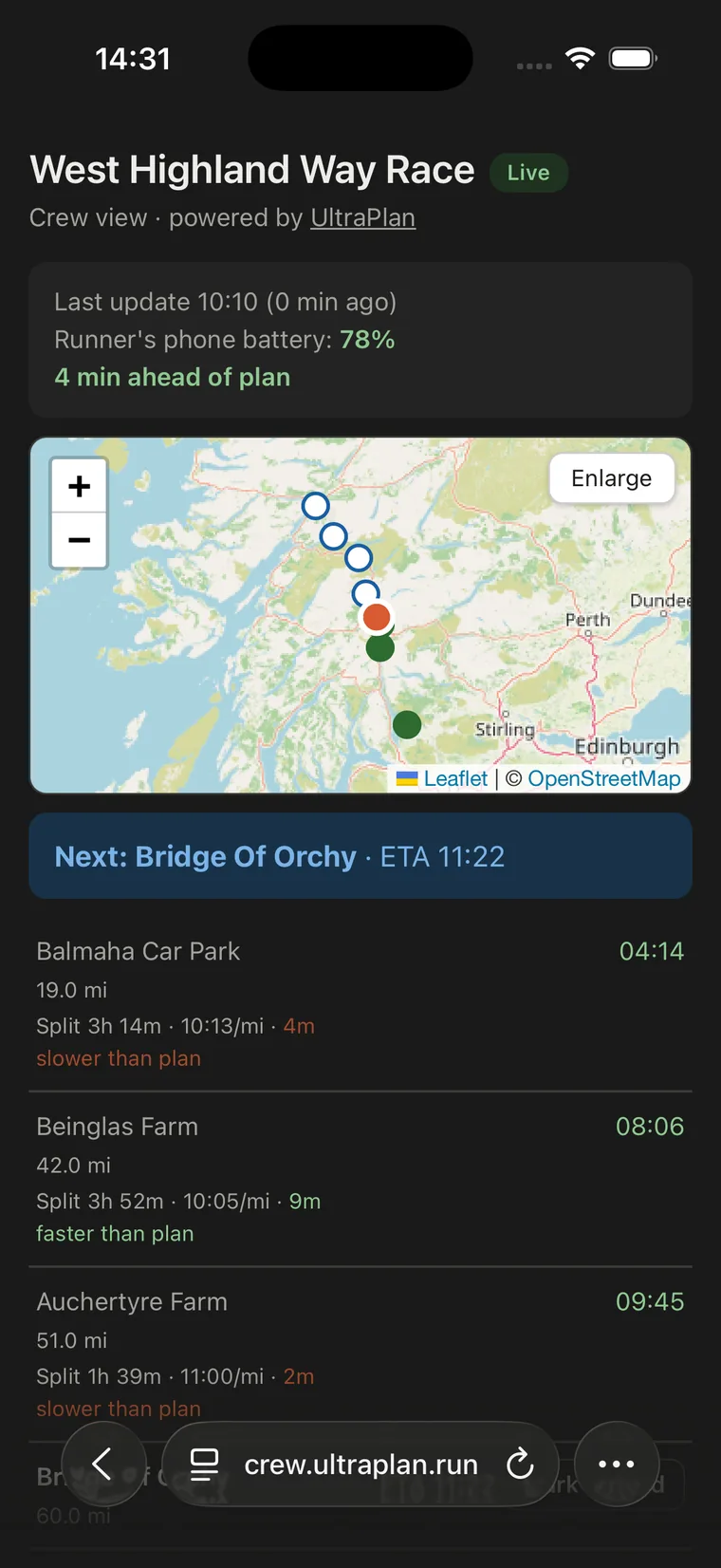
Send your crew one link by WhatsApp or text. It opens in any web browser as a private live page: your position on the map, checkpoints ticking off as you pass them, your actual splits and pace against the plan, live ETAs for every crew stop, even your phone’s battery level. No app to install, no account, no password. They just tap the link and watch you run.
Built around the demands of ultra distance racing, not adapted from a generic fitness tracker. Every screen is built around real race planning decisions.
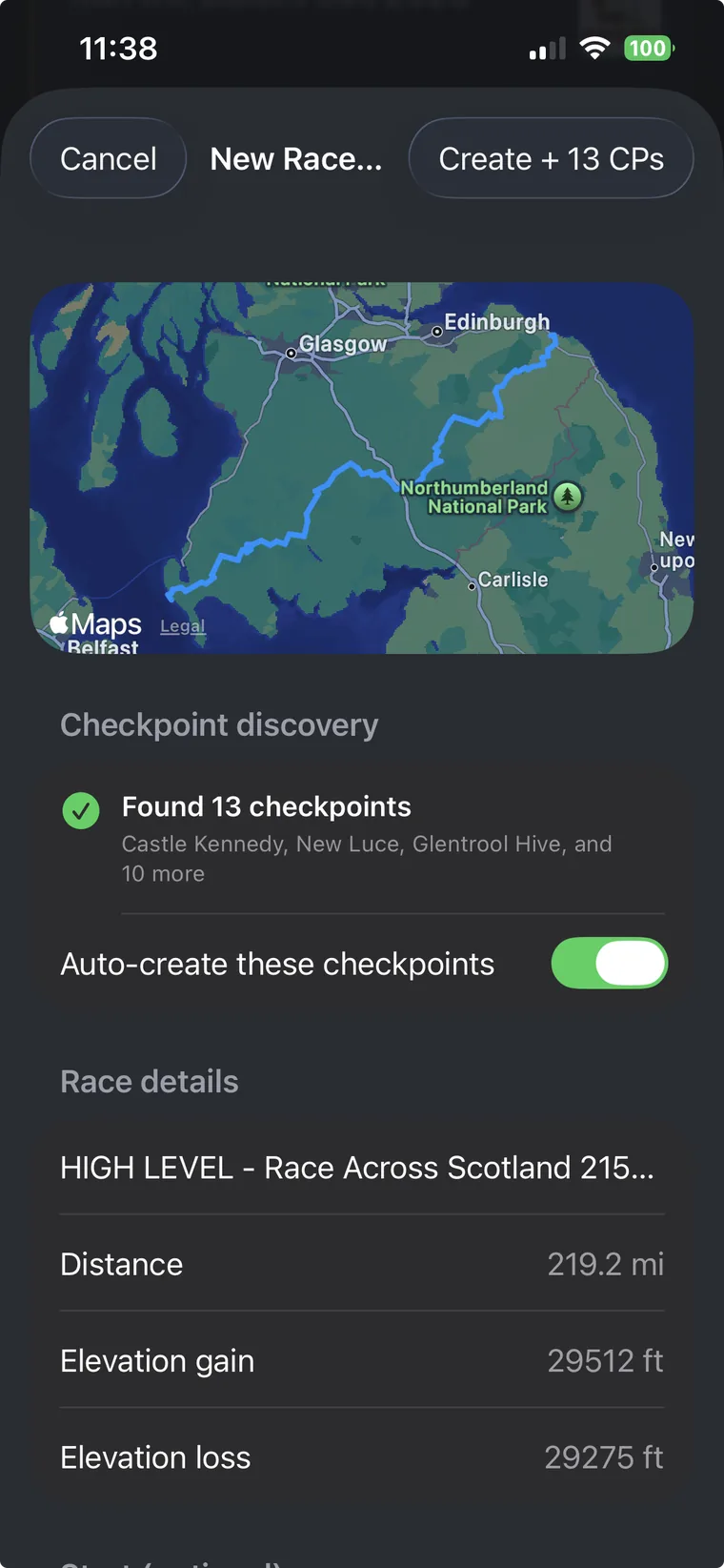
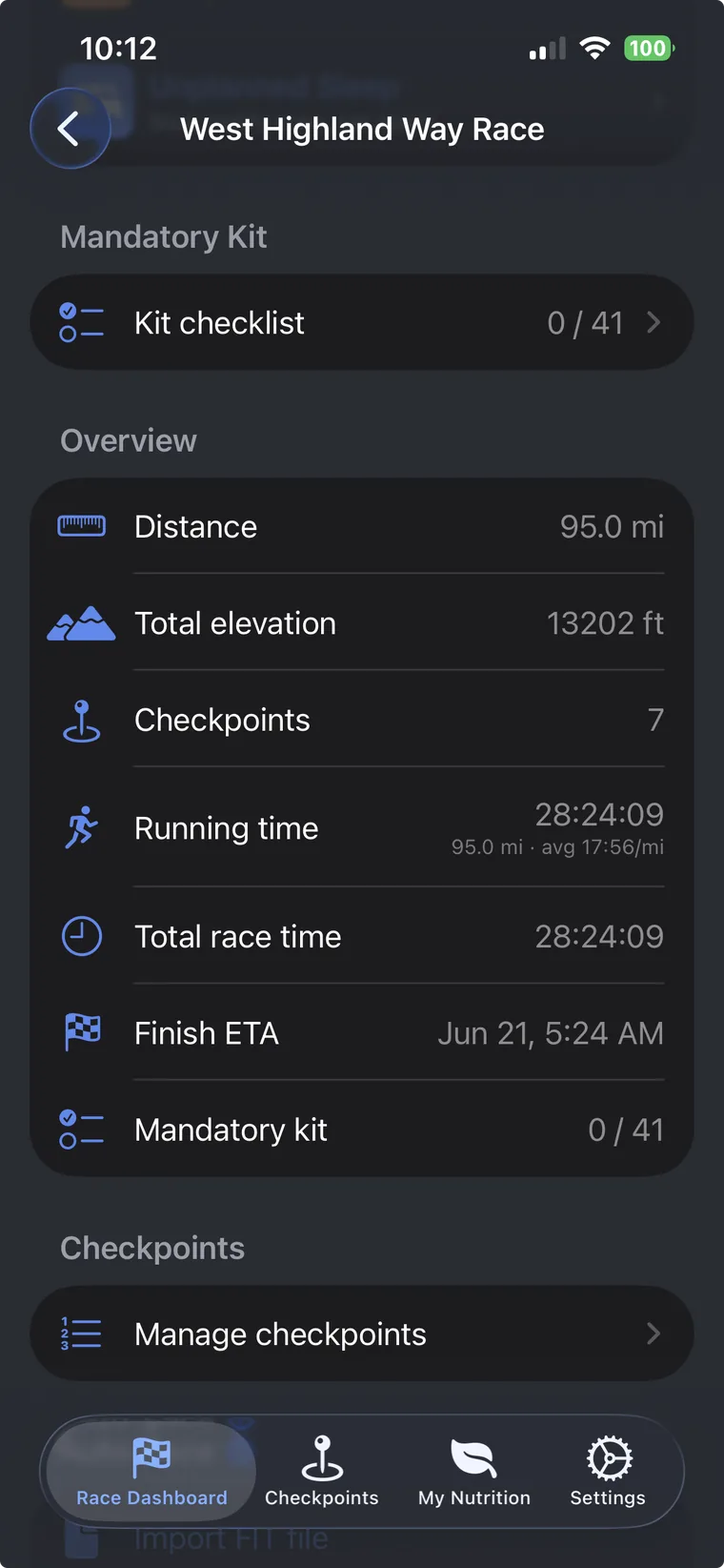
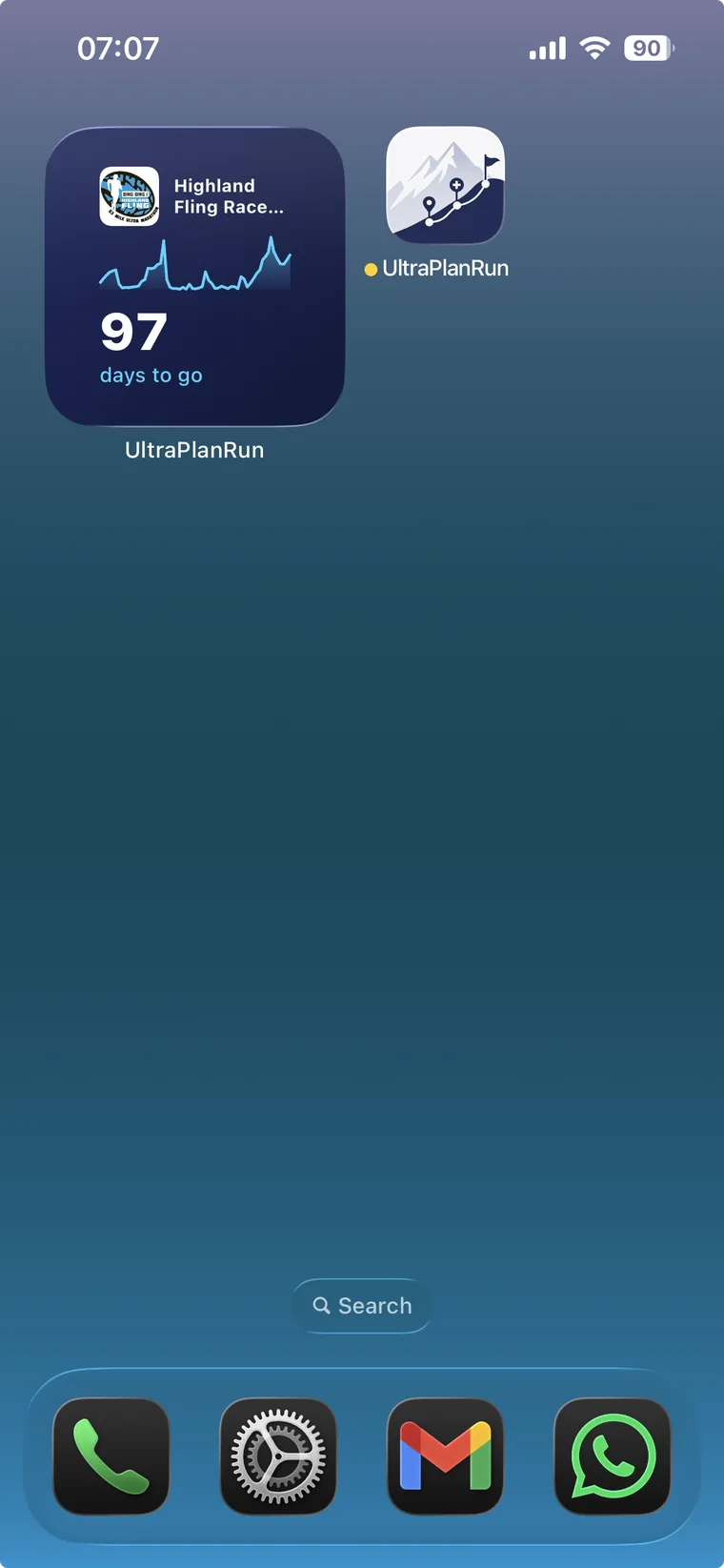
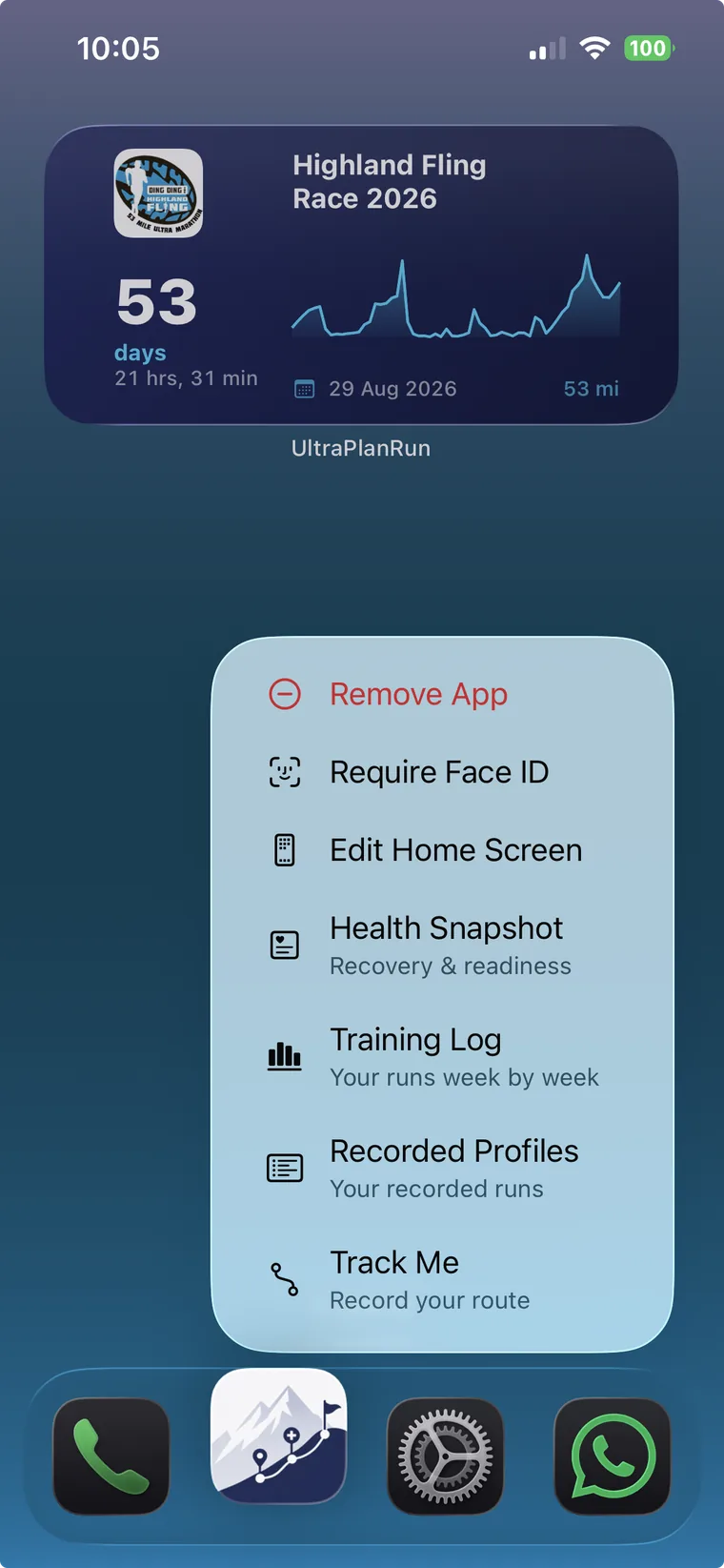
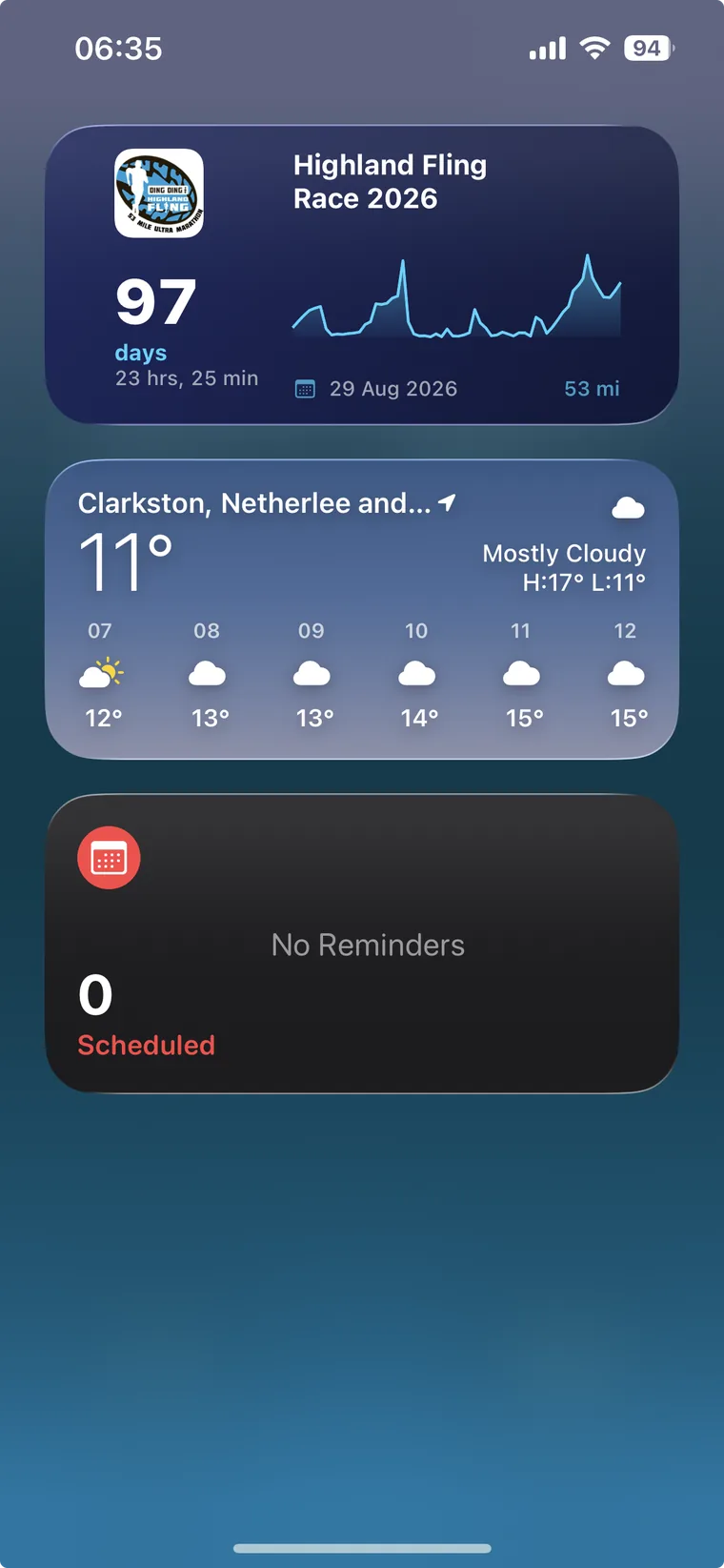
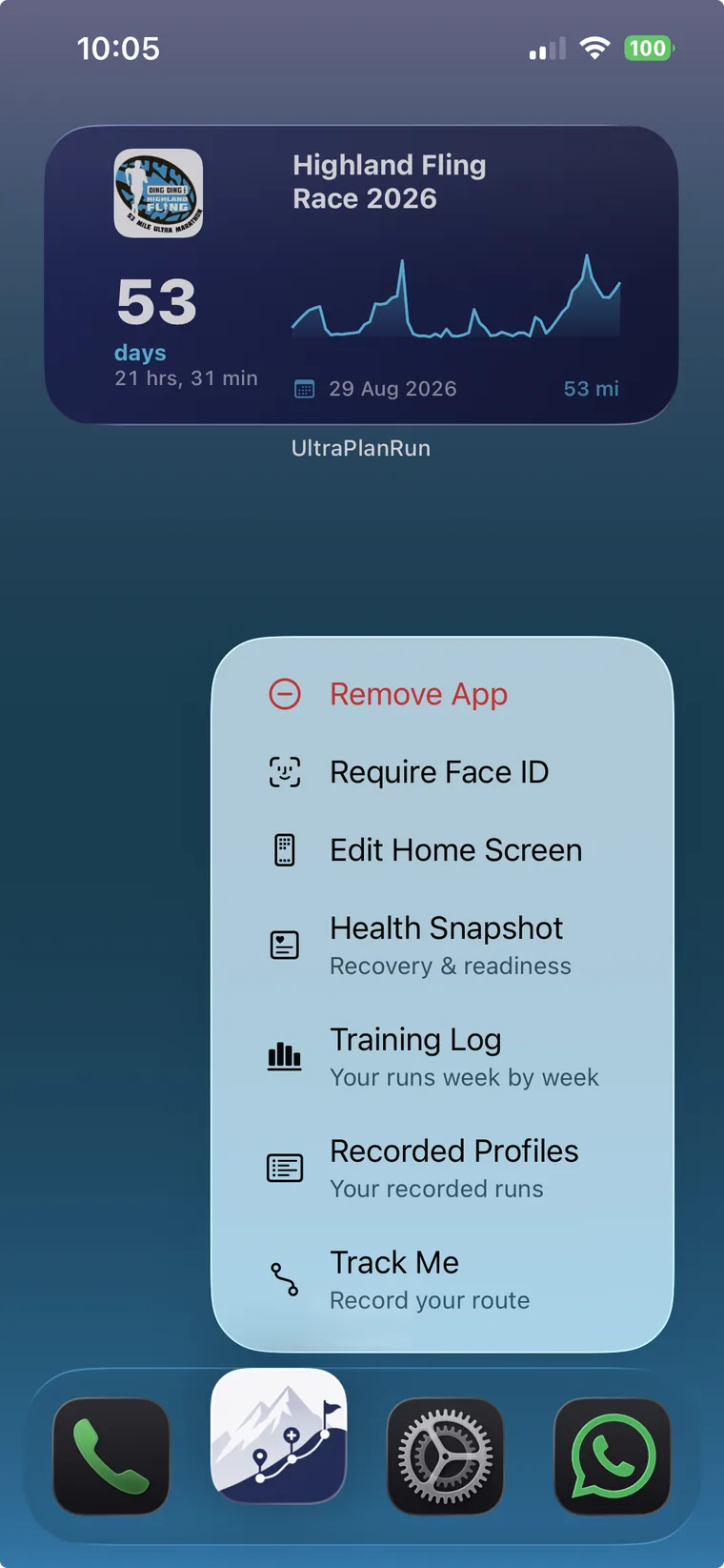
Drop in the GPX the race organiser publishes and UltraPlanRun pulls out your segments, distances, elevation gain, and predicted ETAs at every checkpoint. The video walks the whole flow, from a downloaded GPX file to a finished plan with a countdown widget on your Home Screen.
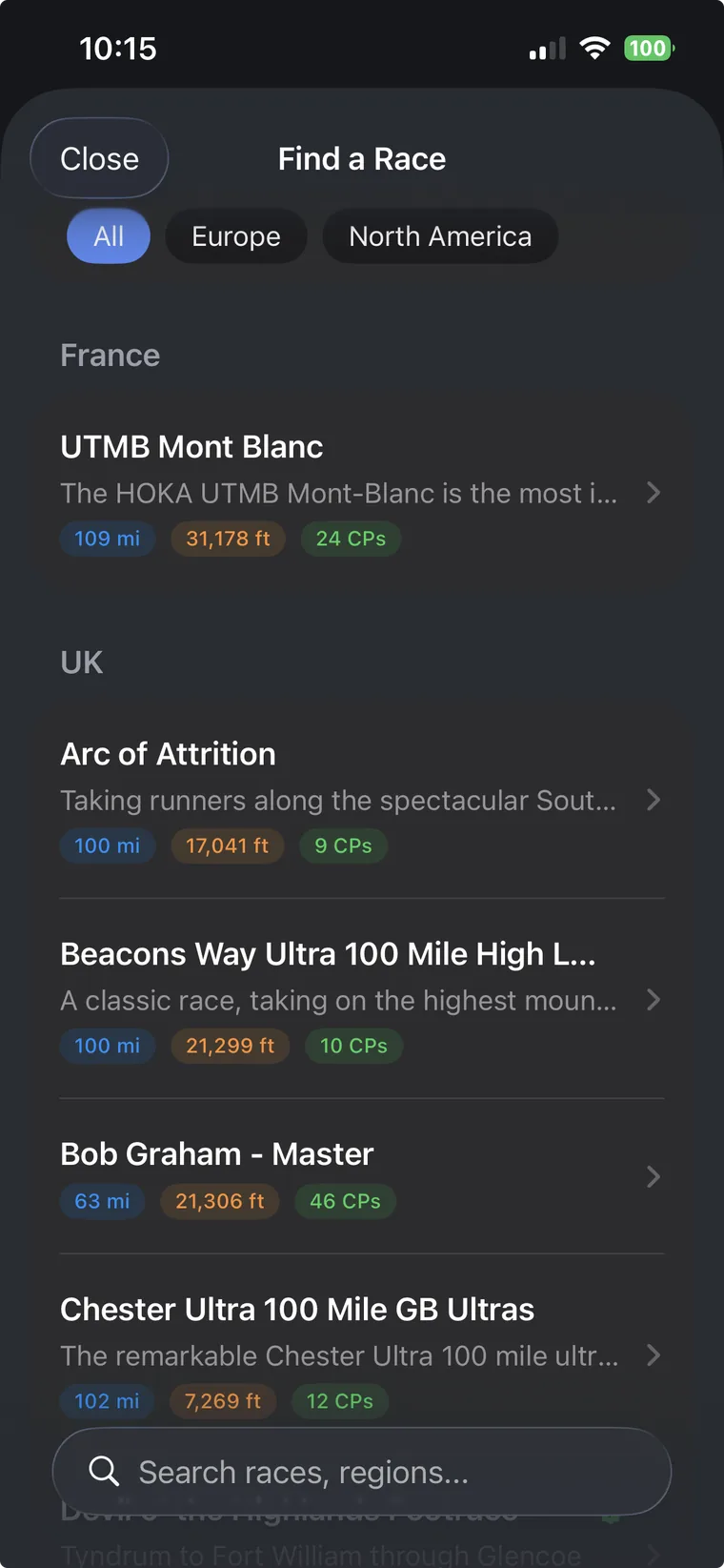
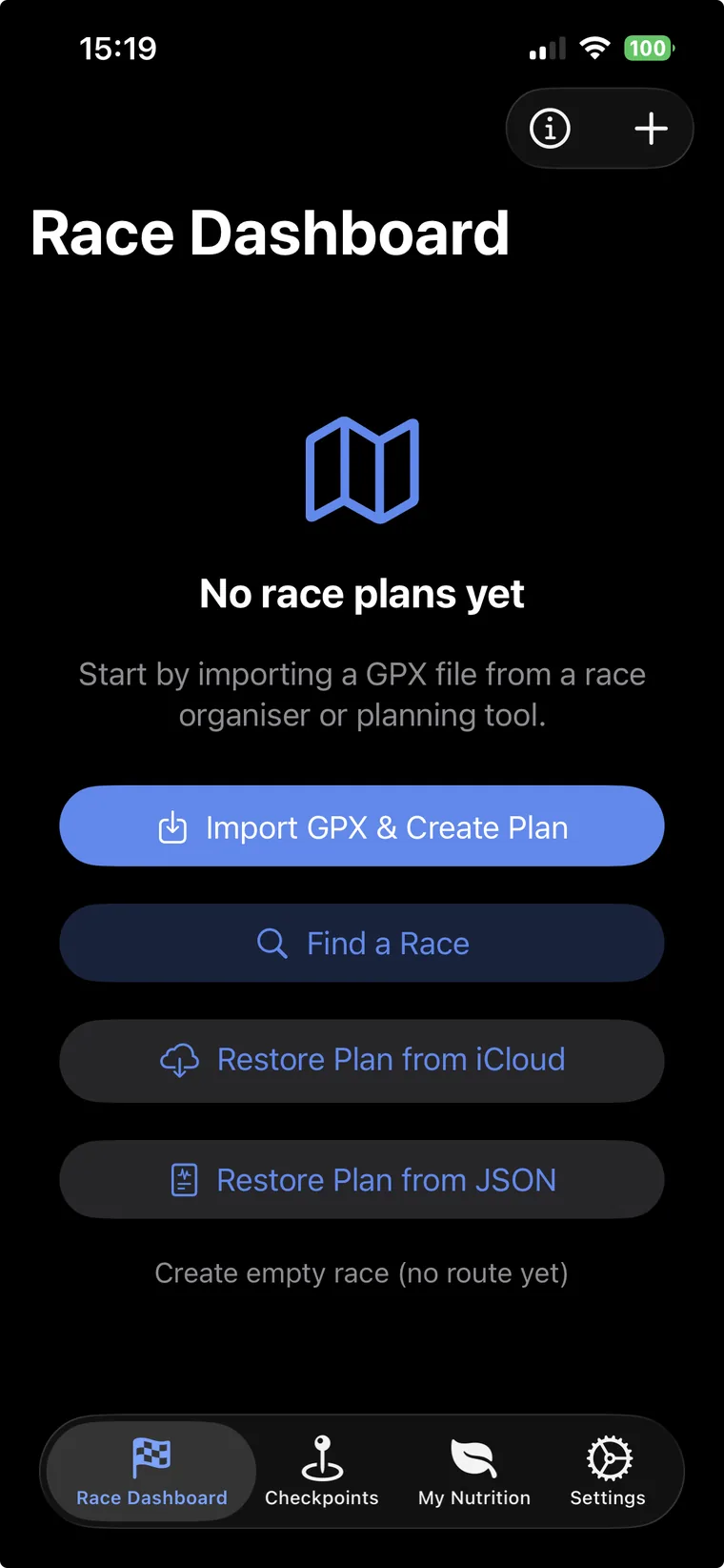
No route file to hand? Browse a curated, ever-growing library of real ultras: search by name or region, check the distance, elevation gain and checkpoints at a glance, then load the complete plan in a single tap and make it your own.
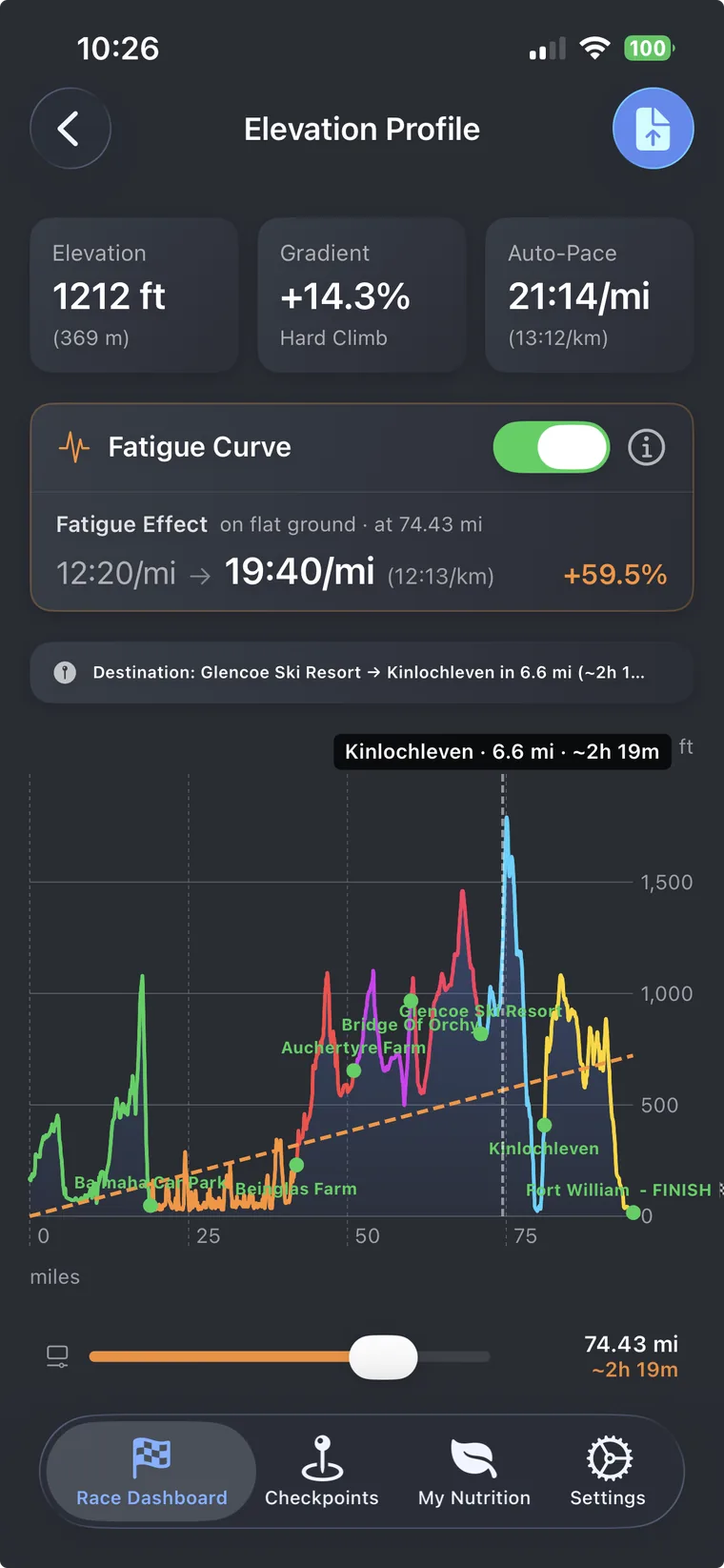
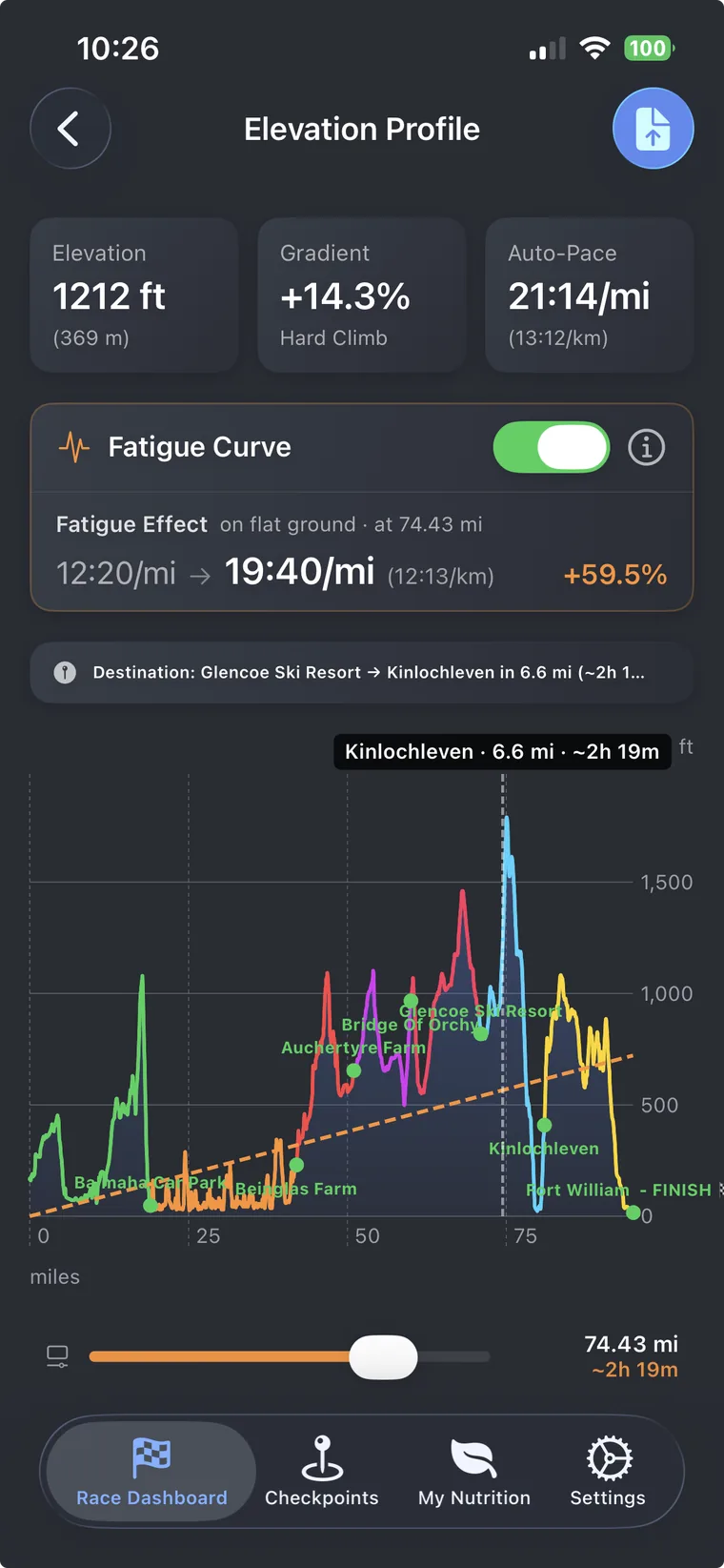
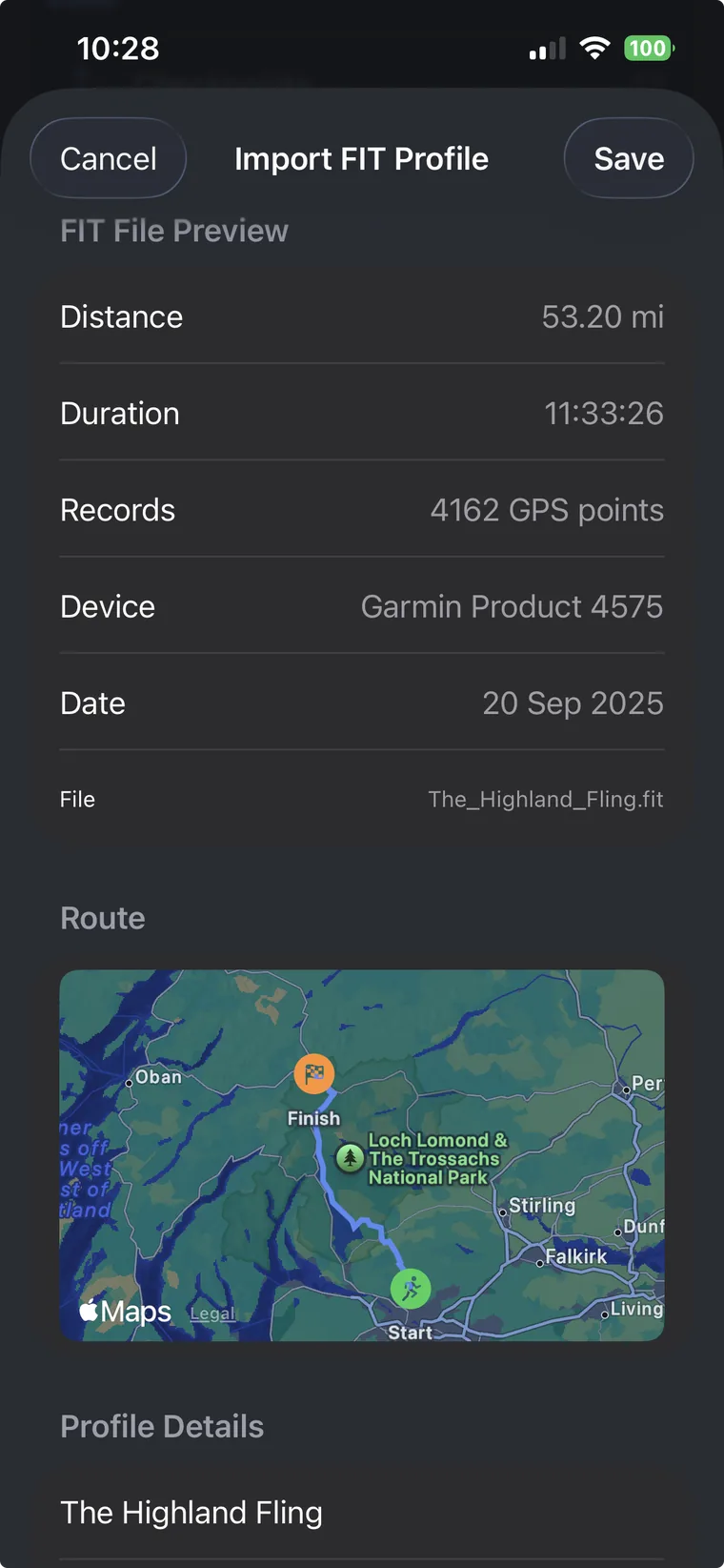
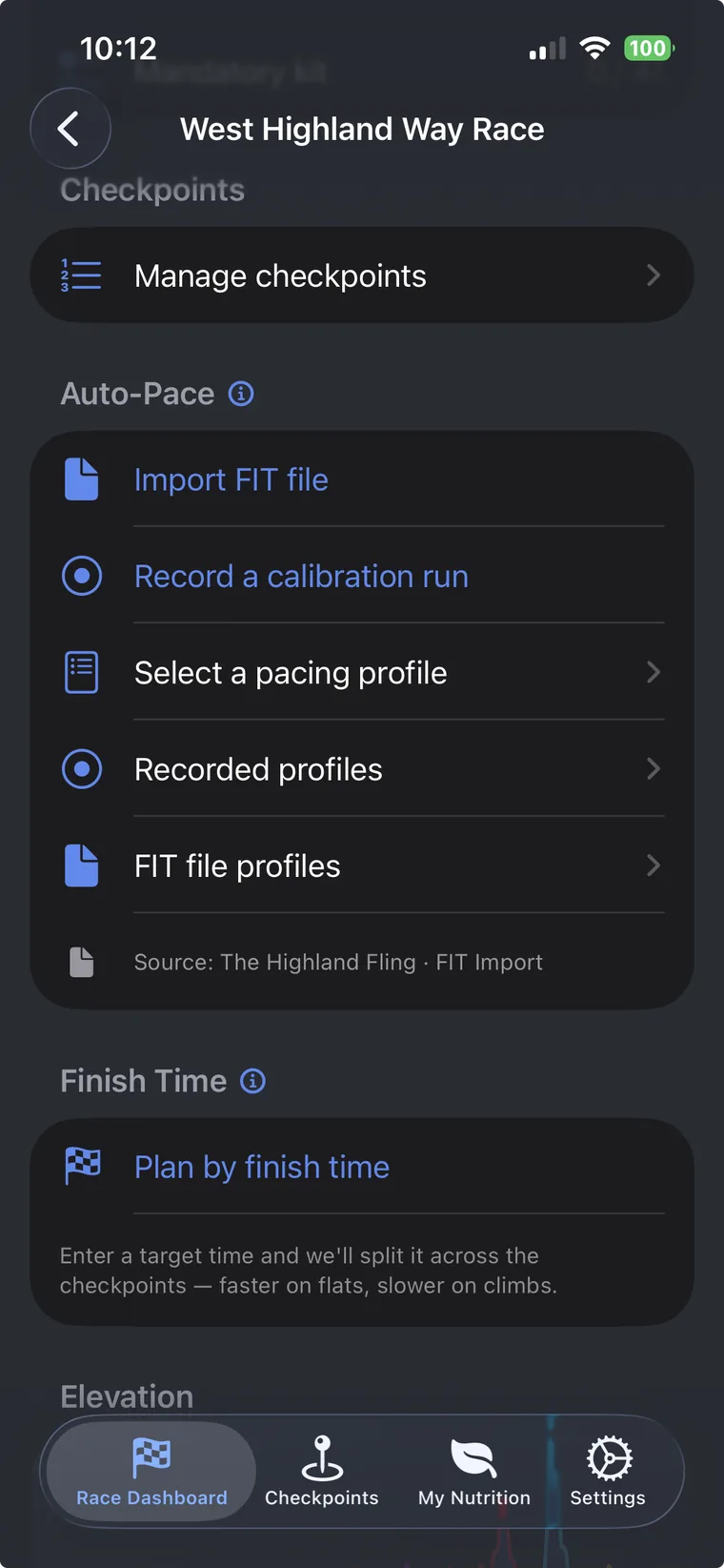
Import a FIT file from a similar effort and the elevation aware fatigue curve shows exactly how your pace will degrade across the course. Your finish prediction is grounded in how you actually run, not a flat ground average.
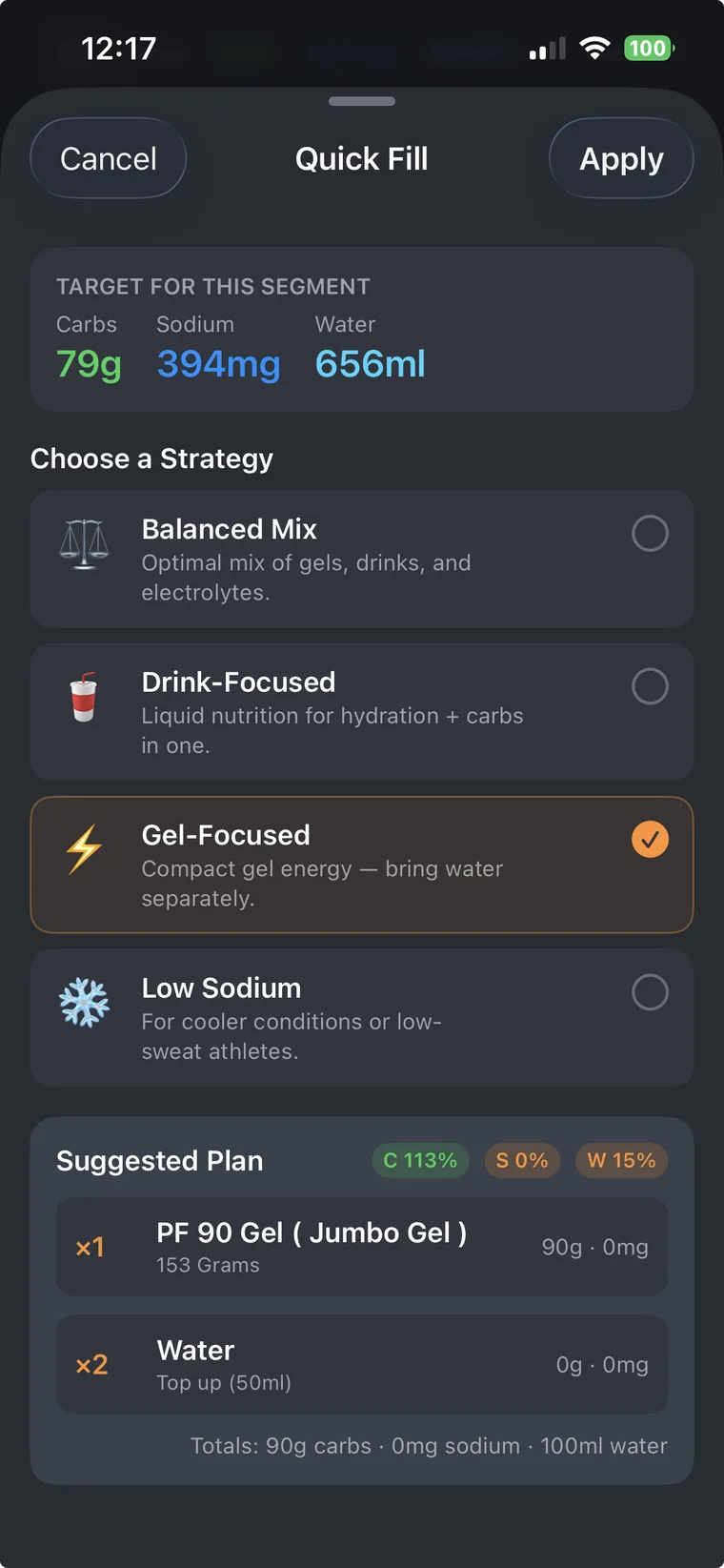
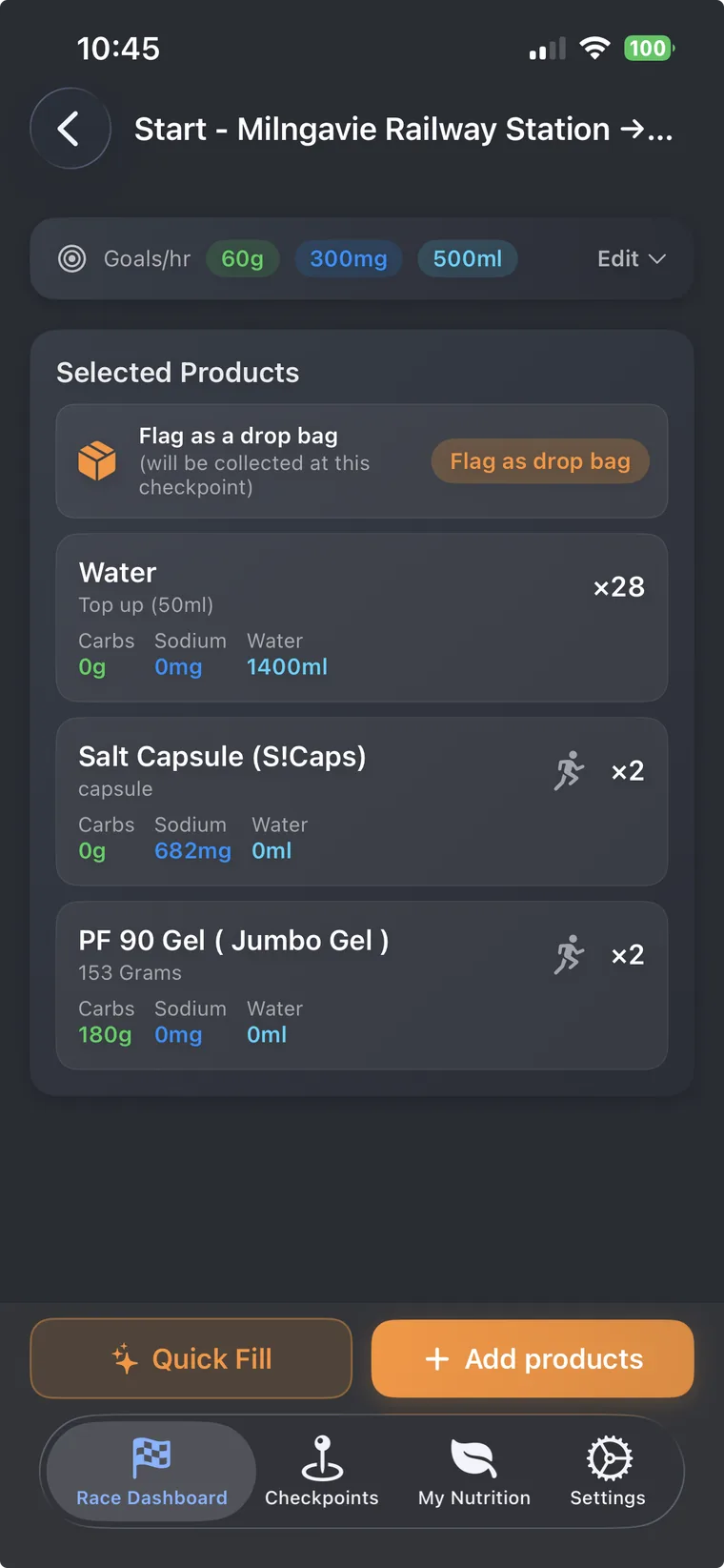
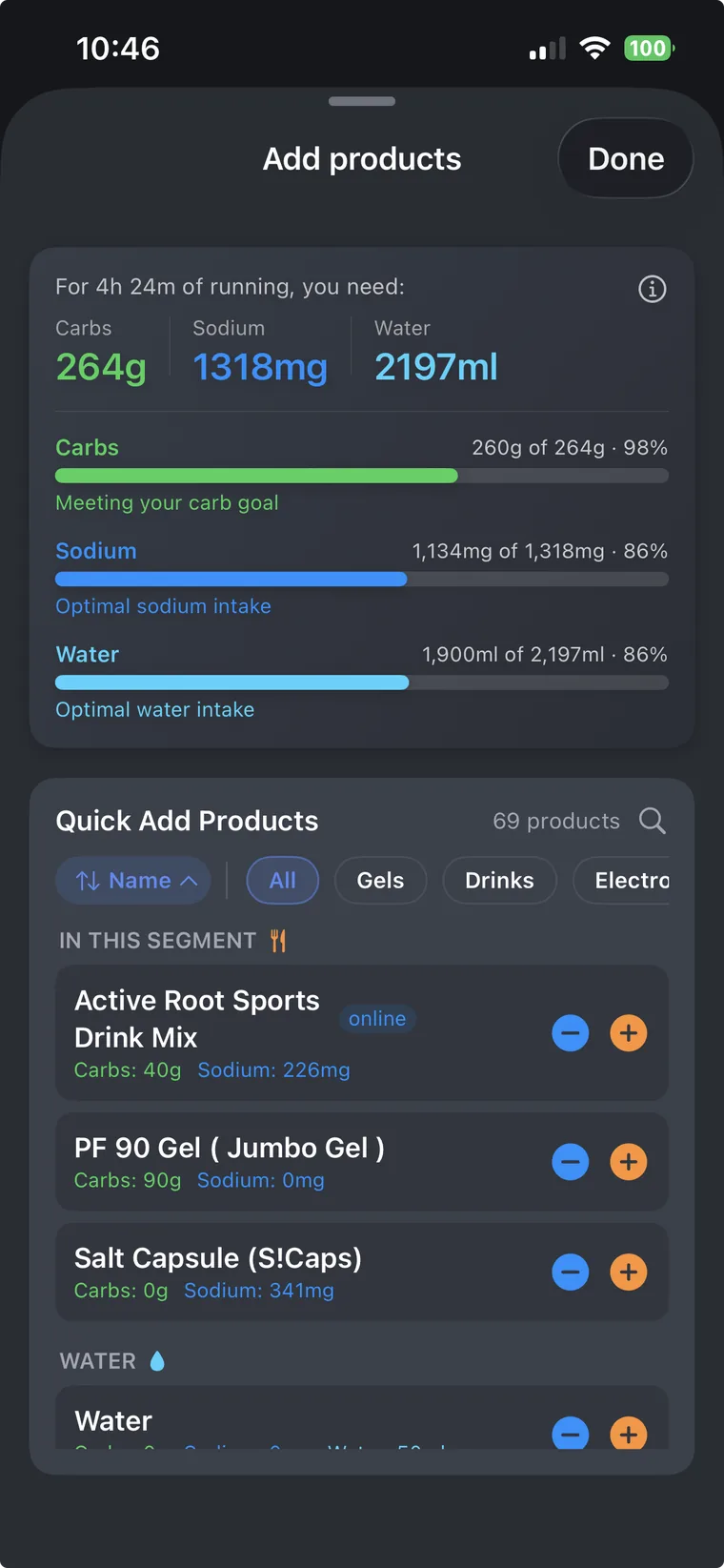
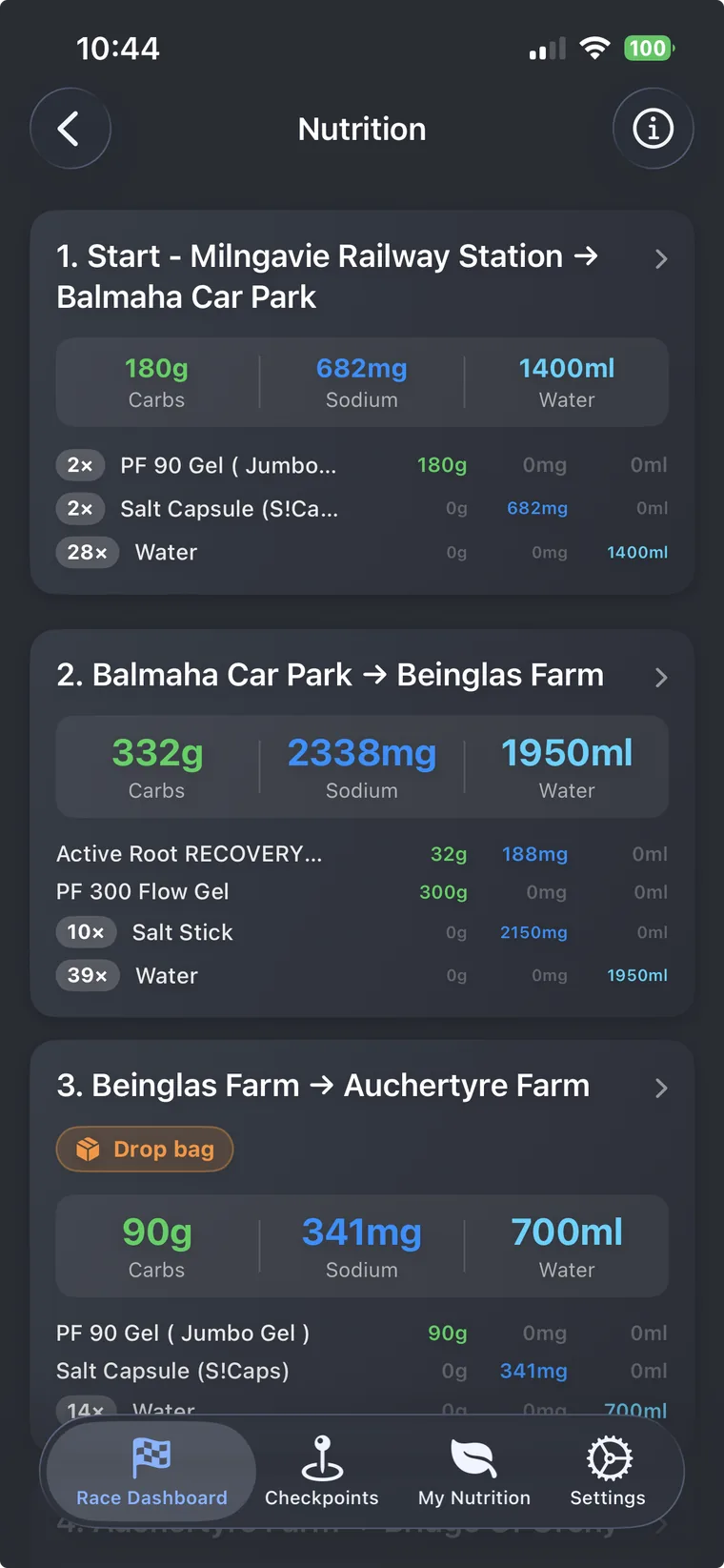
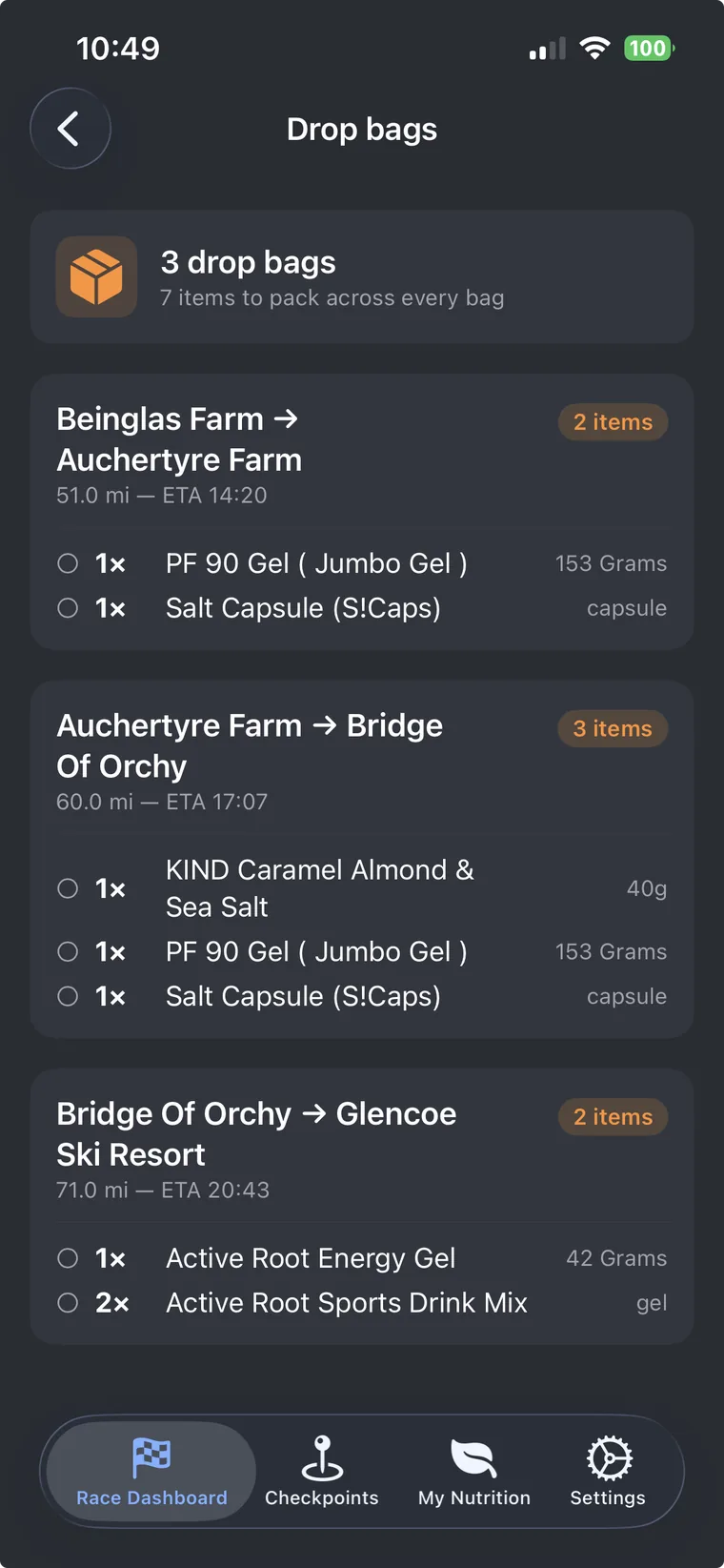
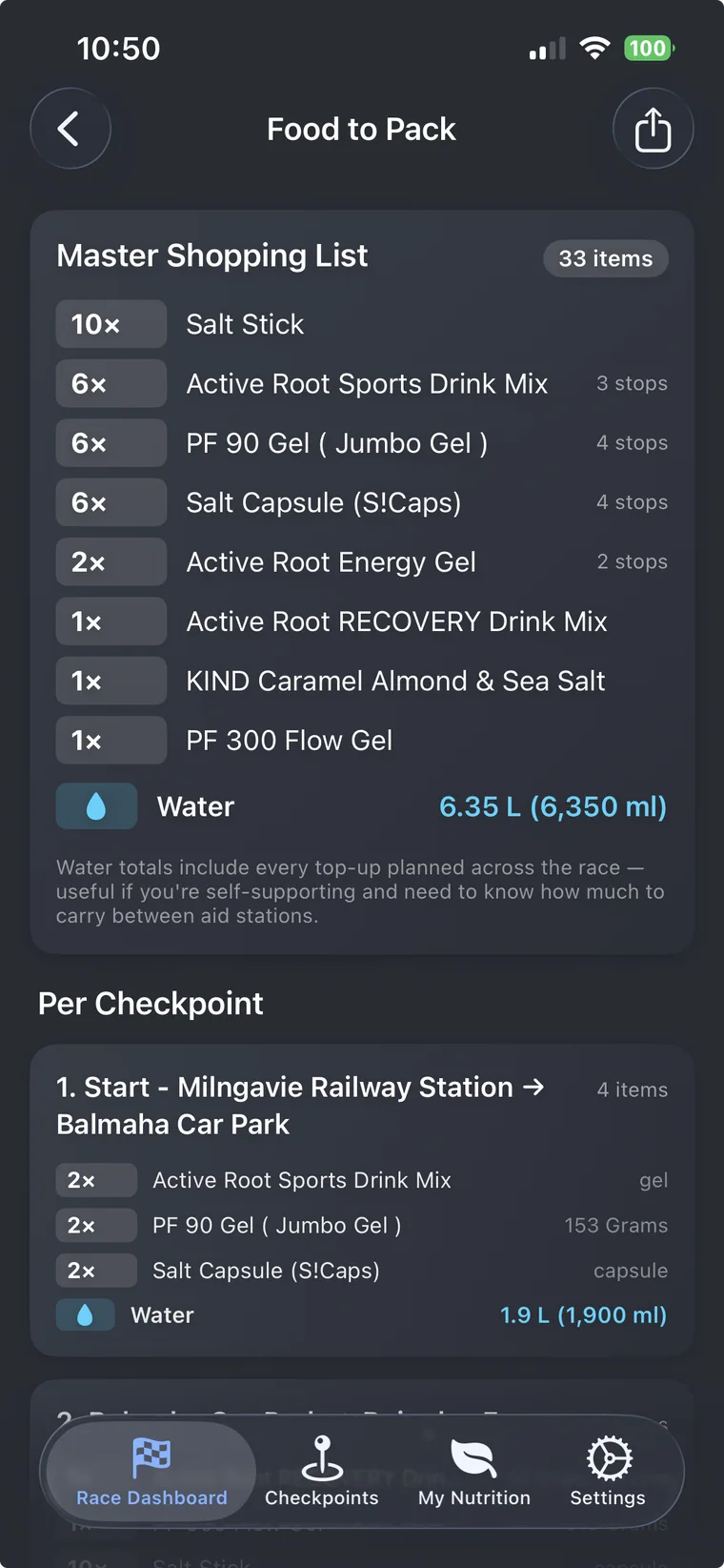
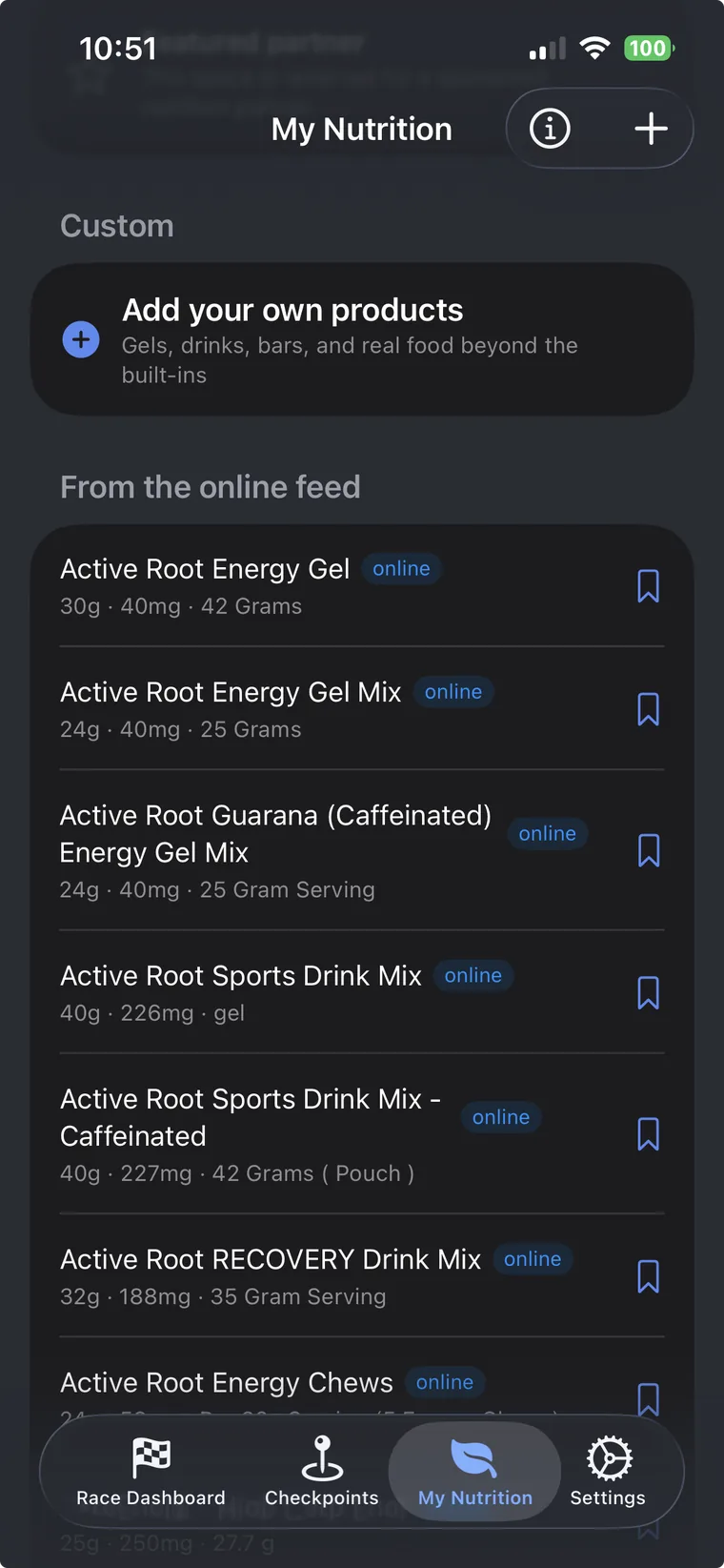
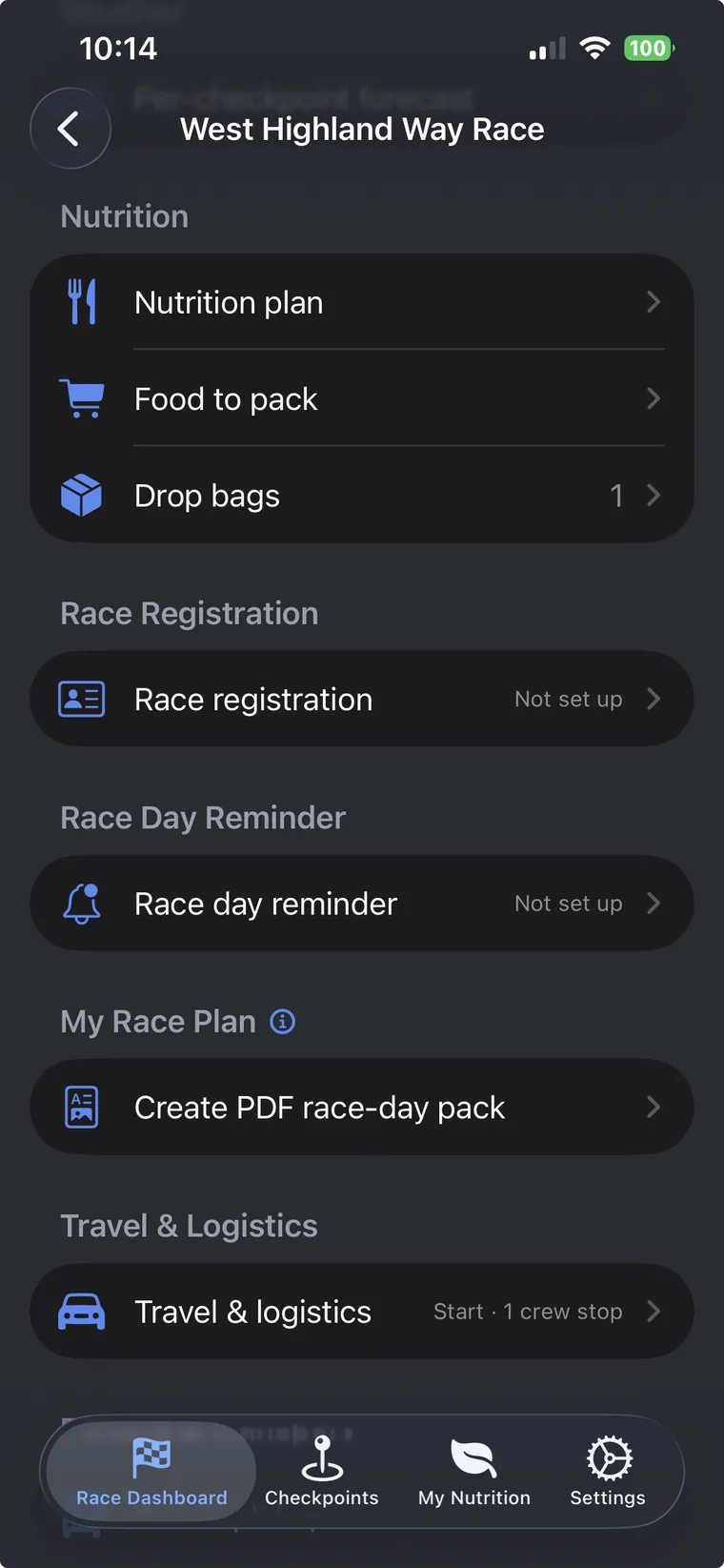
Set per hour carb, sodium and water targets per segment, then either Quick Fill to a strategy or hand pick from a built in database of 60+ products plus any custom foods you add. Flag items as drop bag pickups and UltraPlanRun auto builds the drop bag overview and a tickable packing checklist on your race day PDF.
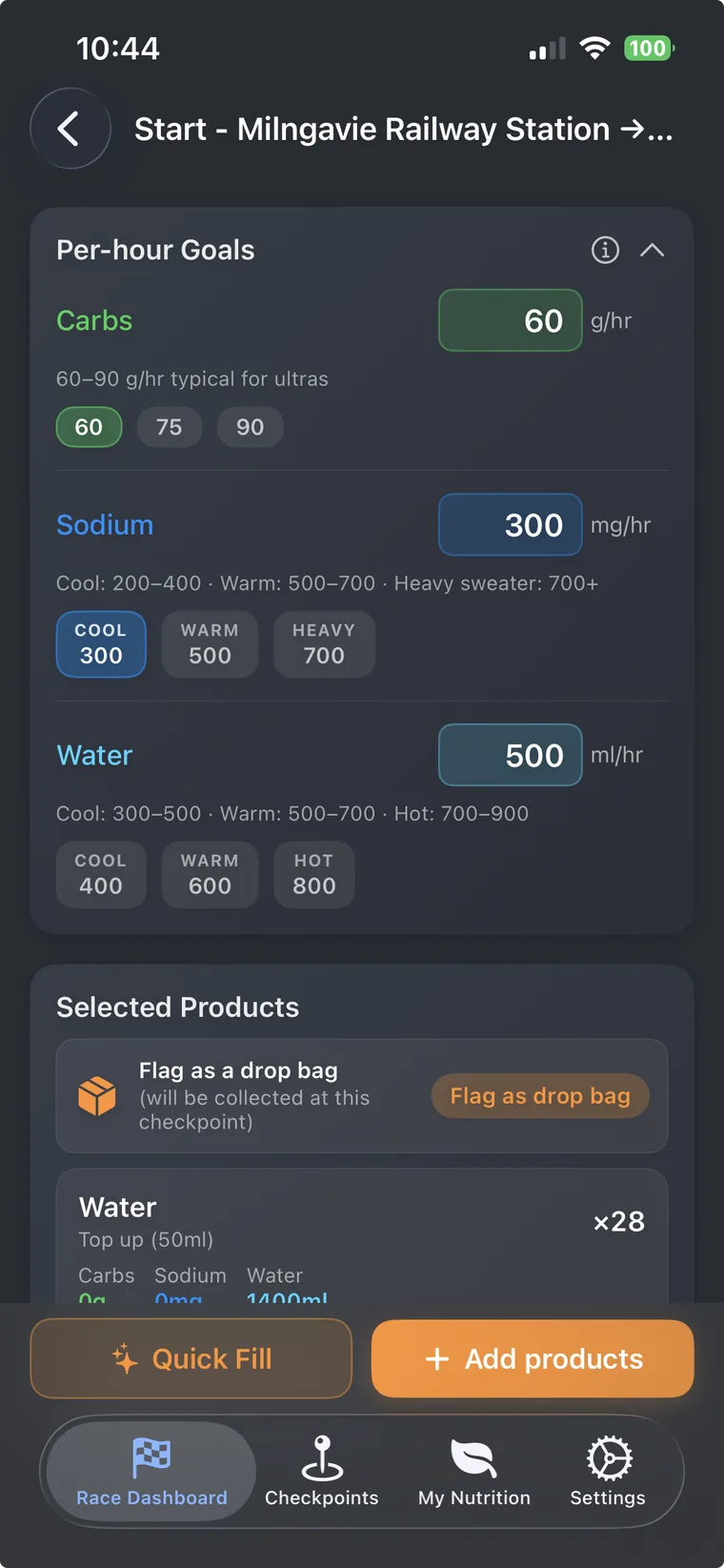
Search the catalogue gels, drink mixes, electrolytes, bars, real food, and add to any segment with a tap. Quick Fill picks a strategy that lands carbs, sodium and water inside your goals so you can move on rather than fiddle.
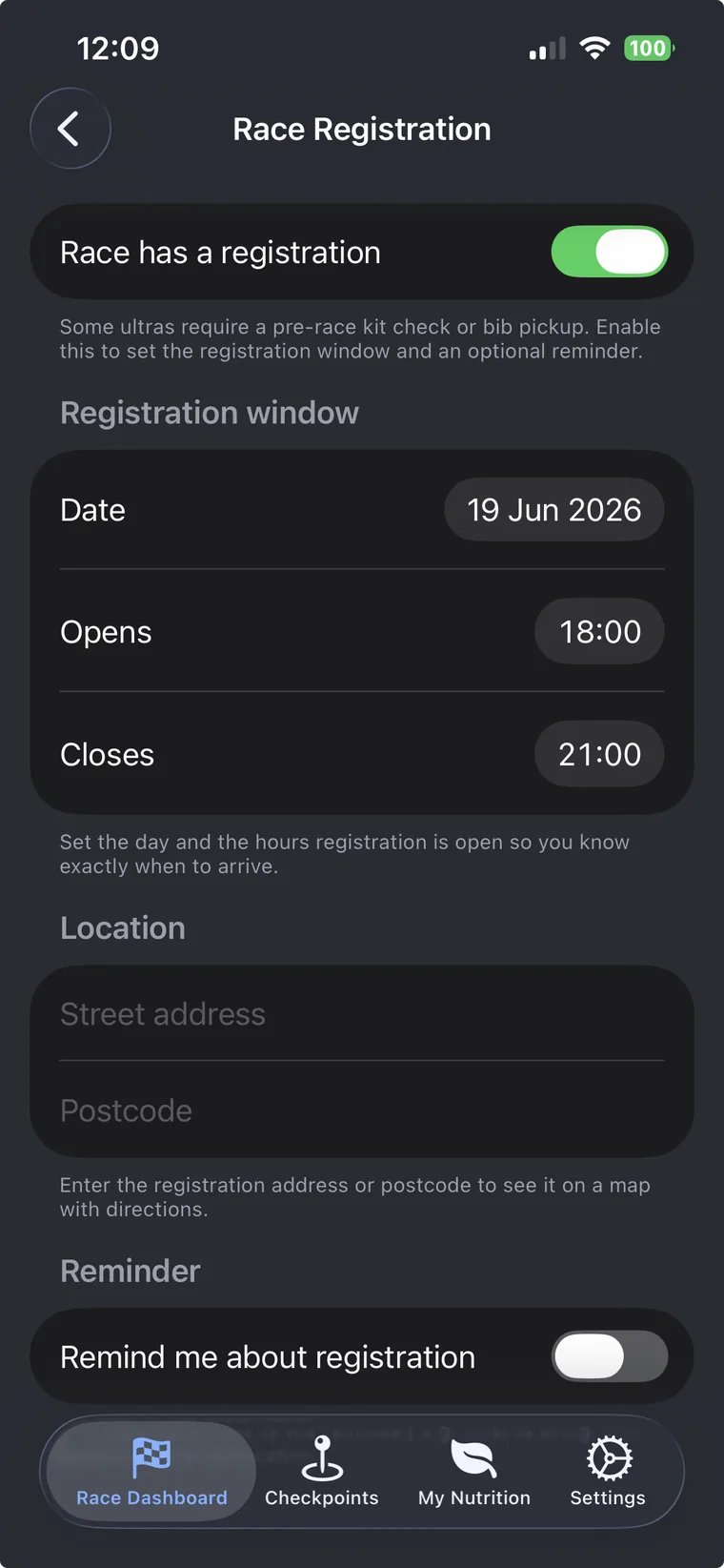
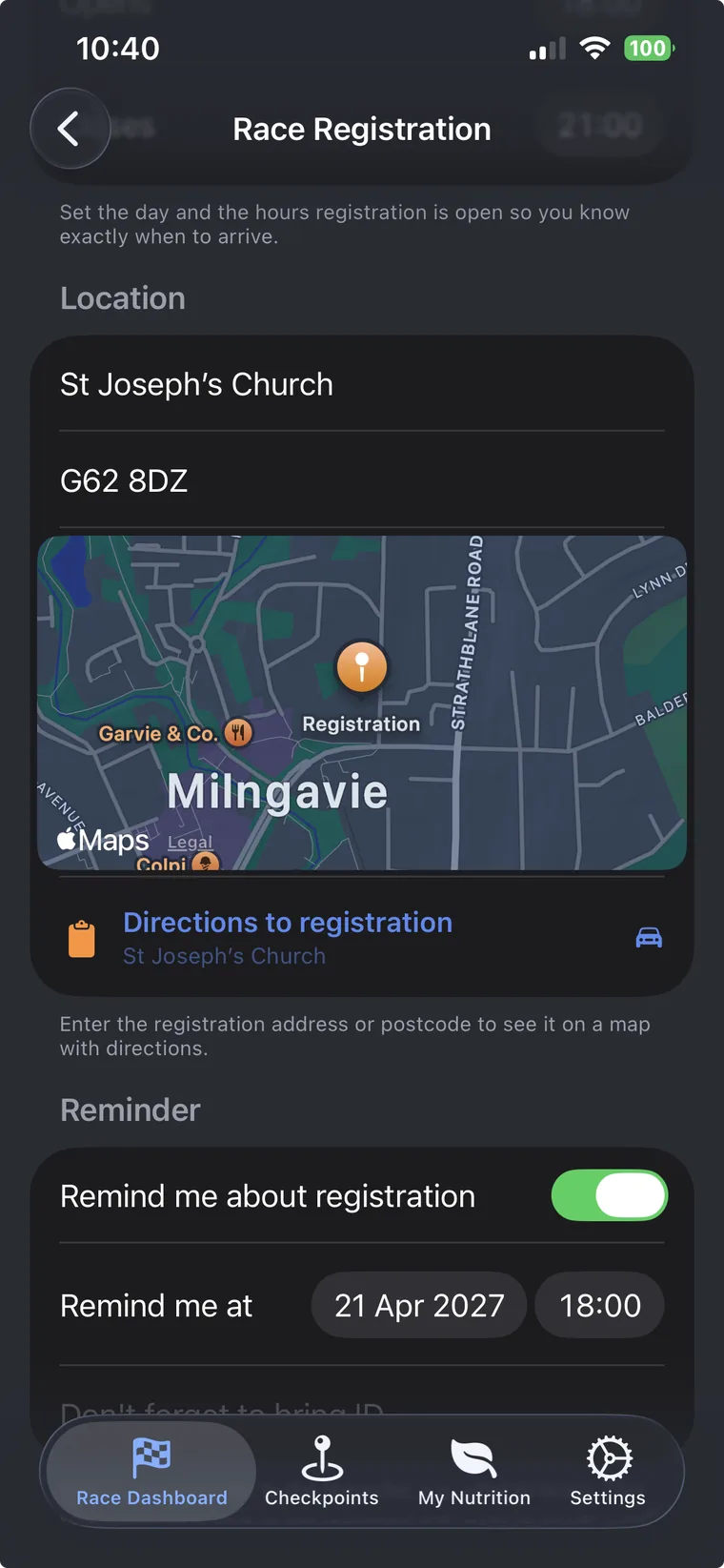
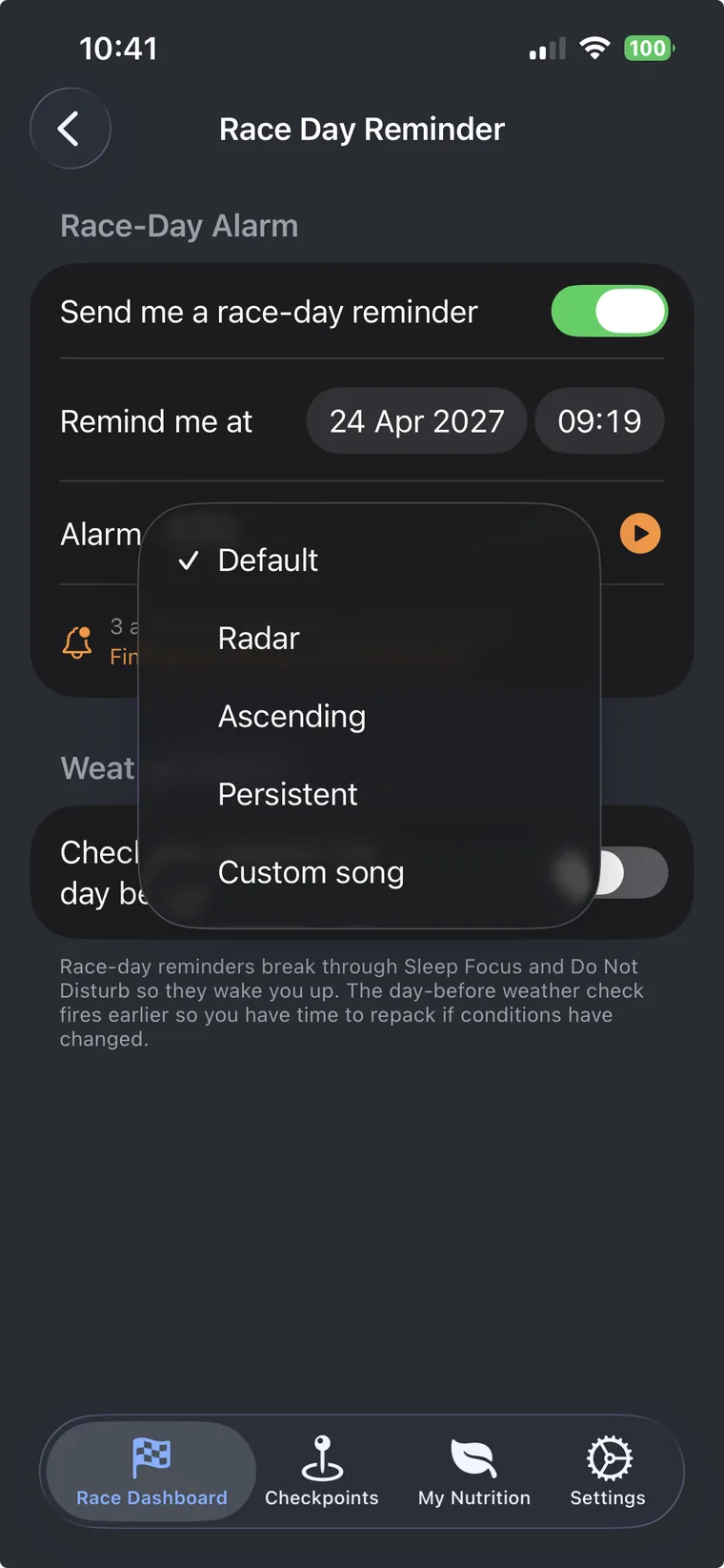
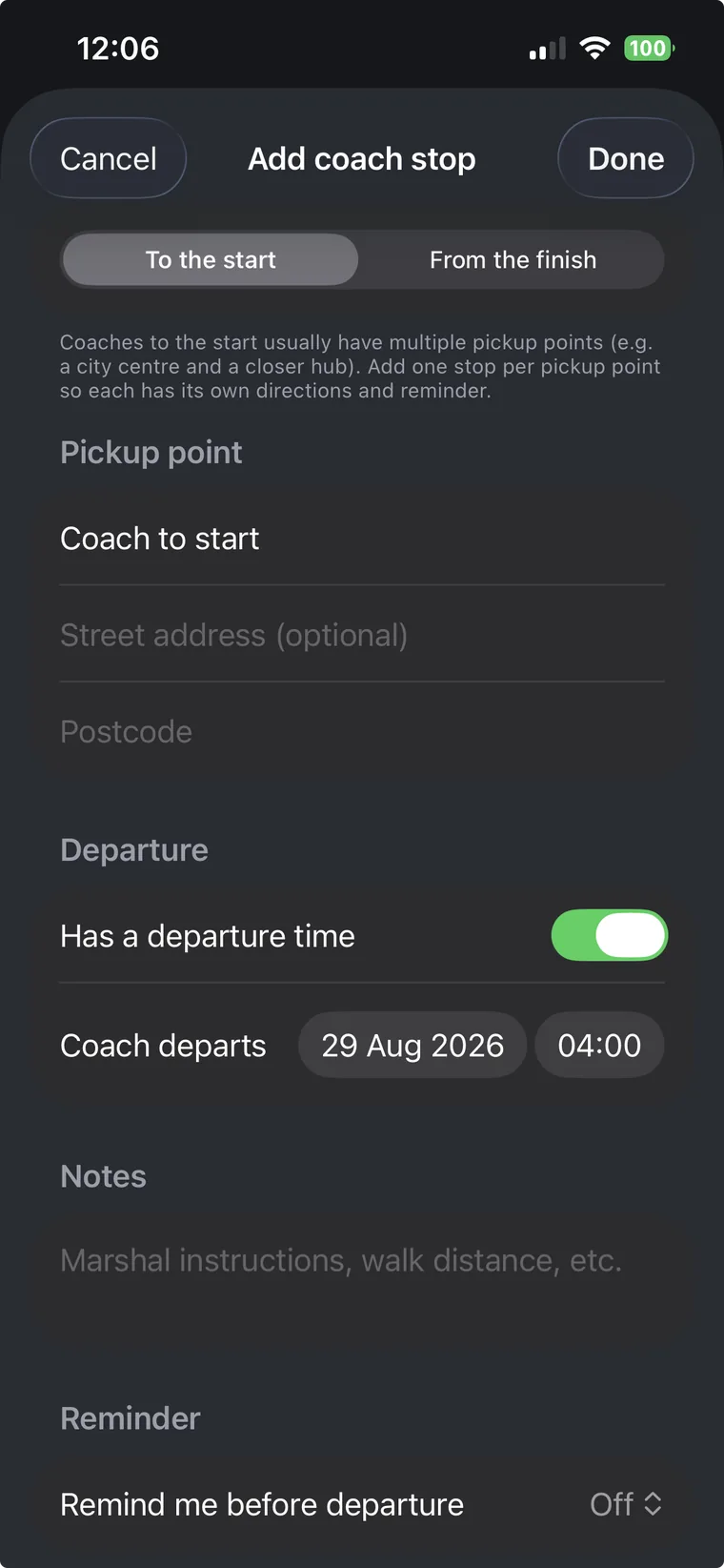
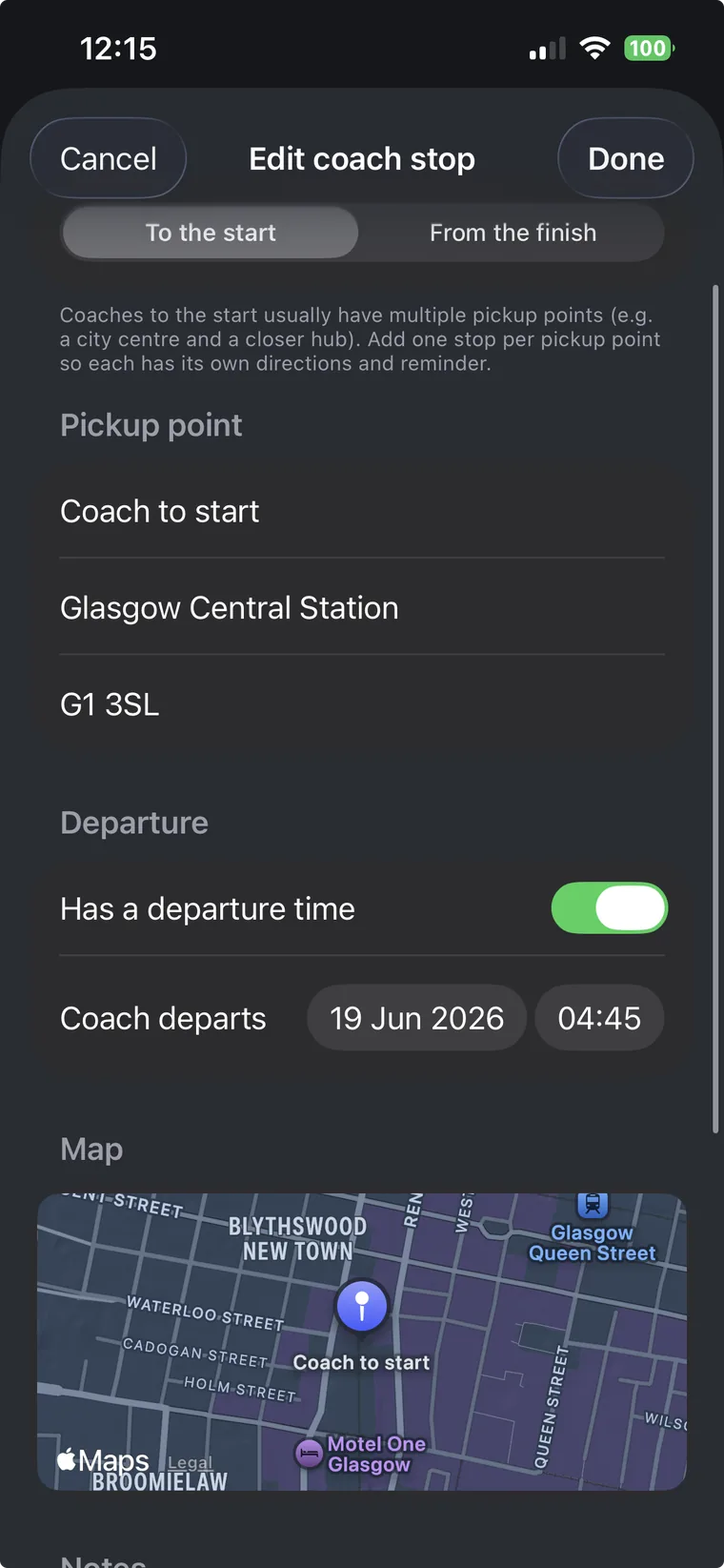
Capture your hotel, registration window, and every race day coach pickup with embedded maps, postcodes, and per stop reminders. Pre dawn coach reminders break through Sleep Focus so you never sleep through the bus.
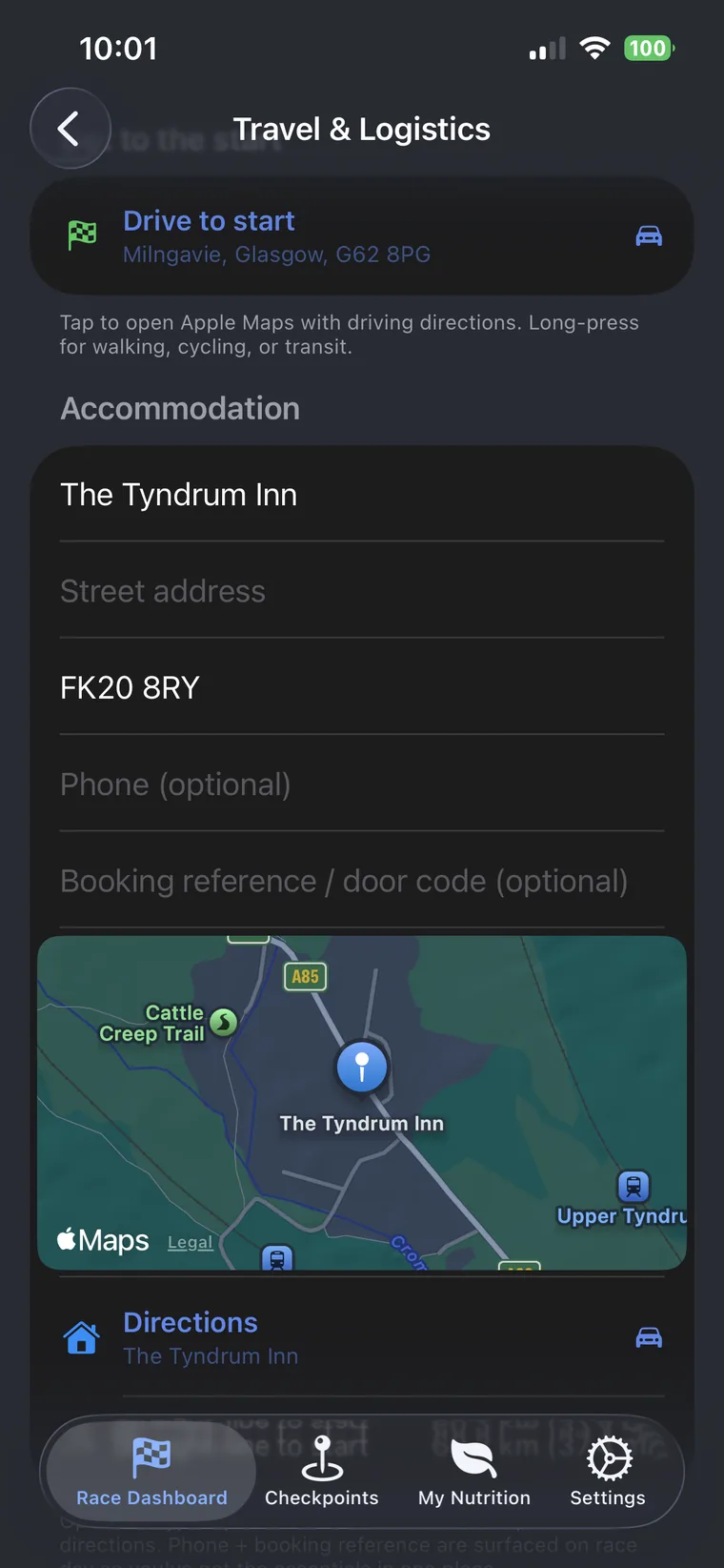
Generate a beautifully formatted PDF race day pack containing your full plan segments, ETAs, drop bag checklists, kit list, emergency contacts, accommodation, coach pickups, crew route, weather. Send it to your crew, your pacer, or print it for the race itself.
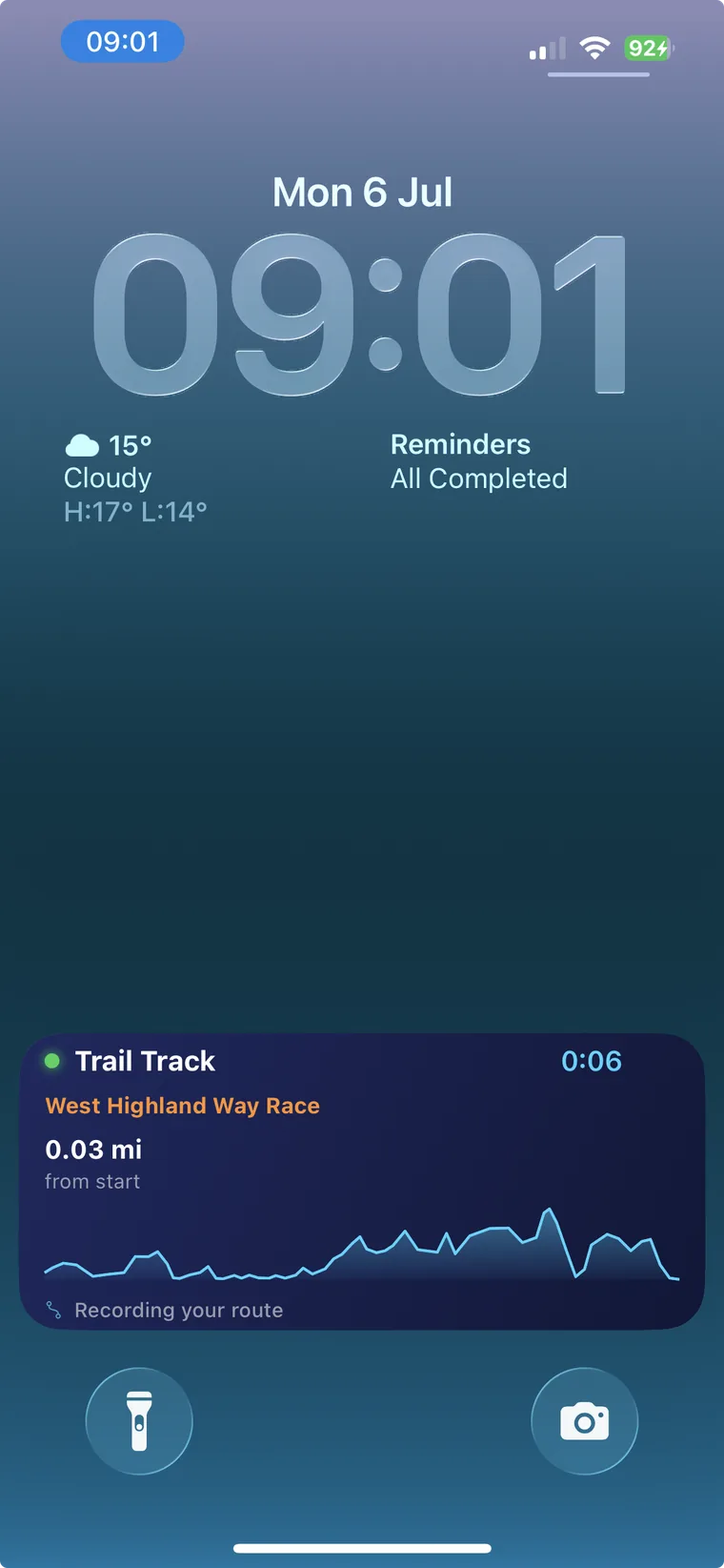
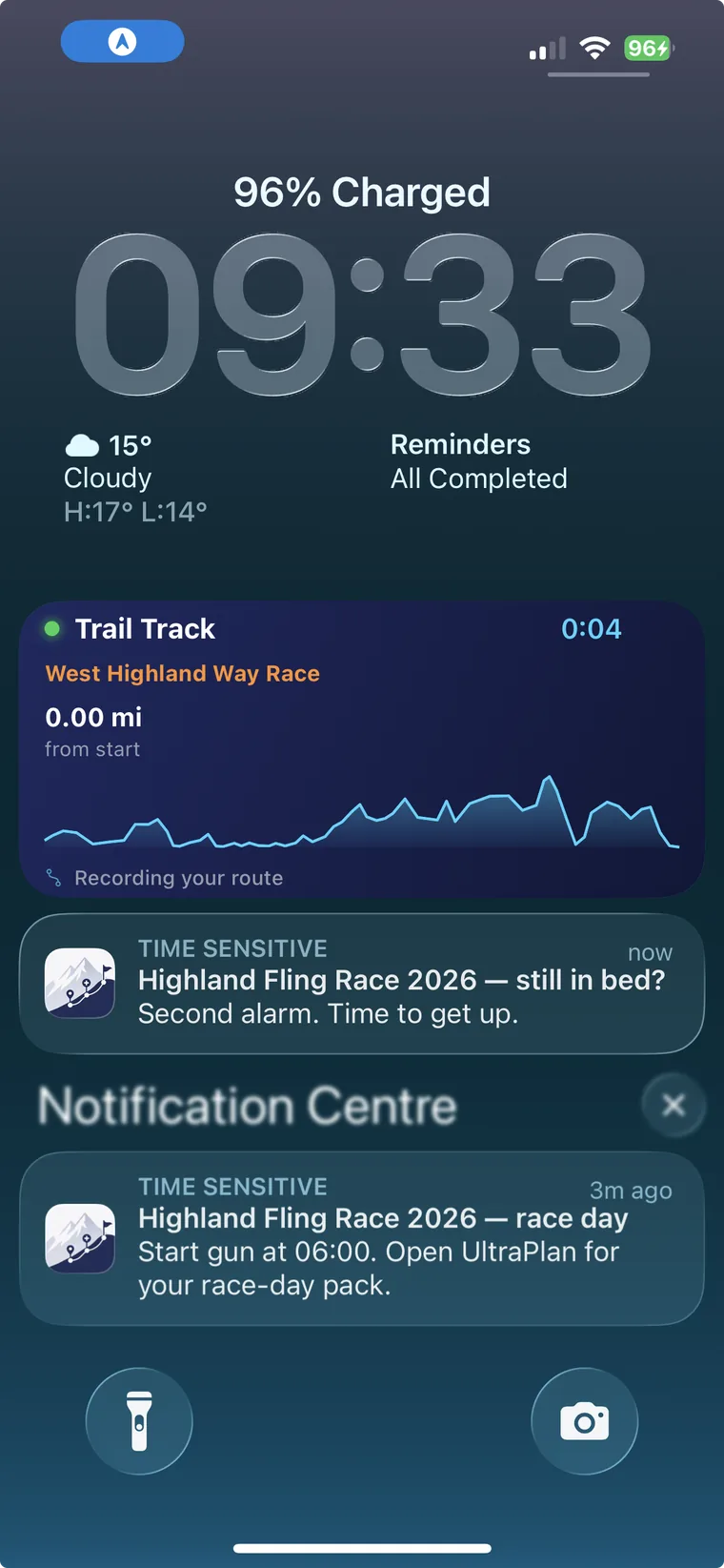
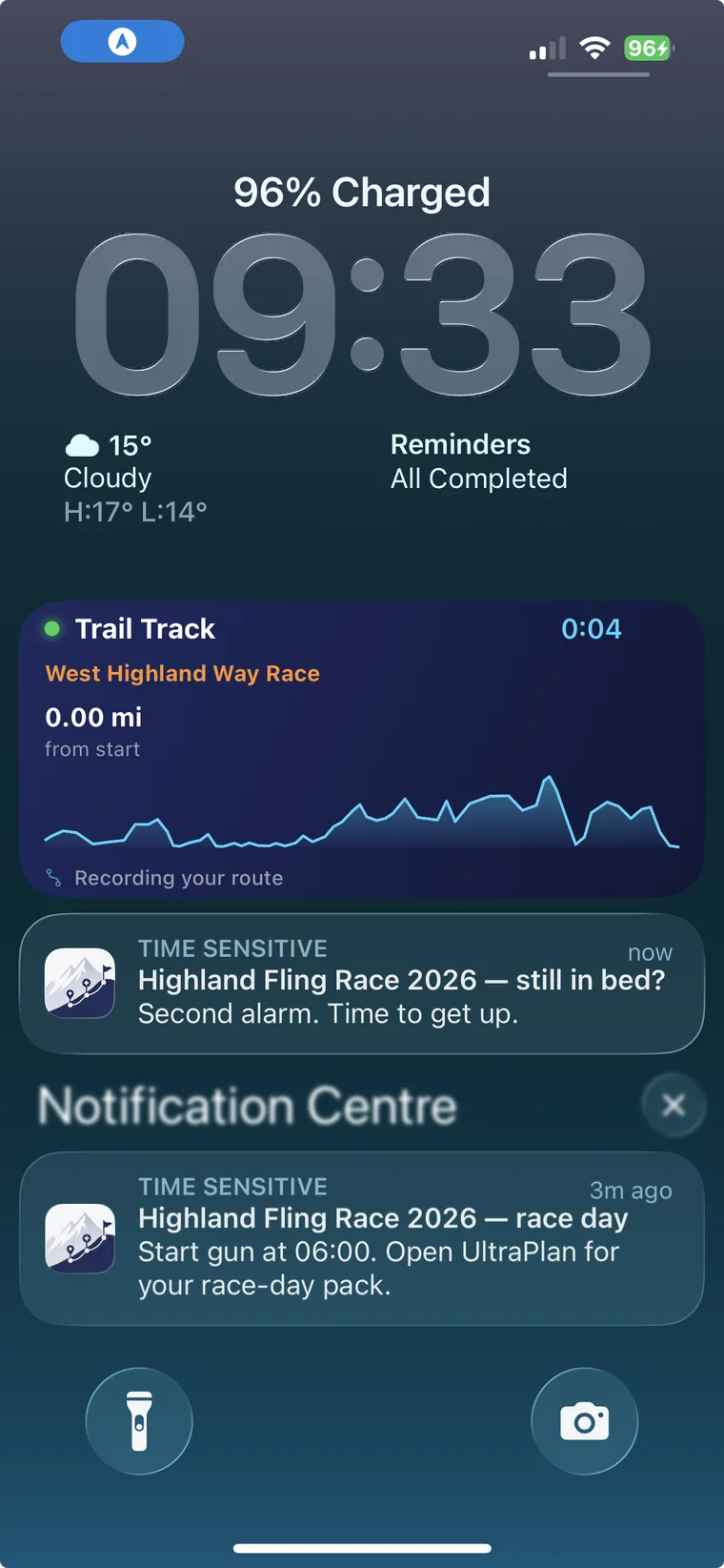
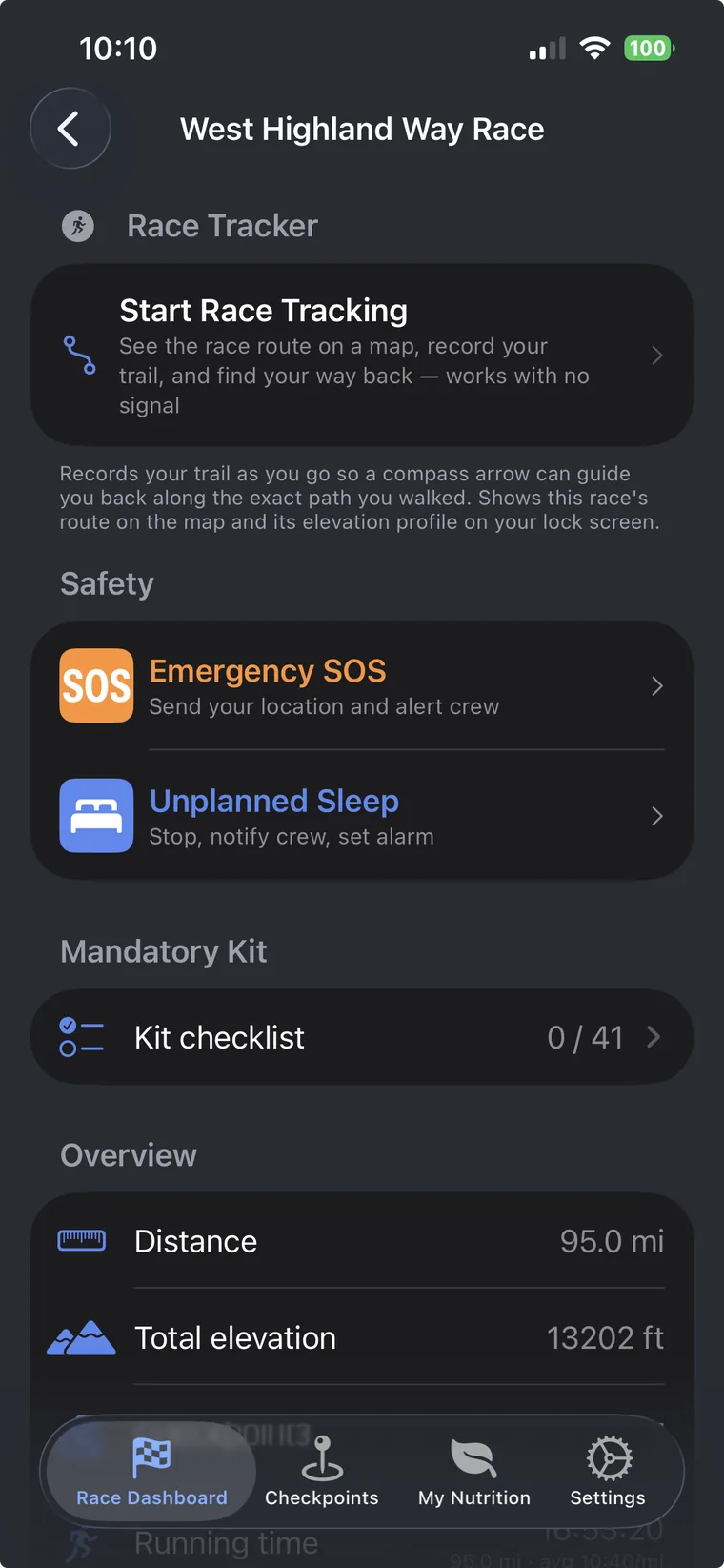
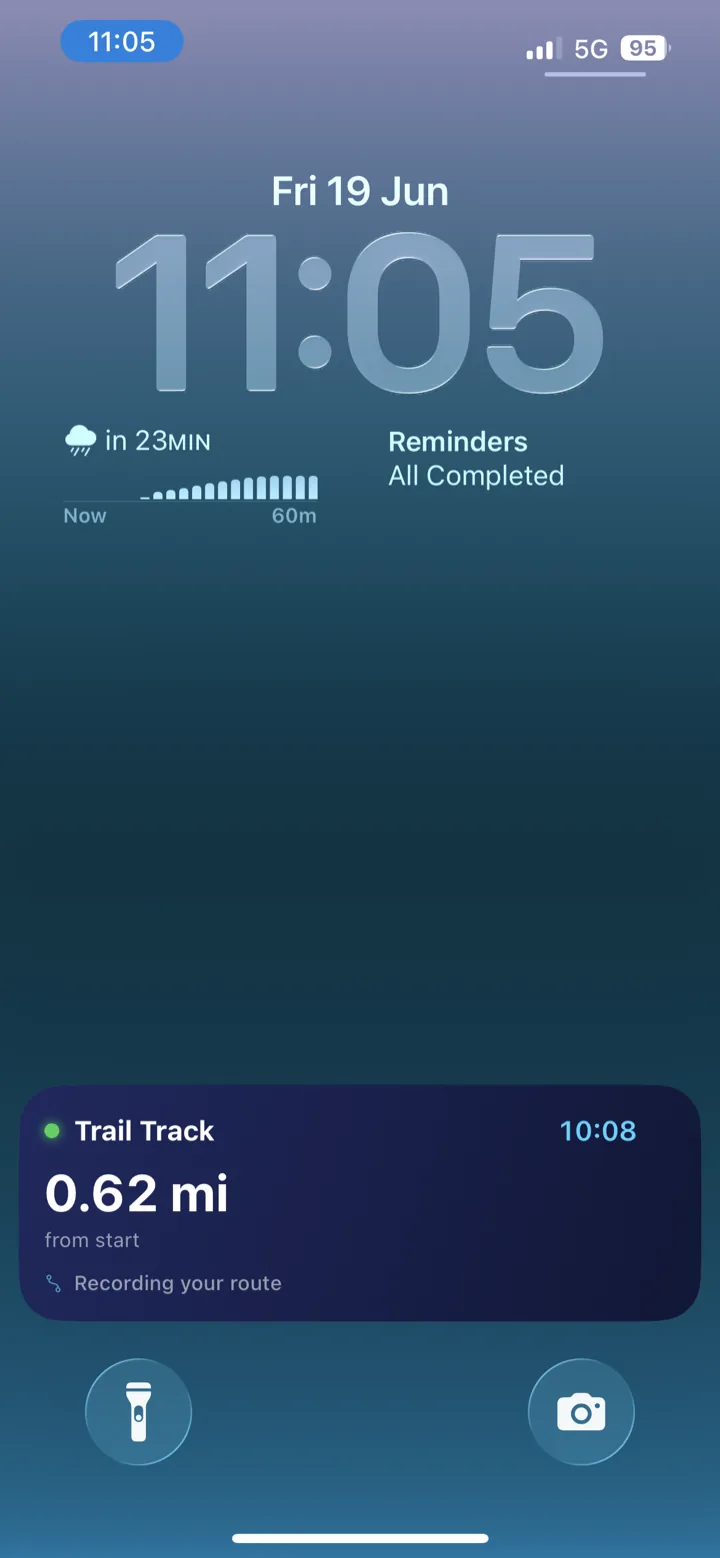
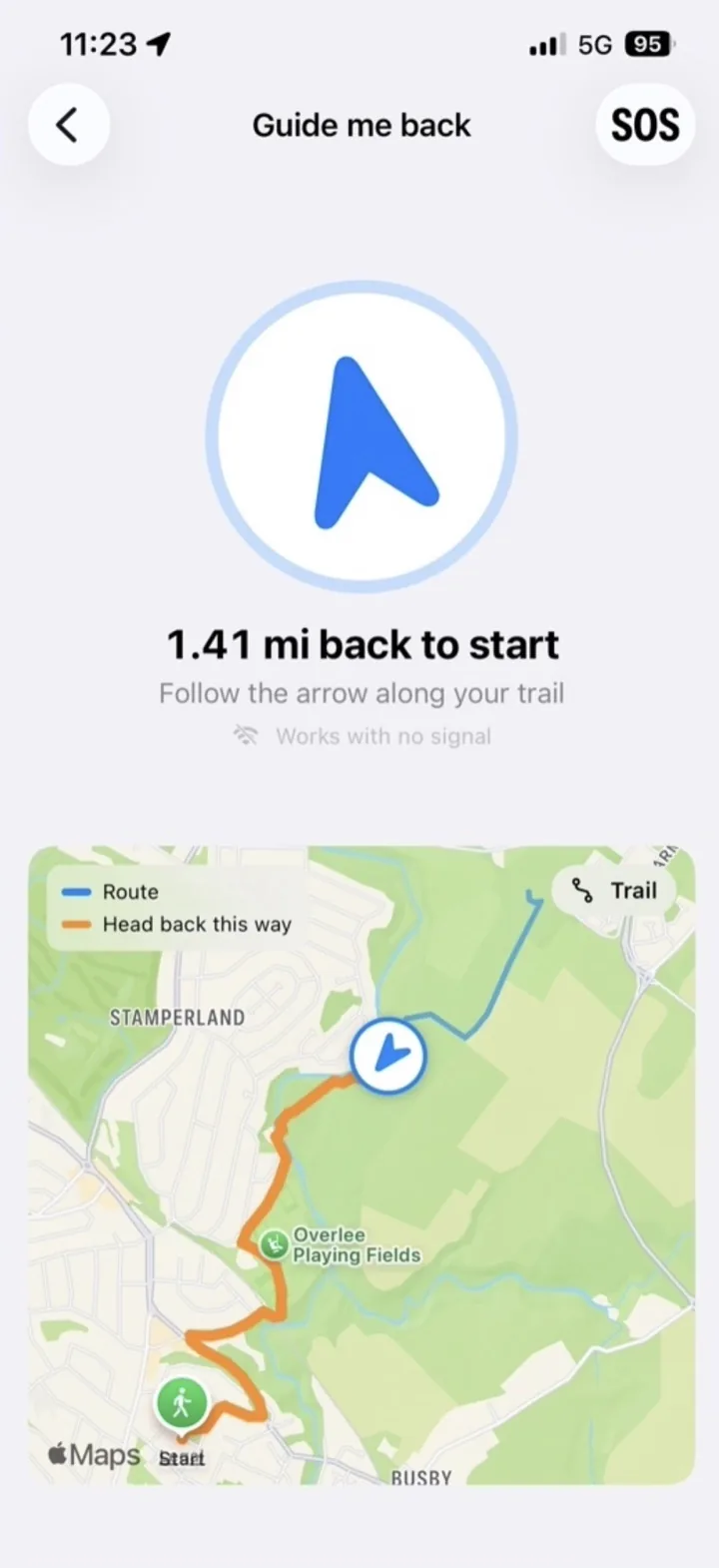
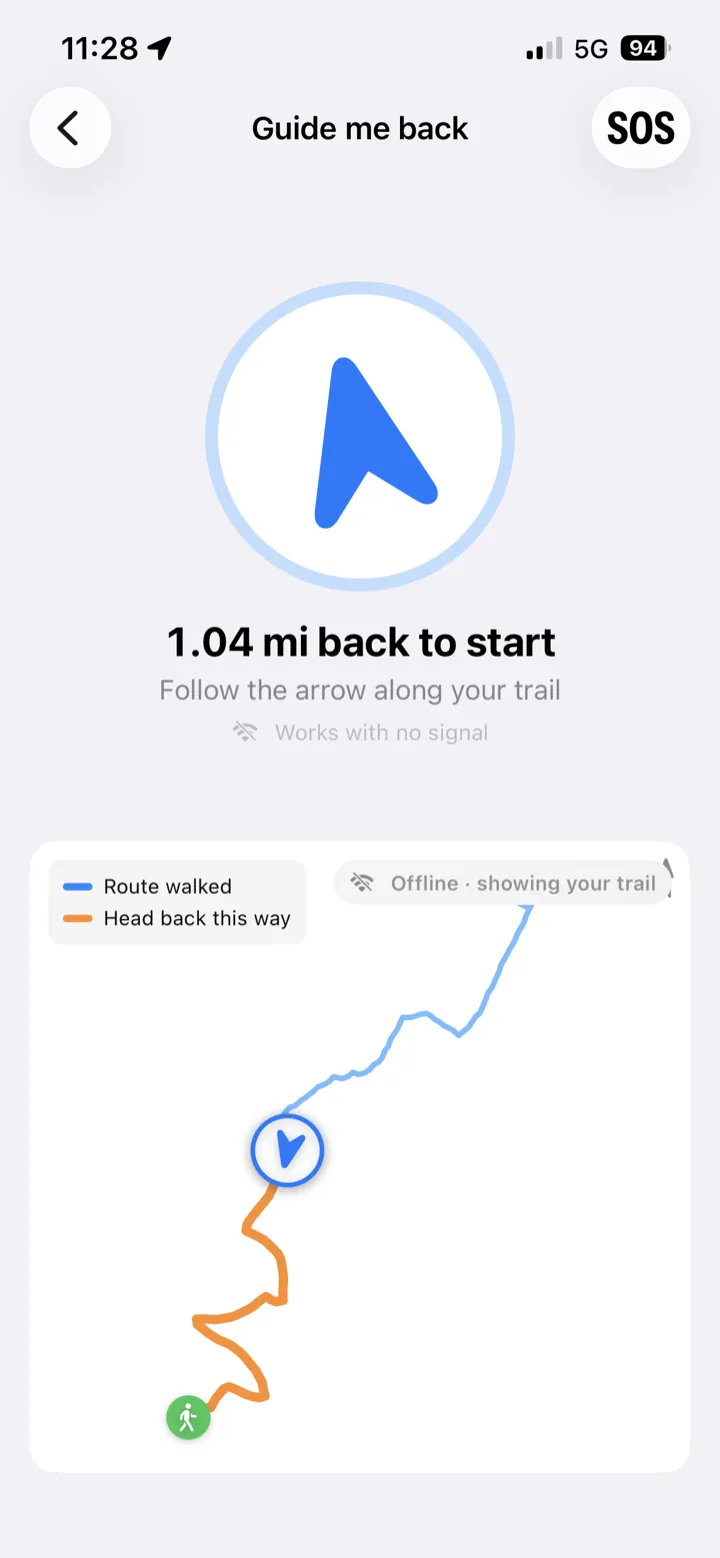
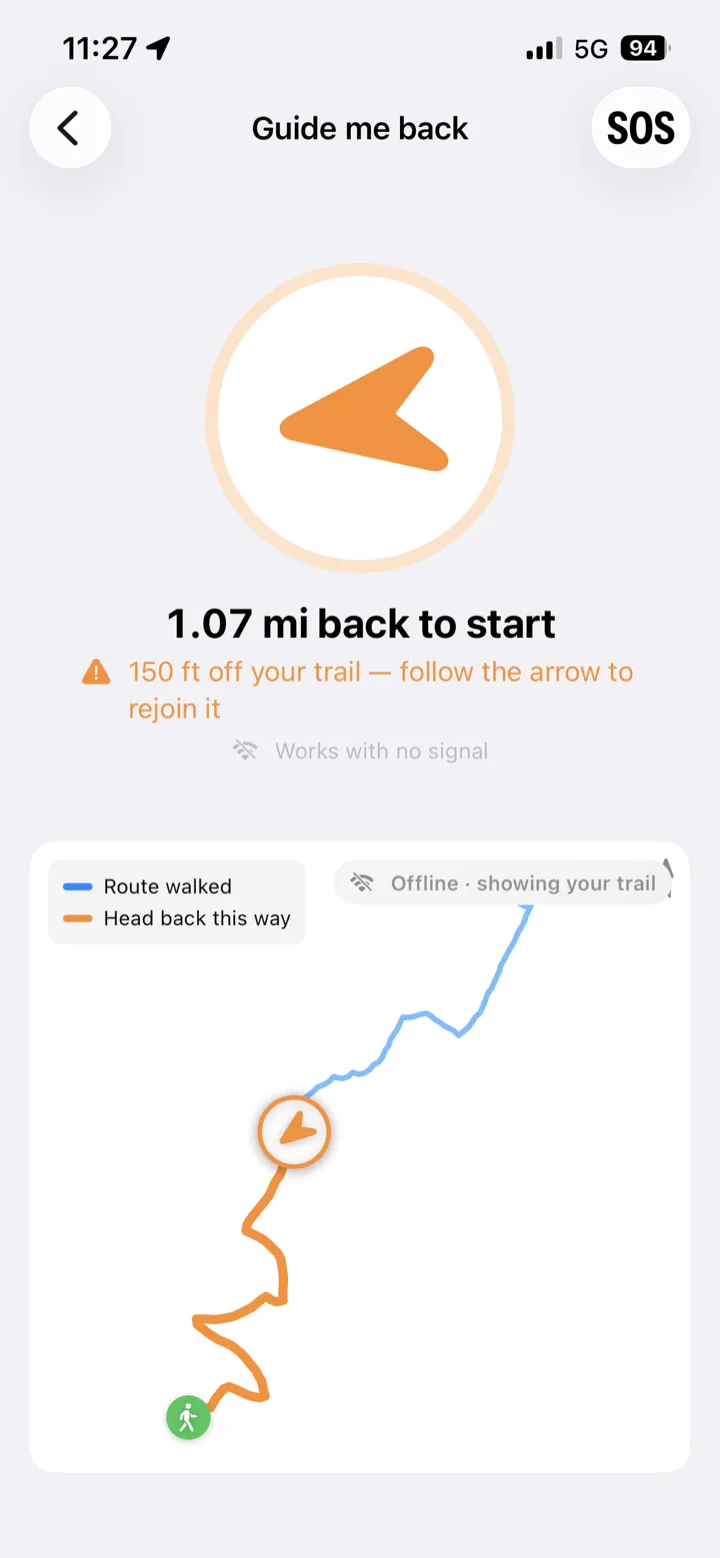
Start Trail Track for your race and your lock screen shows how far you are from the start, your live position on the route’s elevation profile, and a running clock, all without unlocking your phone. Take a wrong turn? “Guide me back” retraces the exact path you walked with an offline compass arrow. Switch it on and off whenever you like; it picks up from wherever you are on the trail.
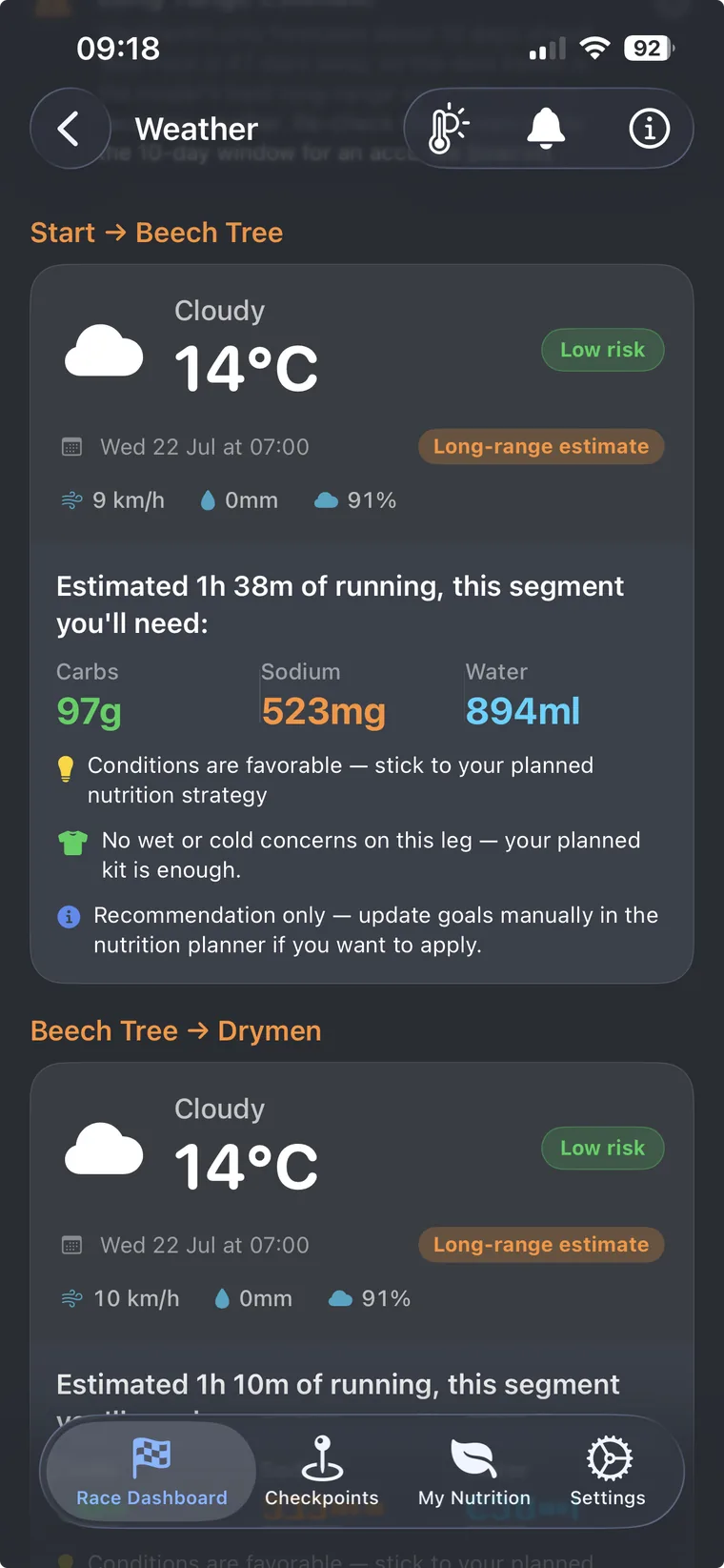
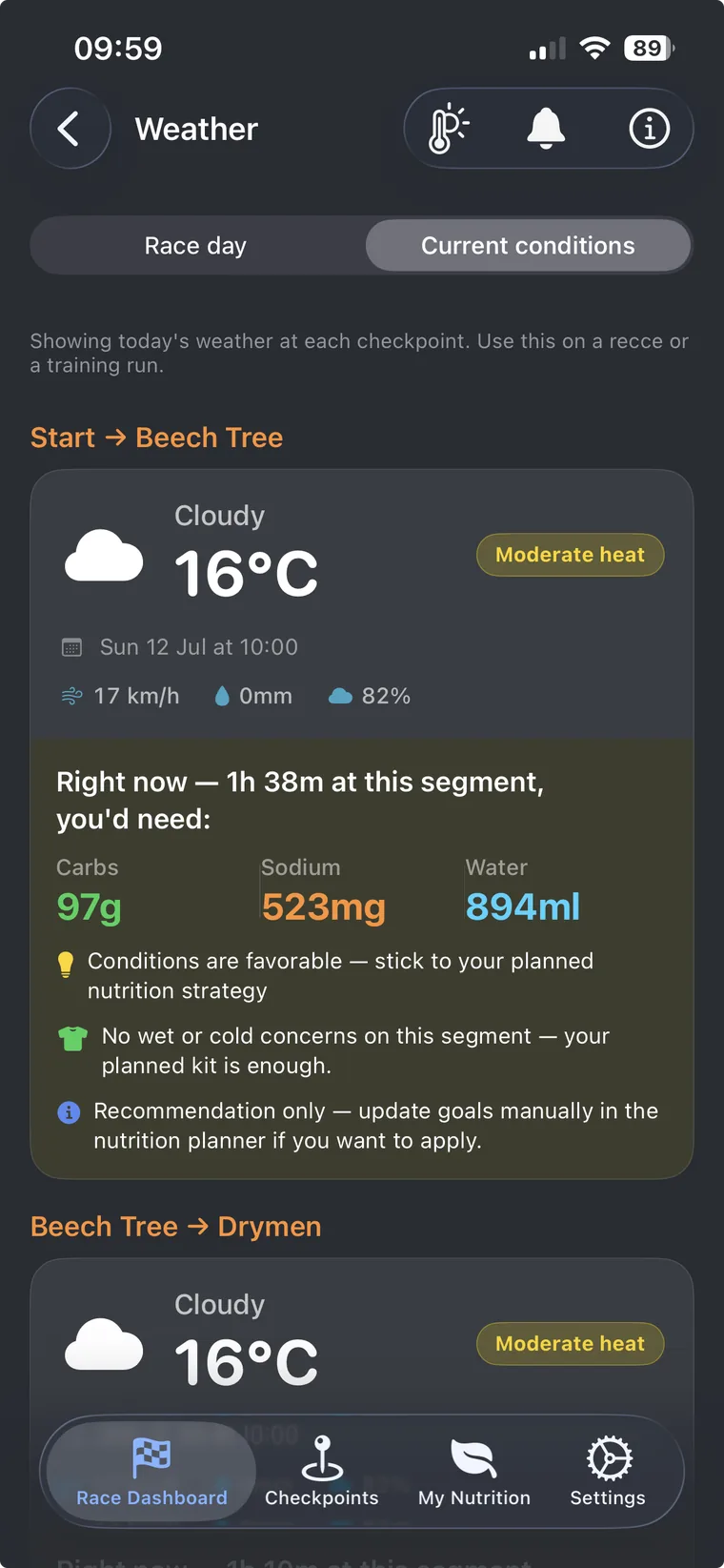
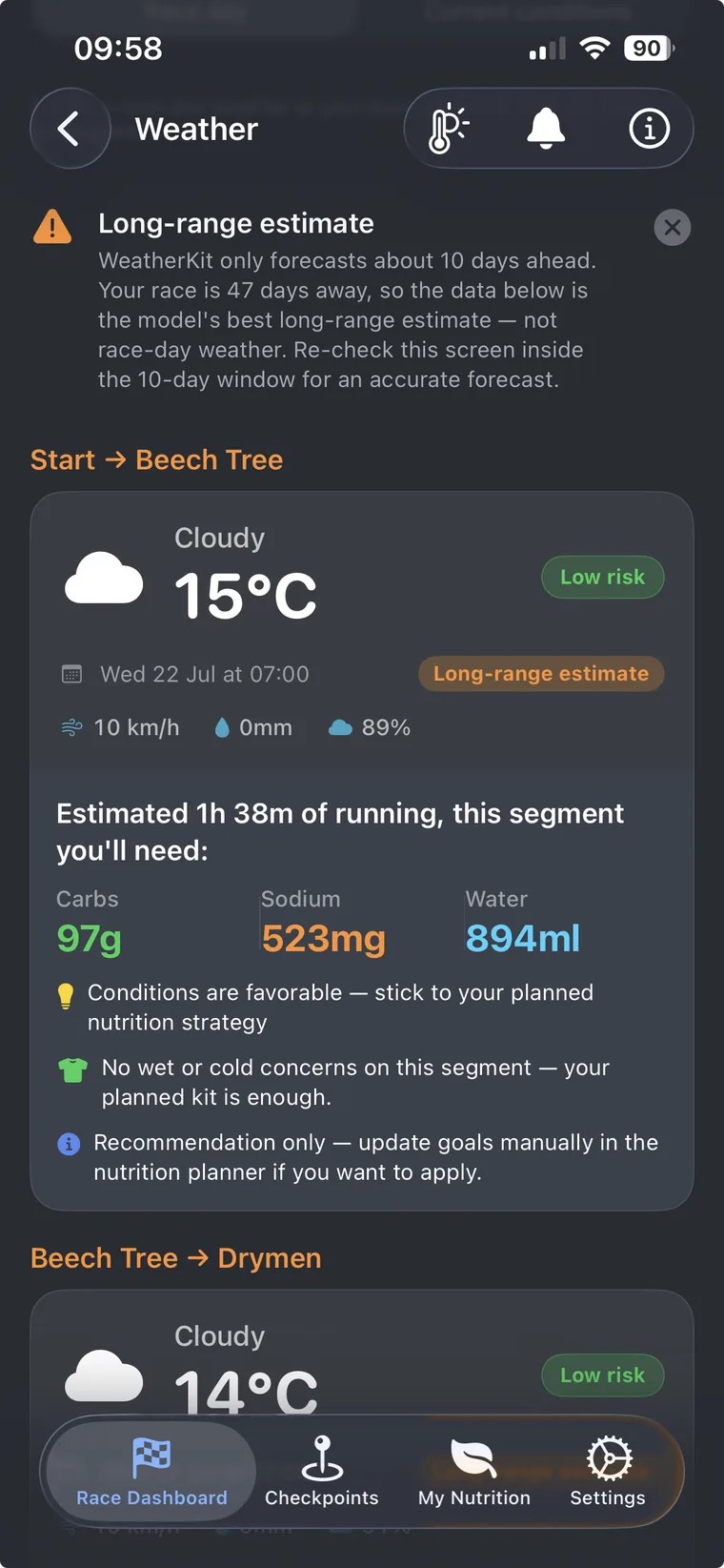
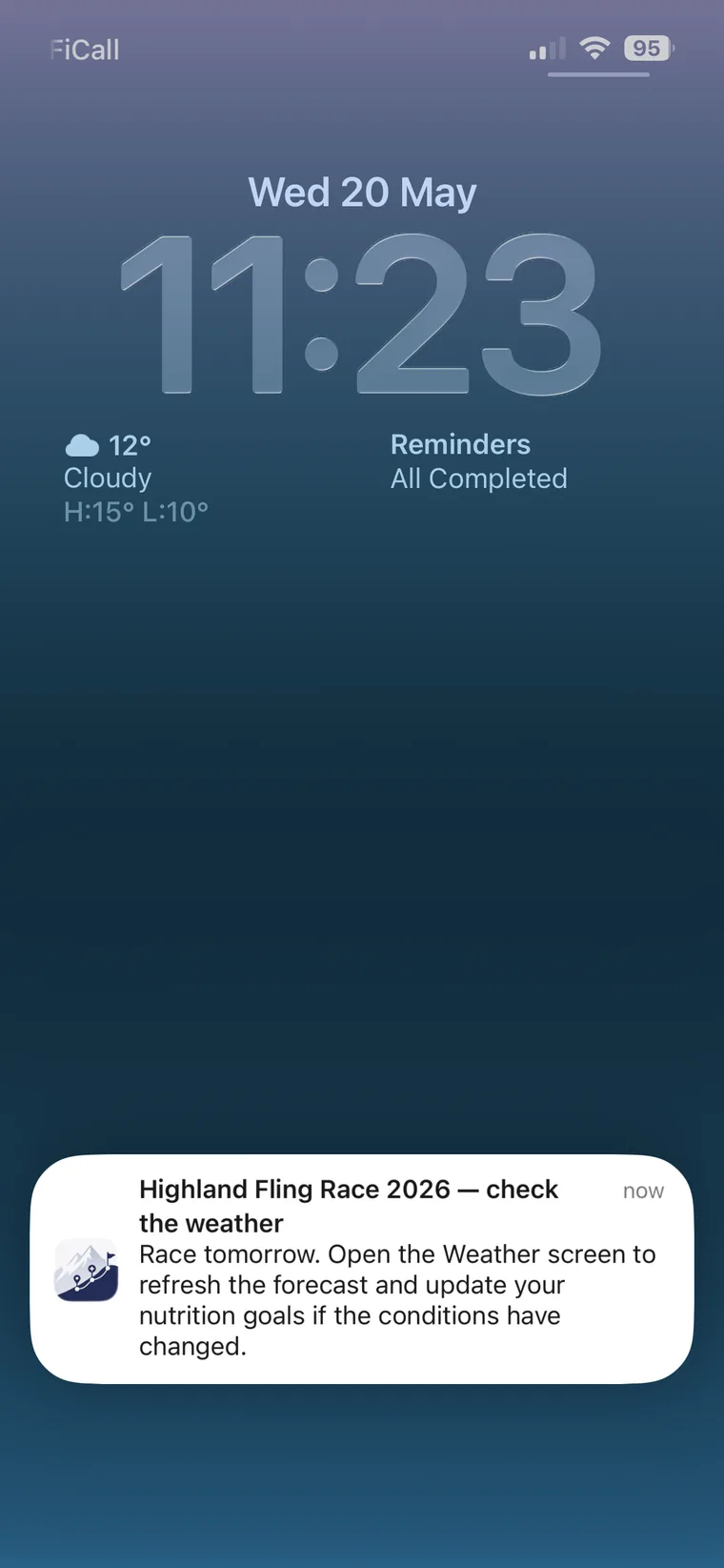
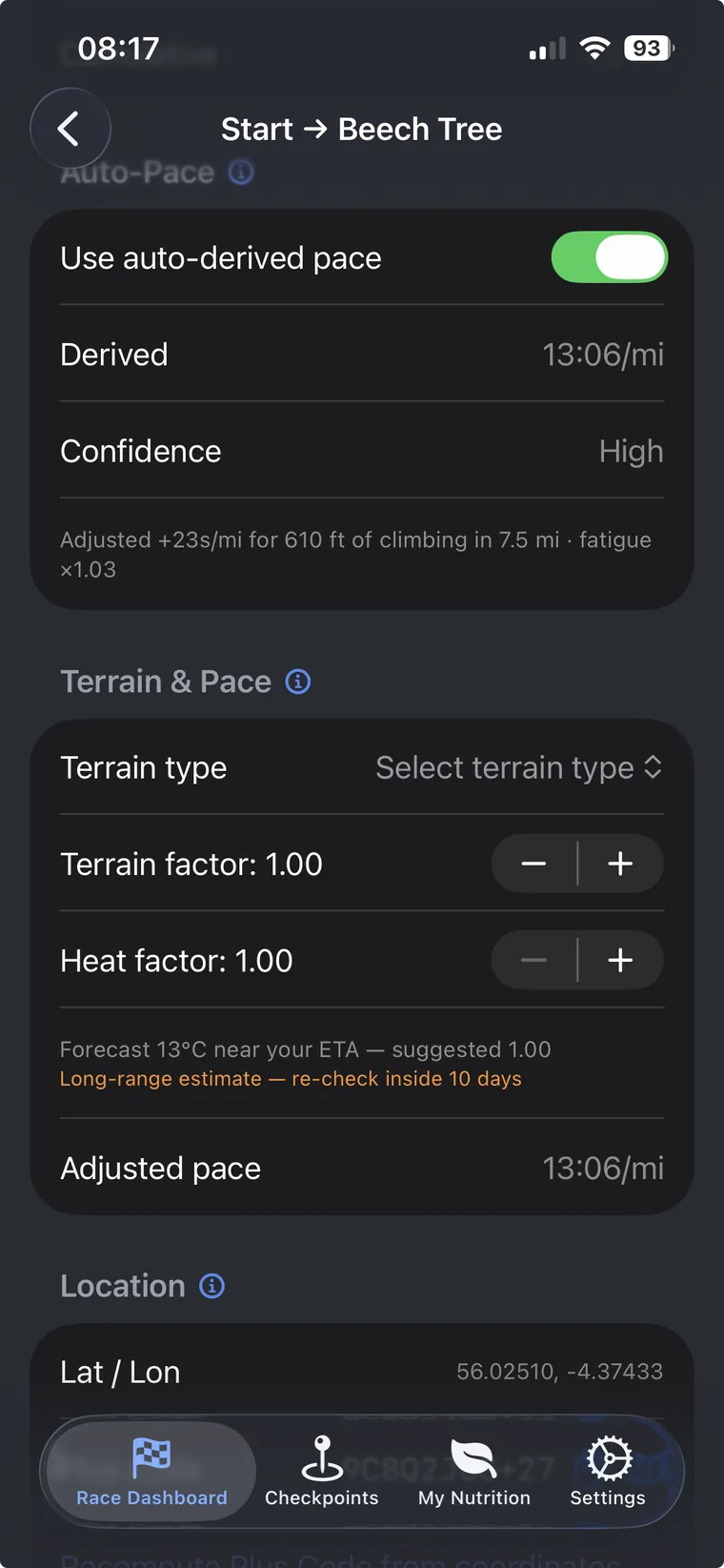
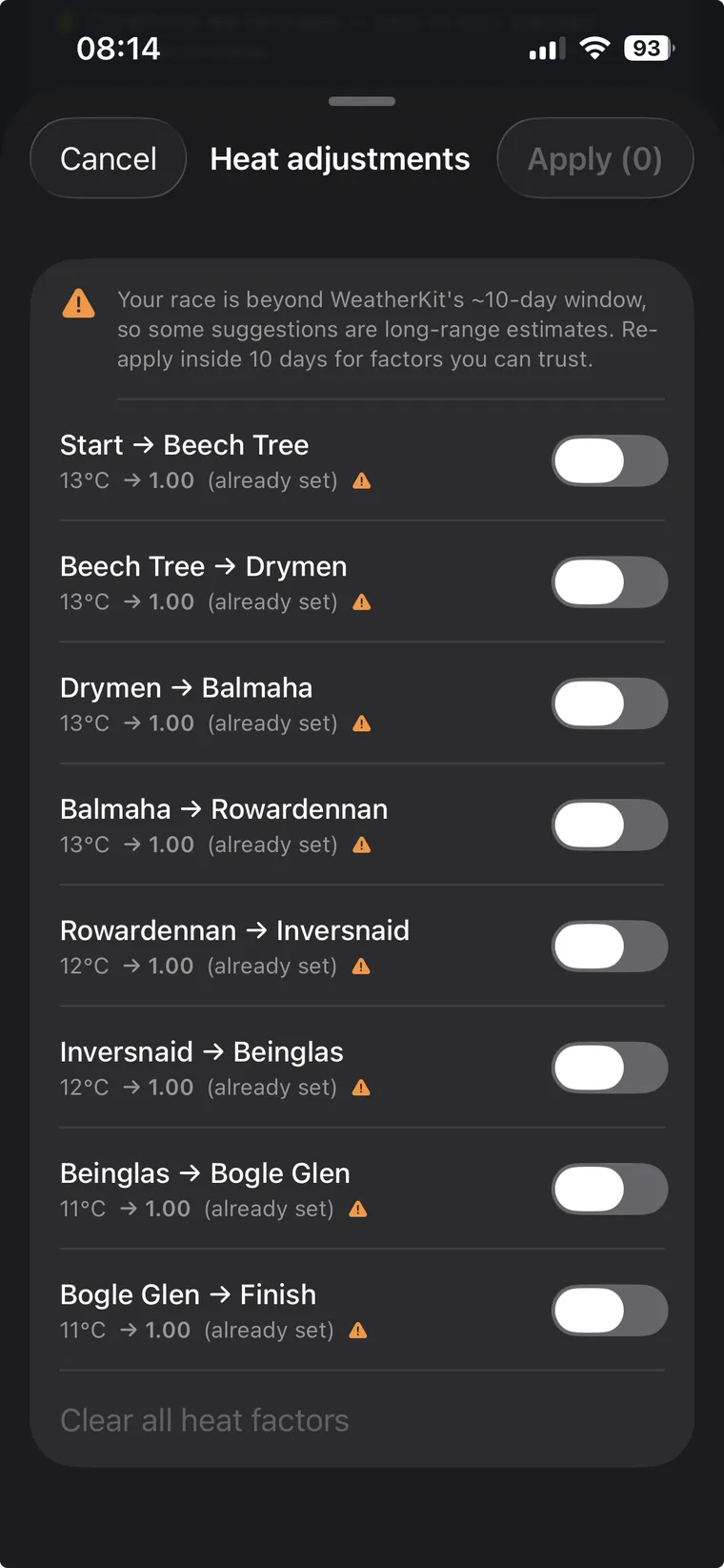
WeatherKit fetches the forecast at your planned arrival time for every checkpoint. Hot segments get a suggested heat factor that slows your pace plan; apply it to one checkpoint or review the whole race in a single sheet, and your ETAs, splits, and crew PDF stay in step. Rain and wind-chill drive kit advice: spare waterproofs, dry base layers, and where to stage them with your crew or drop bags. You always confirm; nothing changes your plan without you.
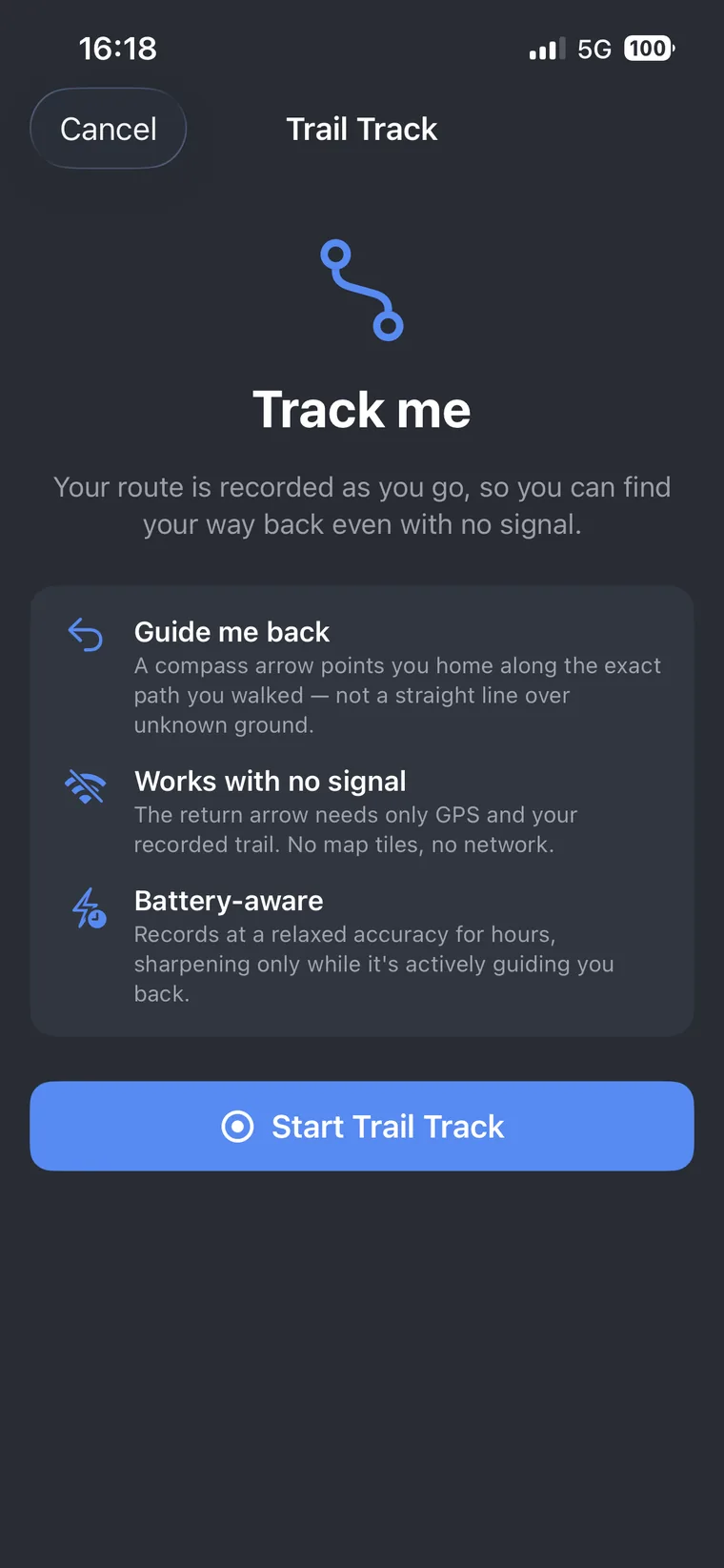
Heading somewhere unfamiliar? Tap Track Me and UltraPlanRun records your route as you go. If you need to turn back, an offline compass arrow points you home along the exact path you walked, not a straight line over unknown ground, and with no signal required. Trail Track is free for every runner, no Pro needed.
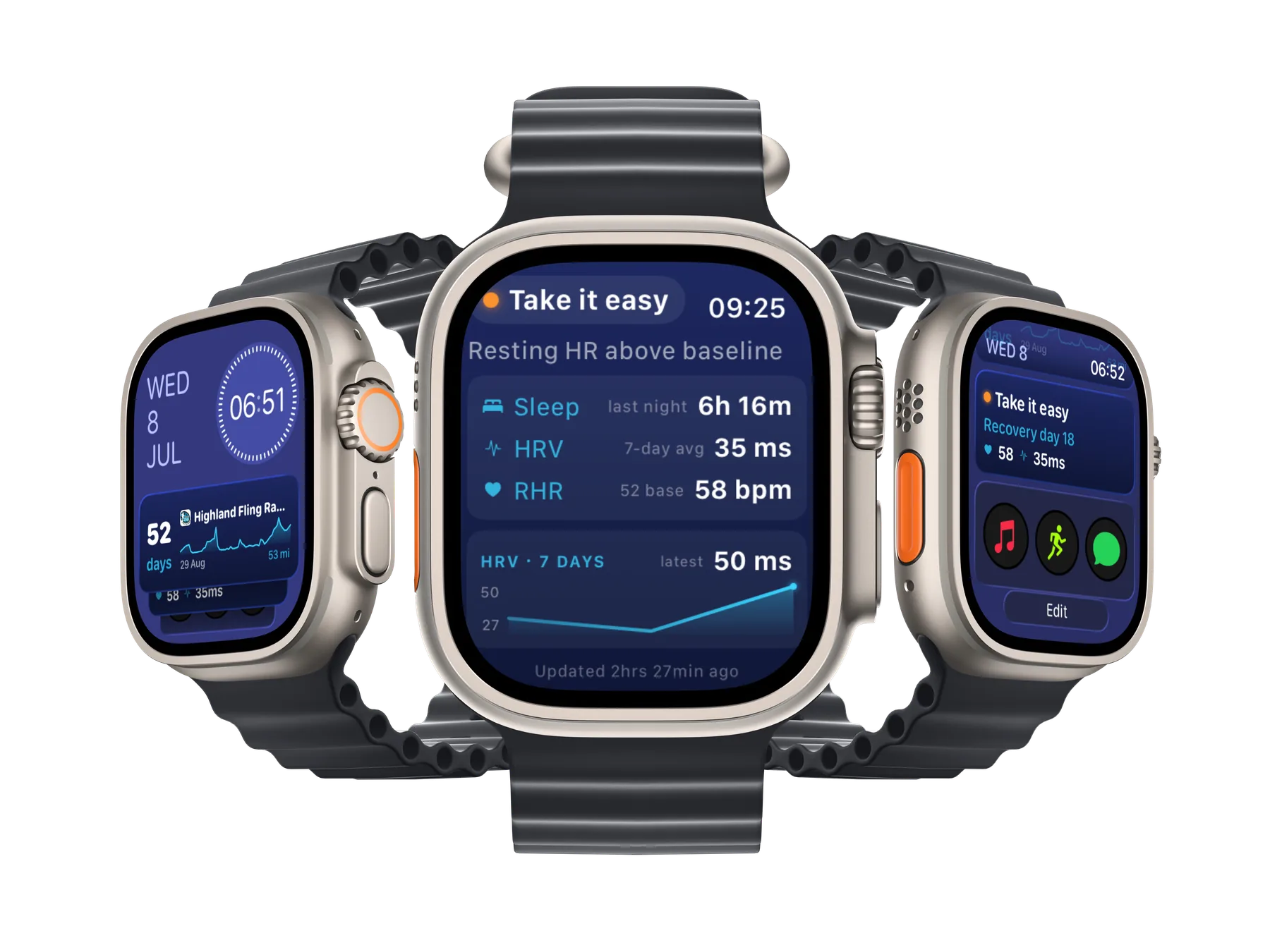
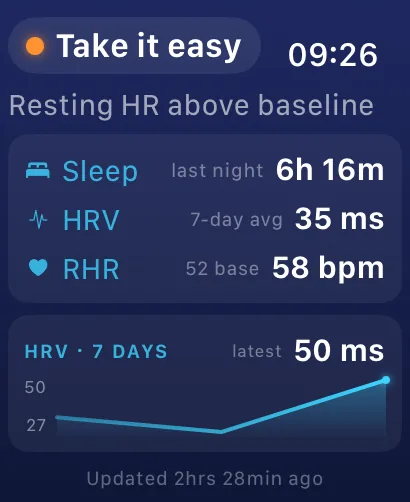
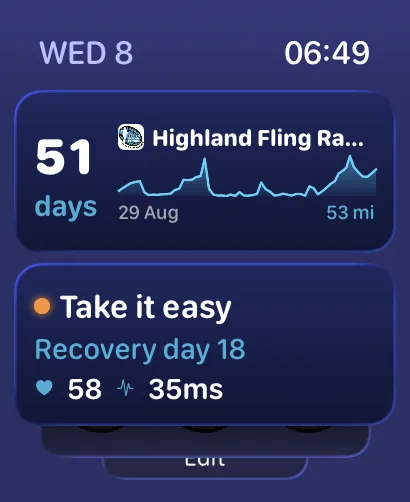
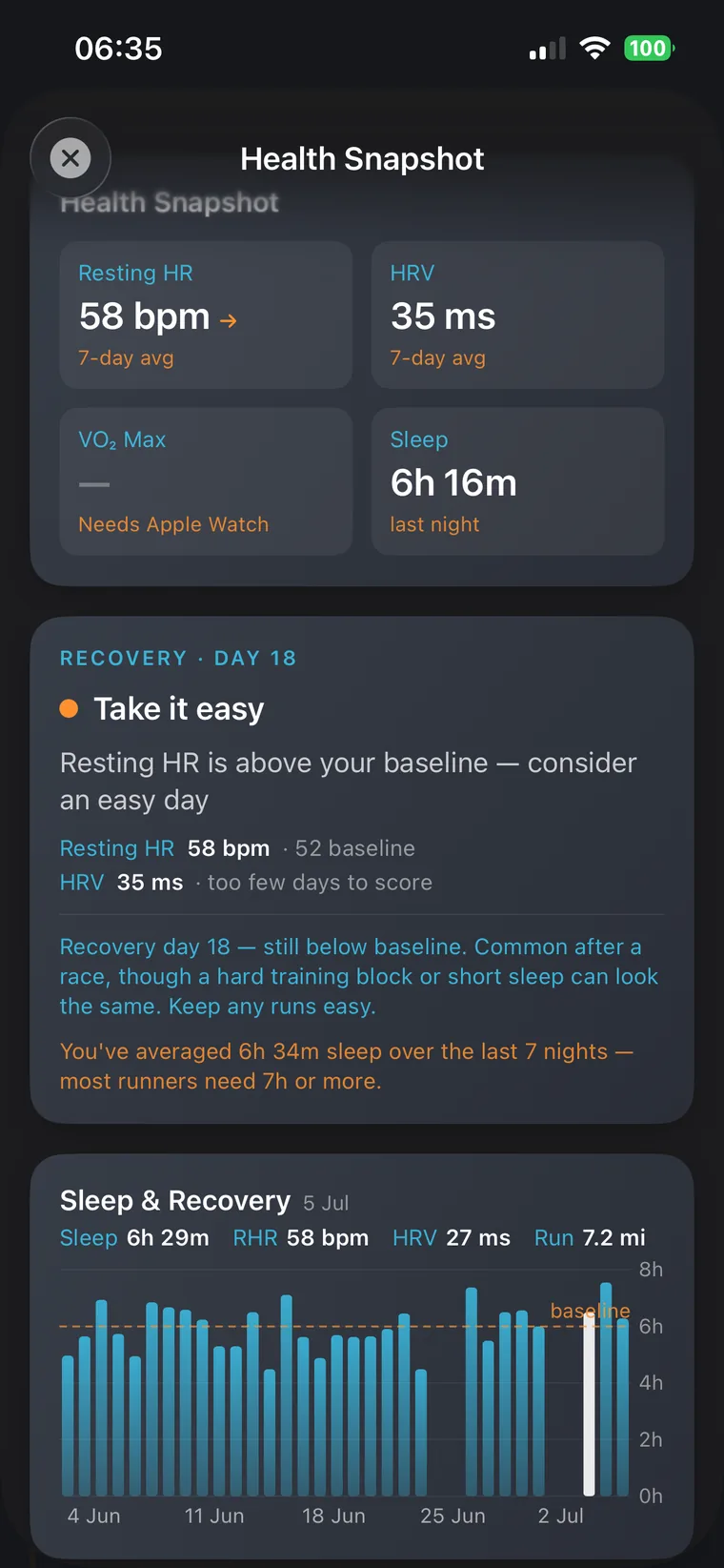
UltraPlanRun reads your resting heart rate, HRV and sleep from Apple Health and turns them into a plain, honest readiness call, on your iPhone and on your Apple Watch. It is deliberately a band, not a fake 0–100 score: Looking good, Take it easy, or Recovery needed, because consumer HRV is far too noisy to pretend otherwise. Free for every runner, no Pro needed.
Log per checkpoint weight and get alerts when projected loss enters a caution or high risk zone critical for long, hot races.
One tap flags an item as a drop bag pickup. The Drop Bags screen, Food to Pack, and PDF all update automatically.
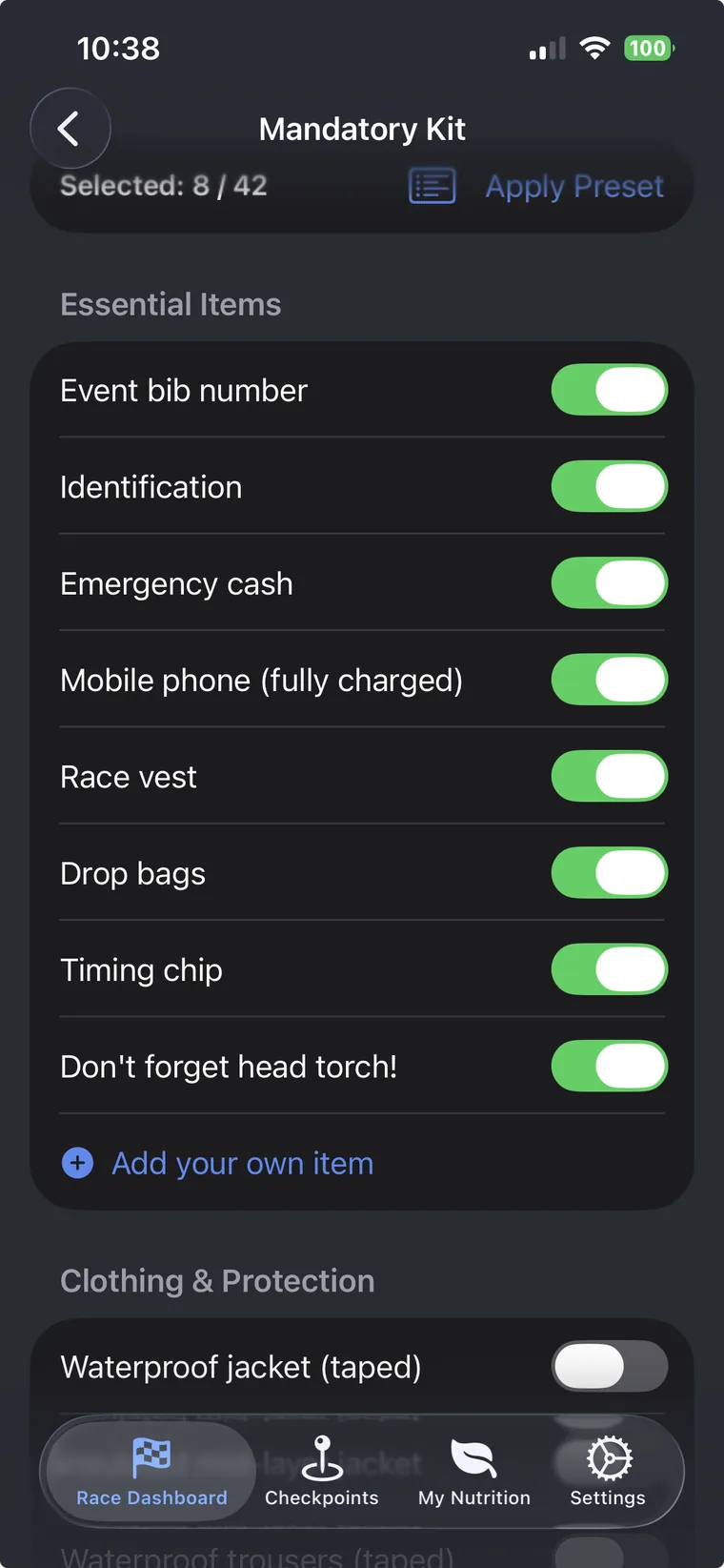
Race-organiser kit lists plus your own essentials (hotel keycard, ferry ticket) apply summer / winter / mountain / 100 miler presets.
WeatherKit forecasts for every checkpoint on race day, plan kit and hydration around the conditions you'll actually meet.
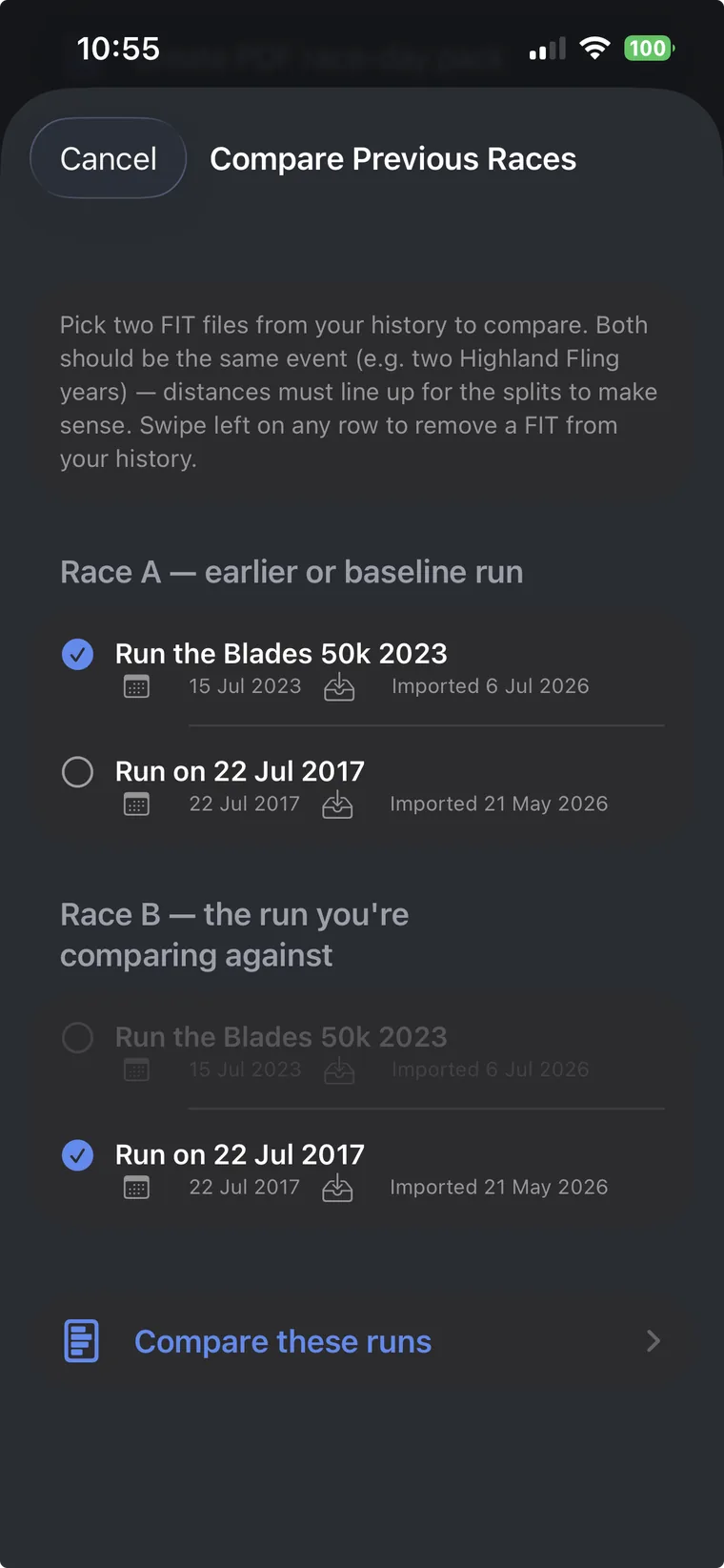
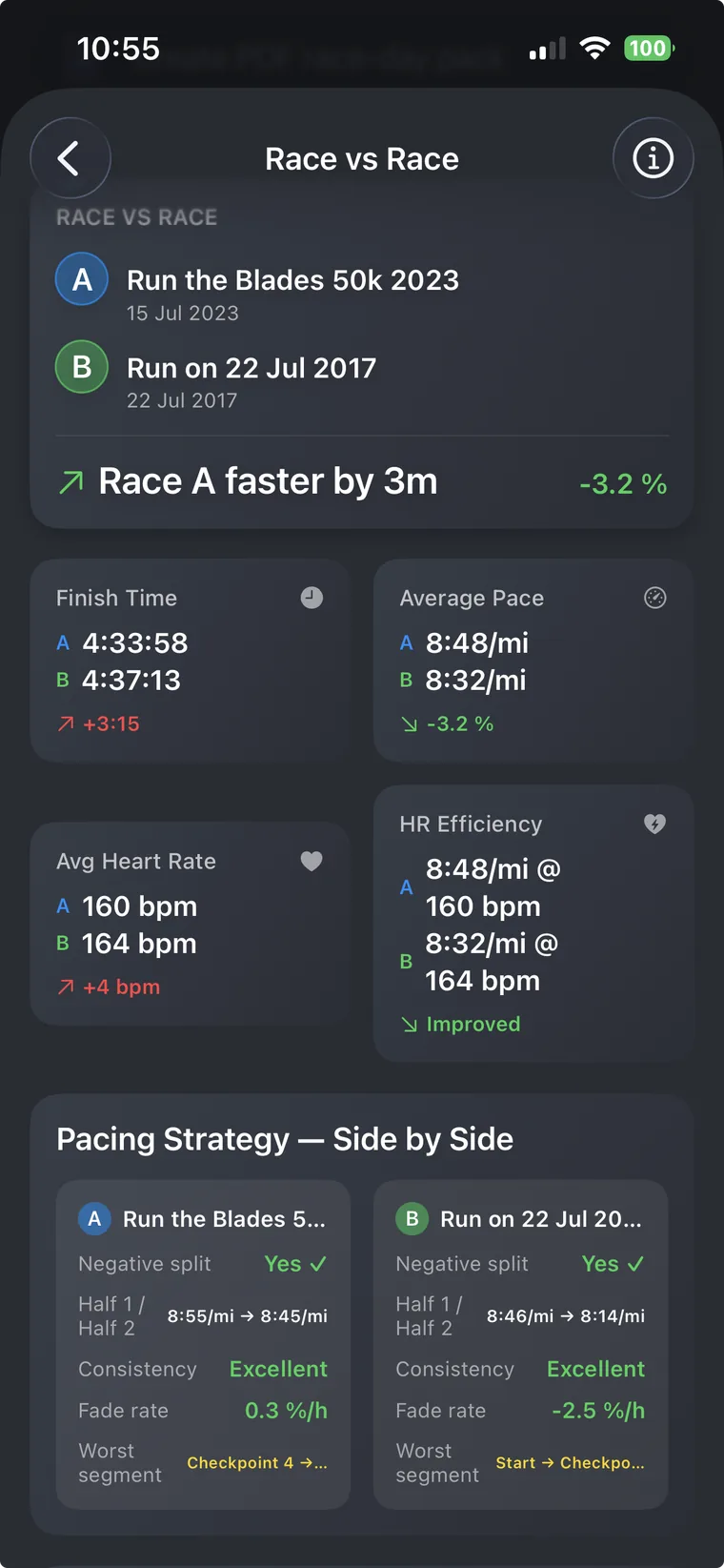
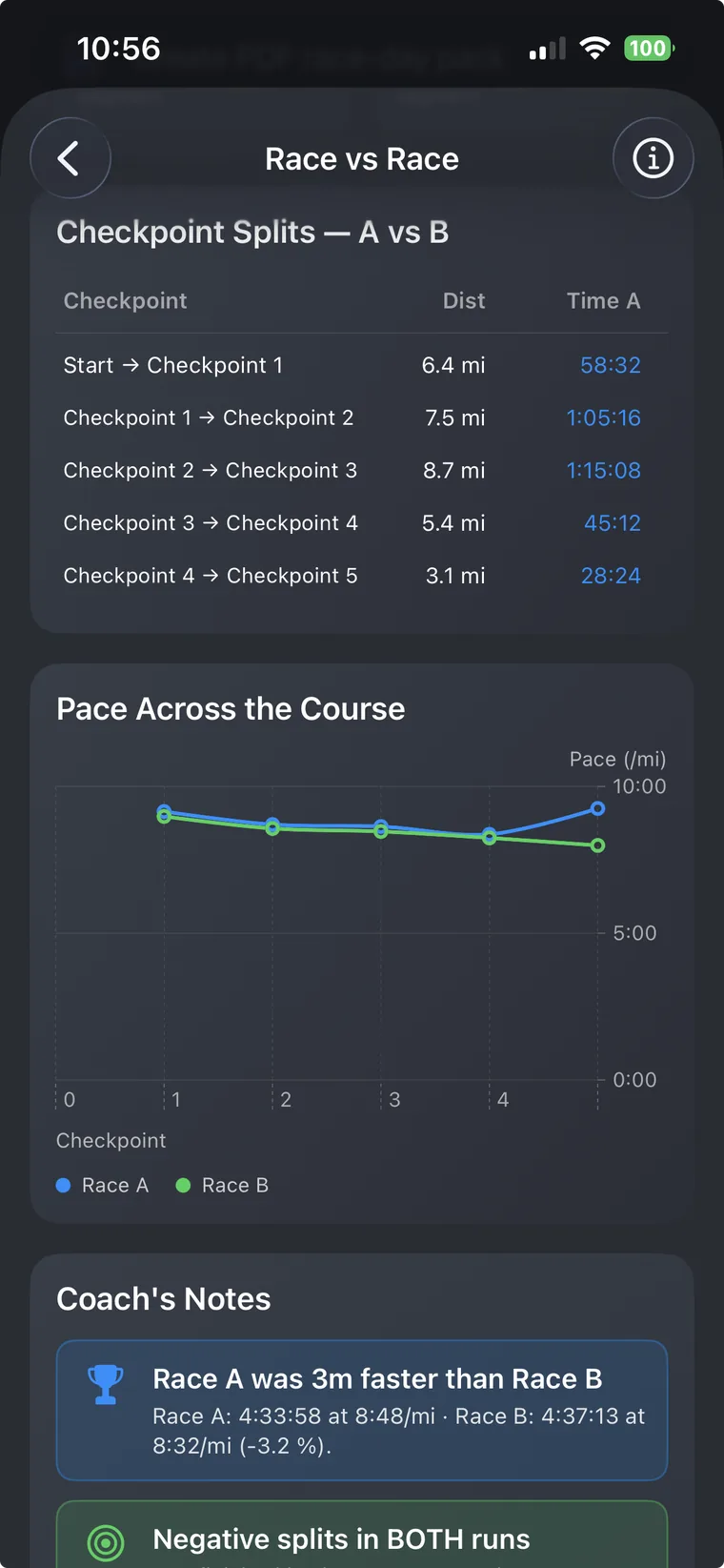
Run the same event more than once? Compare any two attempts segment by segment, splits, fade rate, HR efficiency, pacing strategy.
Send your plan to someone running the same race. They get your route, paces, nutrition and kit, your personal data is stripped before it leaves your phone.
A week-by-week grid of your runs, pulled directly from Apple Health. Colour-coded bubbles sized by distance, weekly volume chart, and tap any run for full details.
Resting heart rate, HRV, VO₂ max, sleep, and a banded readiness call, all read from Apple Health. Interactive HR trend charts with scrub-to-inspect, and readiness mirrored to your Apple Watch. Free for all users.
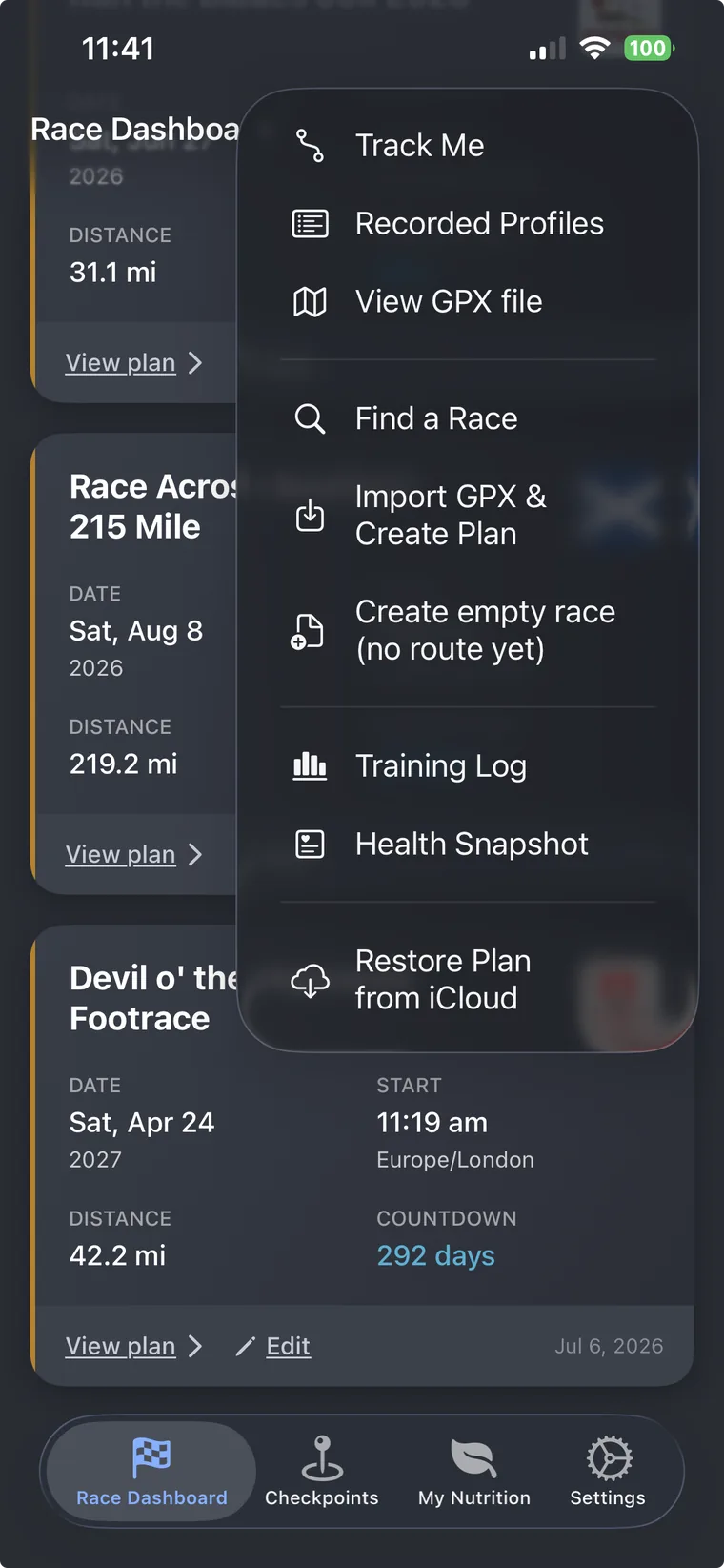
Browse a built-in database of ultra races. Find your next event, tap to create a plan, and start building, no GPX hunting required. Distances, locations, and dates all searchable.
Recording an unfamiliar route? An offline compass arrow guides you home along the exact path you walked, even with no signal. Battery aware, with a lock screen Live Activity and one-tap SOS. Free for all users.
Browse by category every screen that makes up your race plan.
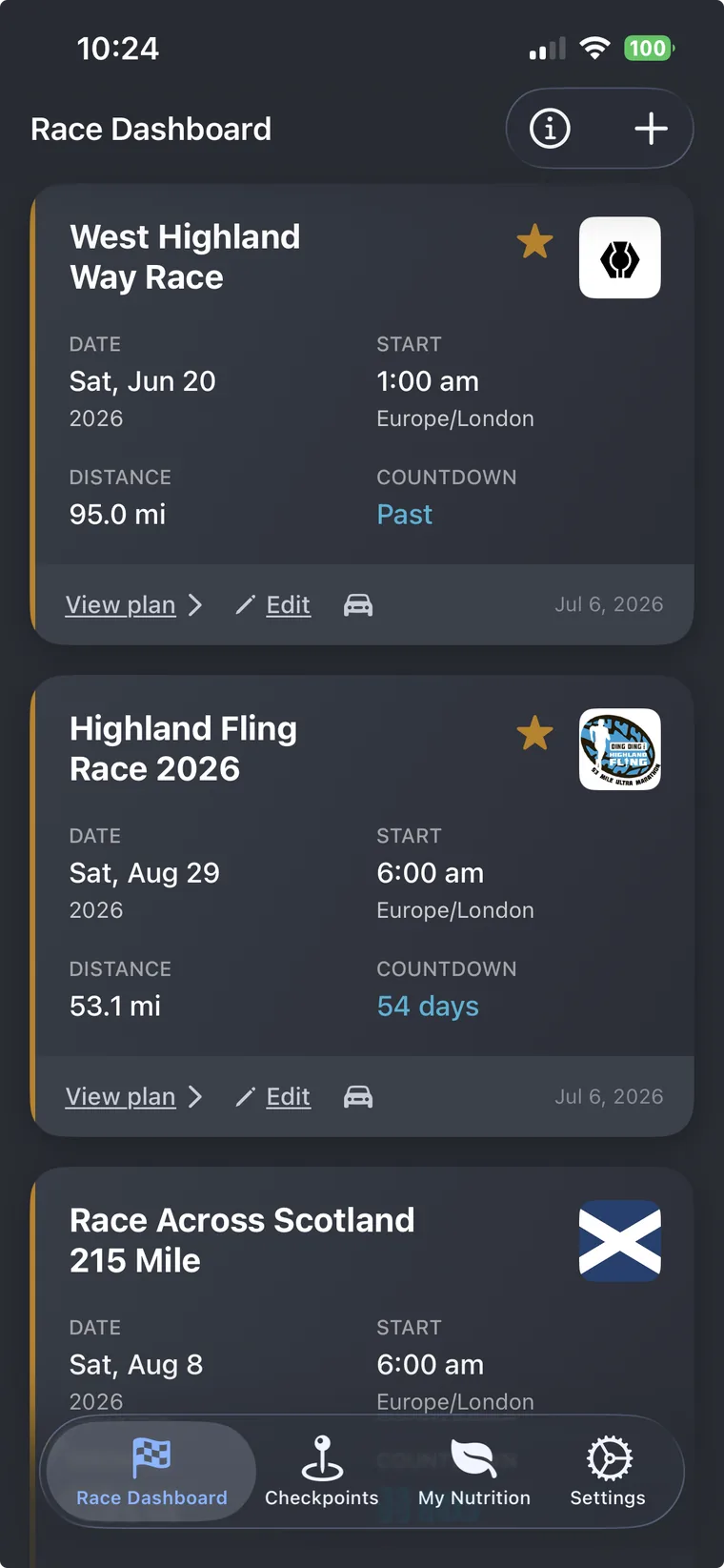
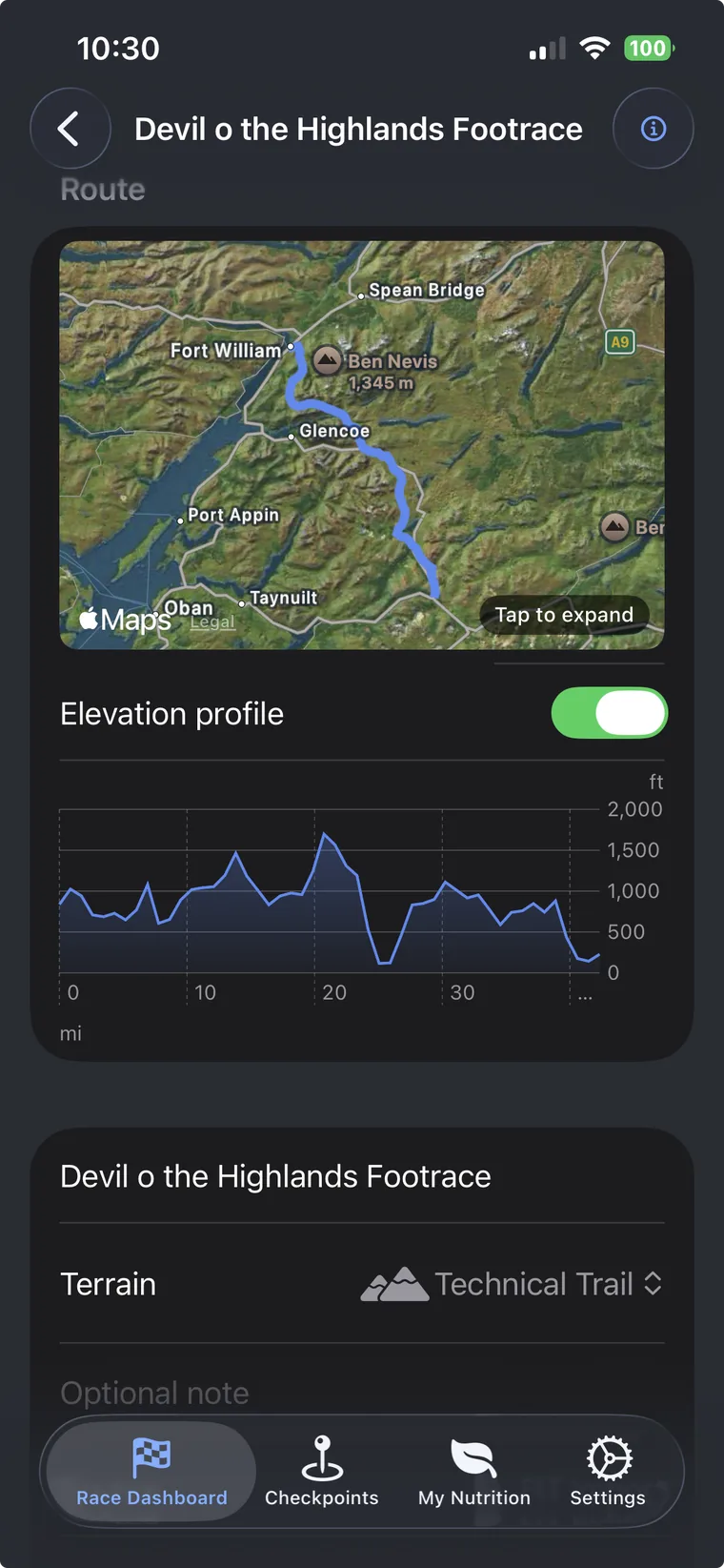
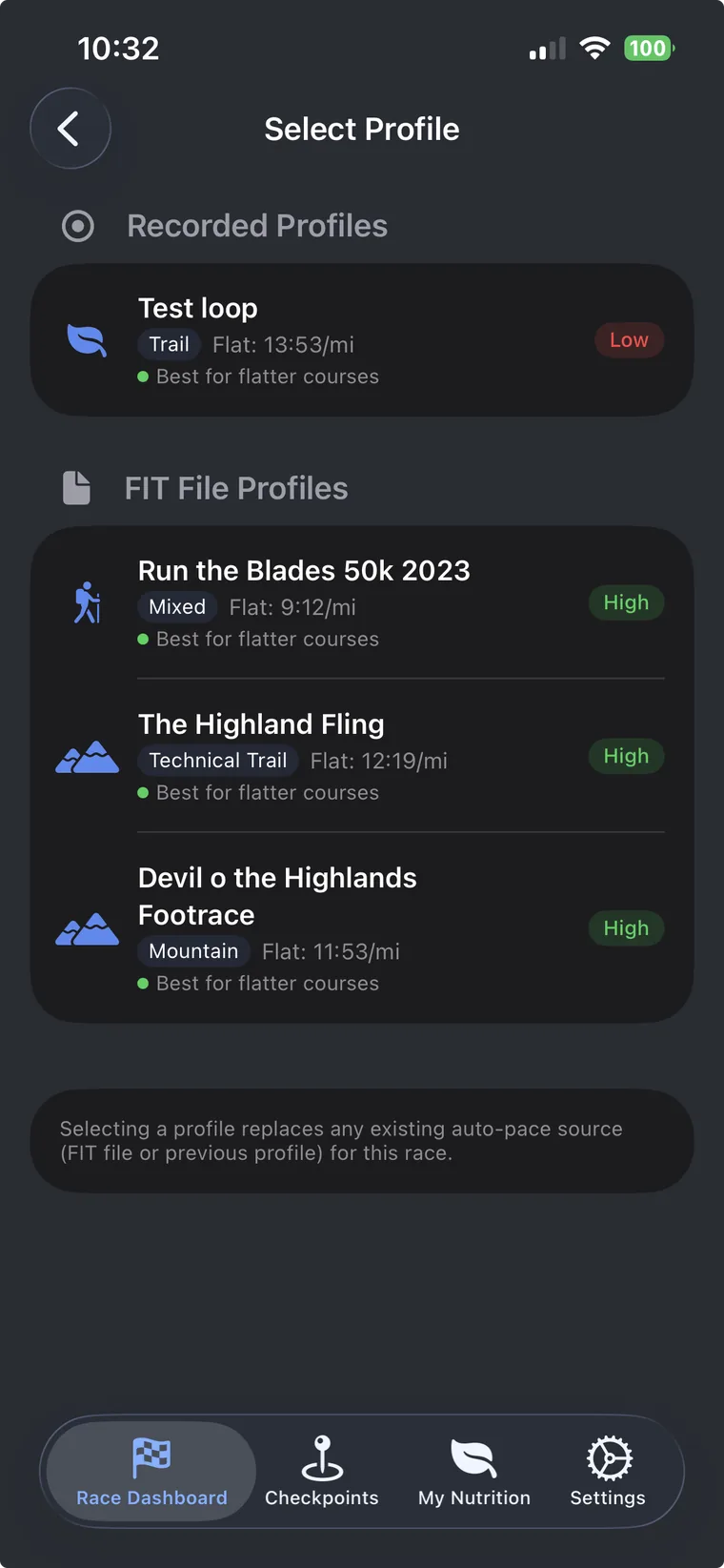
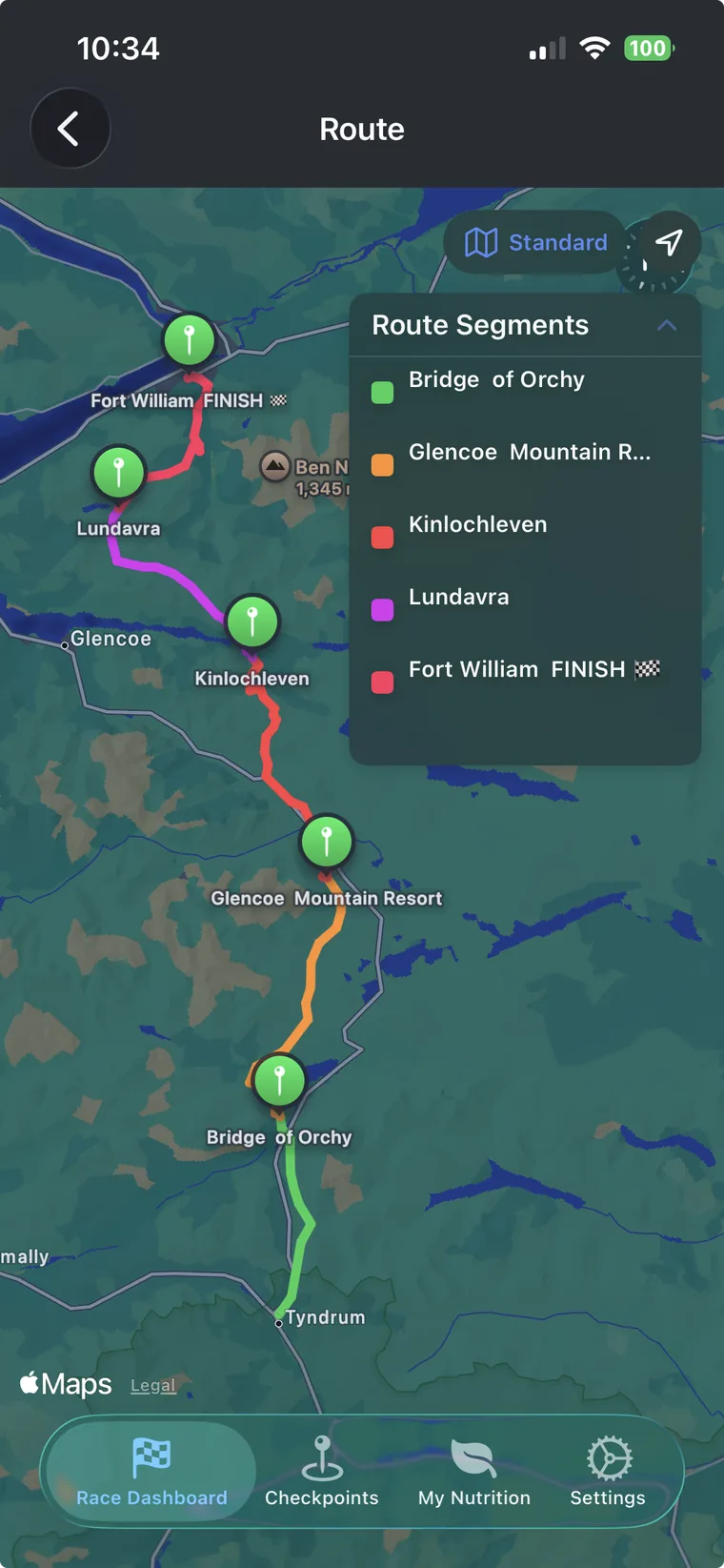
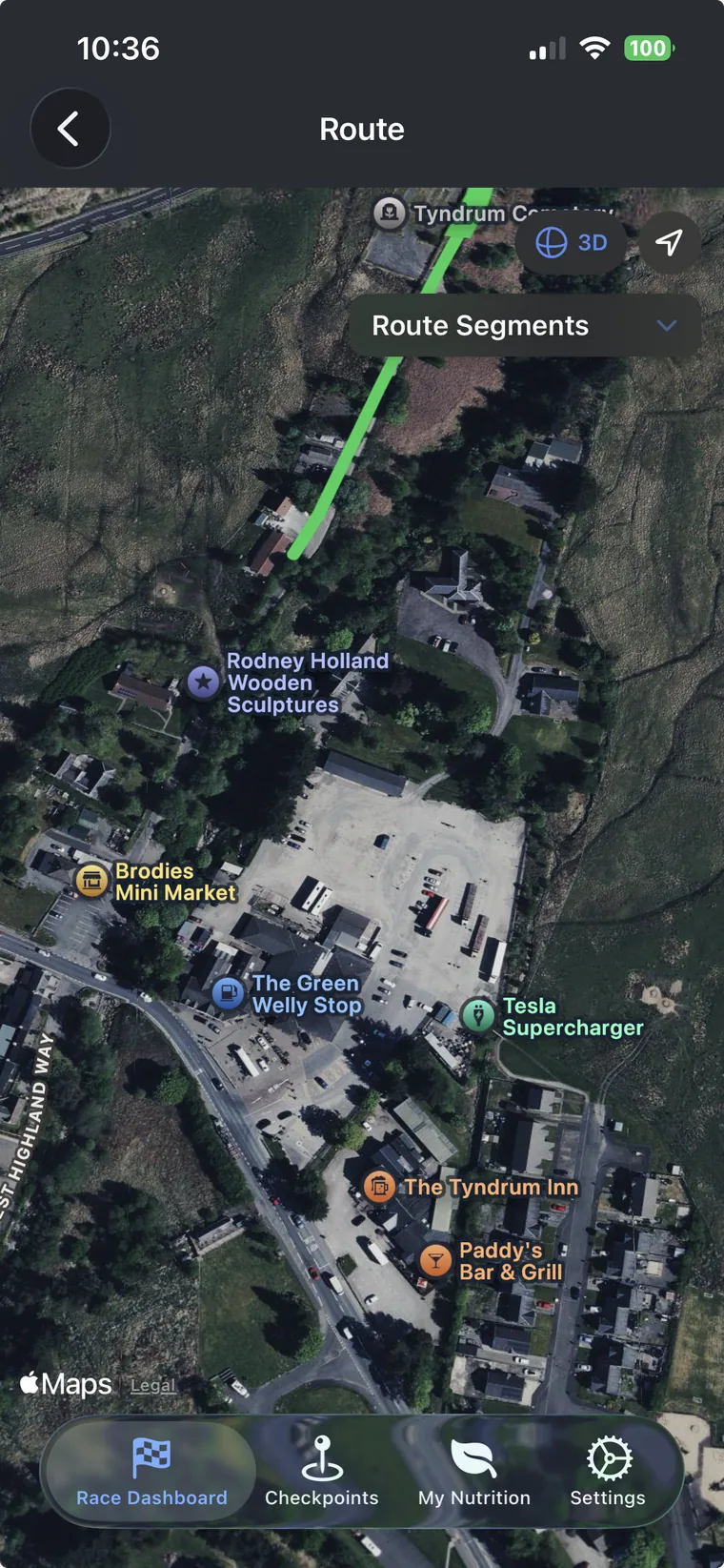
The free tier gives you everything you need to plan one race. Upgrade to Pro to unlock unlimited races, advanced pacing, full weather, and more. Pro is a one-time purchase that you own for life: no subscriptions, no recurring fees, no expiry. Pay once and every future update is included.
| Feature | Free | Pro |
|---|---|---|
| Race plans | 1 race | ✓ Unlimited |
| GPX import & checkpoint discovery | ✓ | ✓ |
| Route map & elevation profile | ✓ | ✓ |
| Checkpoint editor & manual pacing | ✓ | ✓ |
| Nutrition planner (manual assign) | ✓ | ✓ |
| Built-in food library (60+ products) | ✓ | ✓ |
| Mandatory kit checklist (built-in items) | ✓ | ✓ |
| Race registration & emergency contacts | ✓ | ✓ |
| Travel, accommodation & coach pickups | ✓ | ✓ |
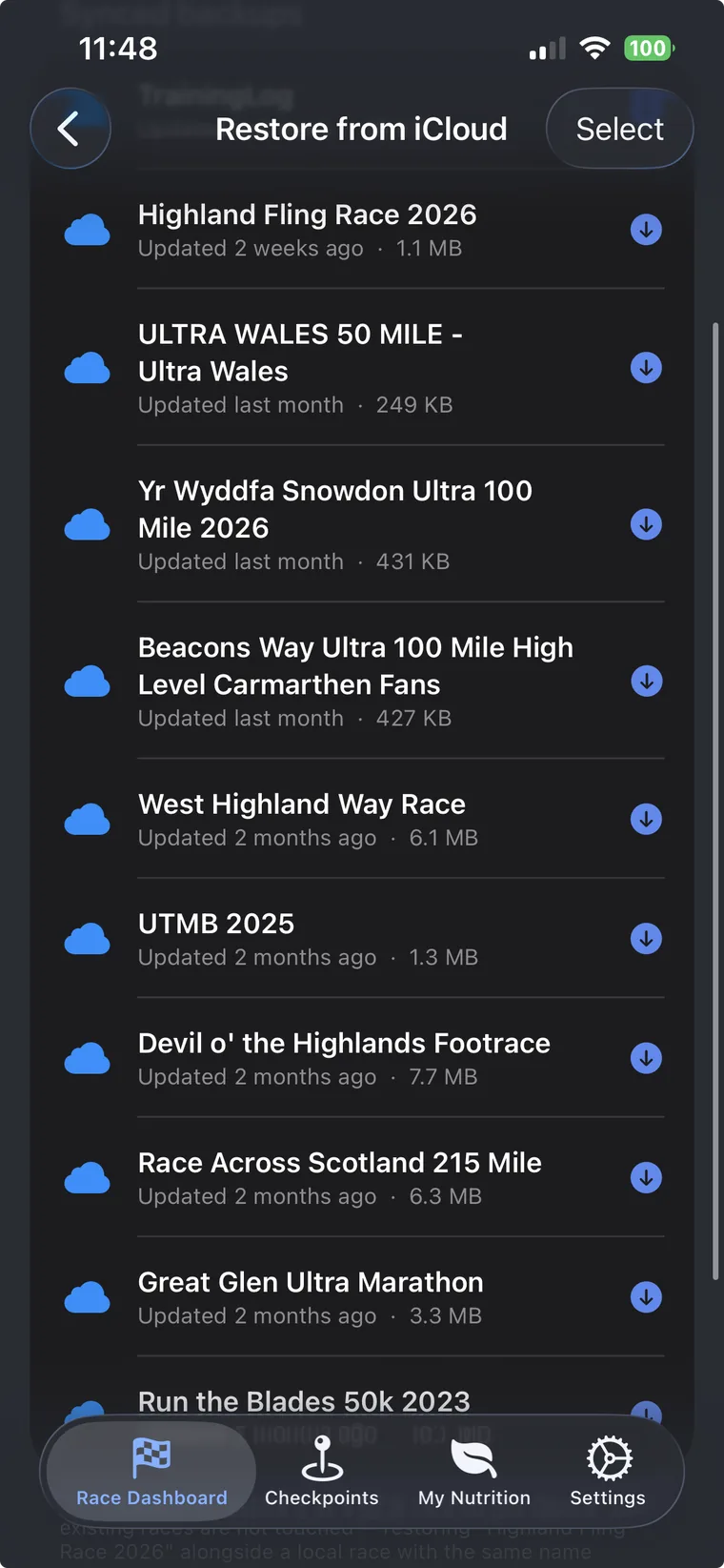
| iCloud backup & restore | ✓ | ✓ |
| Share plan with a friend (JSON export) | ✓ | ✓ |
| Trail Track (offline guide me back & SOS) | ✓ | ✓ |
| Training Log (Apple Health) | ✓ | ✓ |
| Health Snapshot & HR charts | ✓ | ✓ |
| Readiness & Apple Watch complication | ✓ | ✓ |
| Find a Race database | Pro | ✓ |
| Weather forecast | First 2 checkpoints | ✓ Every checkpoint |
| Current conditions weather | Pro | ✓ |
| FIT file import & auto pacing | Pro | ✓ |
| Calibration run & pacing profiles | Pro | ✓ |
| Live race tracker & lock screen widget | Pro | ✓ |
| Crew Live Link (live crew page & race day beacon) | Pro | ✓ |
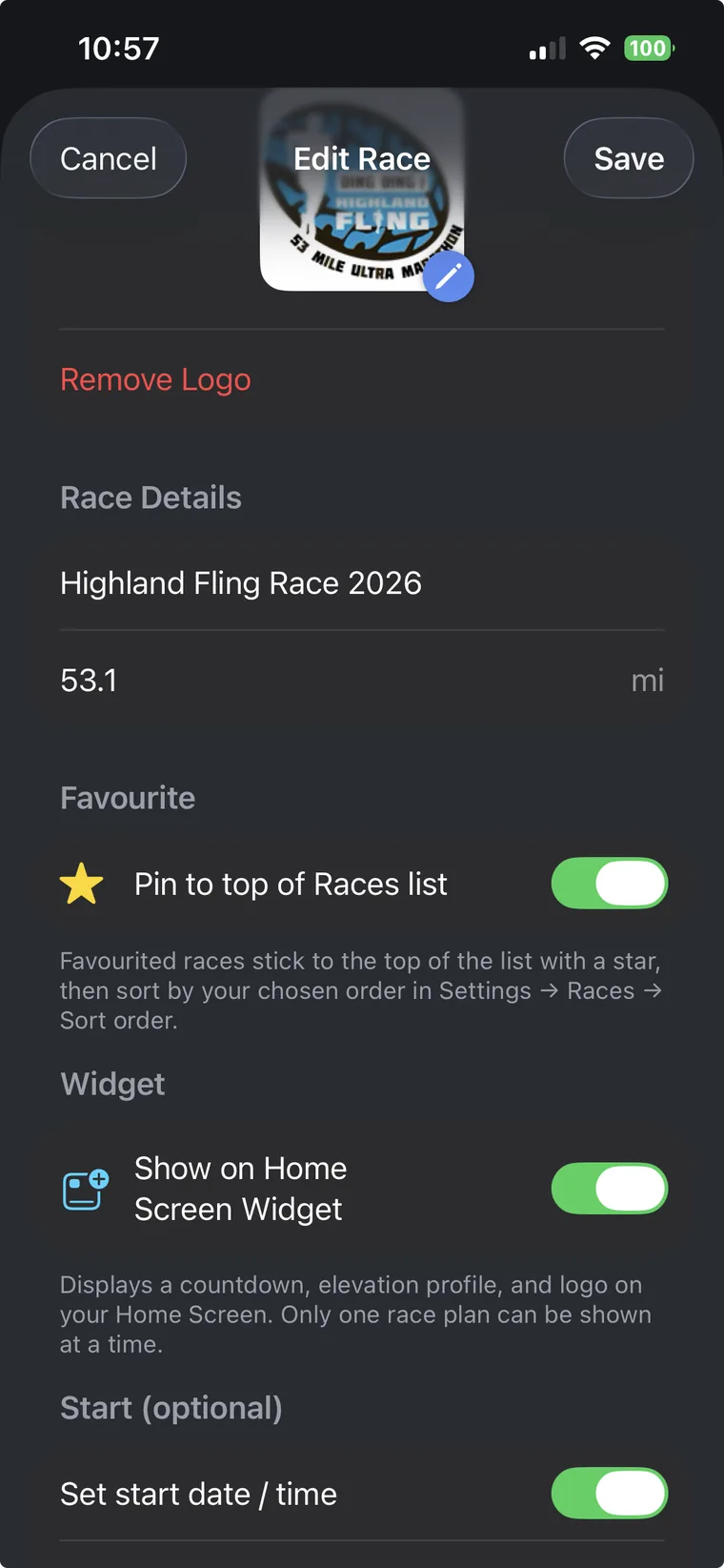
| Home screen countdown widget | Pro | ✓ |
| Nutrition Smart Fill | Pro | ✓ |
| Custom products & custom kit items | Pro | ✓ |
| Race vs race comparison | Pro | ✓ |
| Full Race-Day PDF pack | Pro | ✓ |
| CSV spreadsheet export | Pro | ✓ |
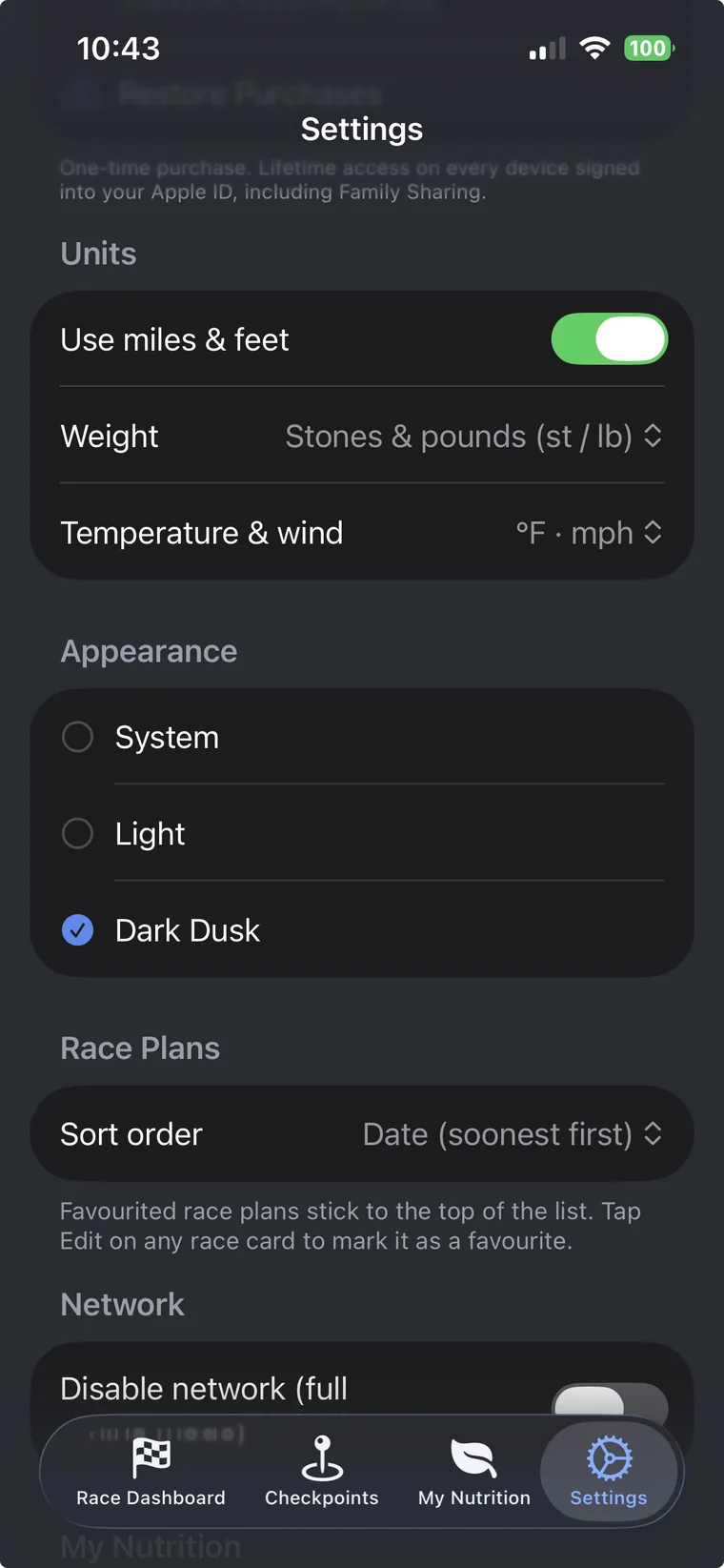
| Dark theme | Pro | ✓ |
From your first GPX import to race day tracking, here is how to build a complete race plan in UltraPlanRun.
Every plan starts from your route. Tap the + button on the Races screen and pick one of three ways in:
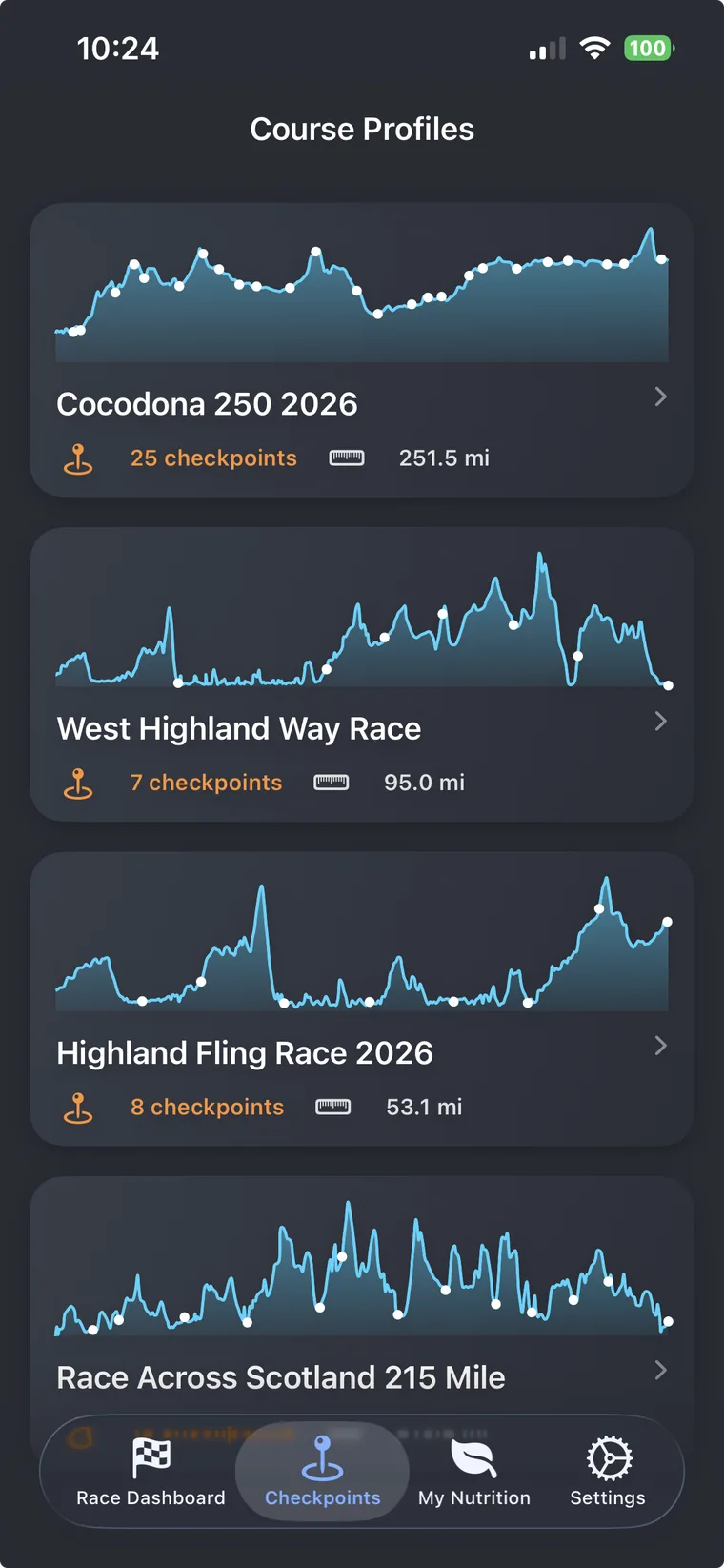
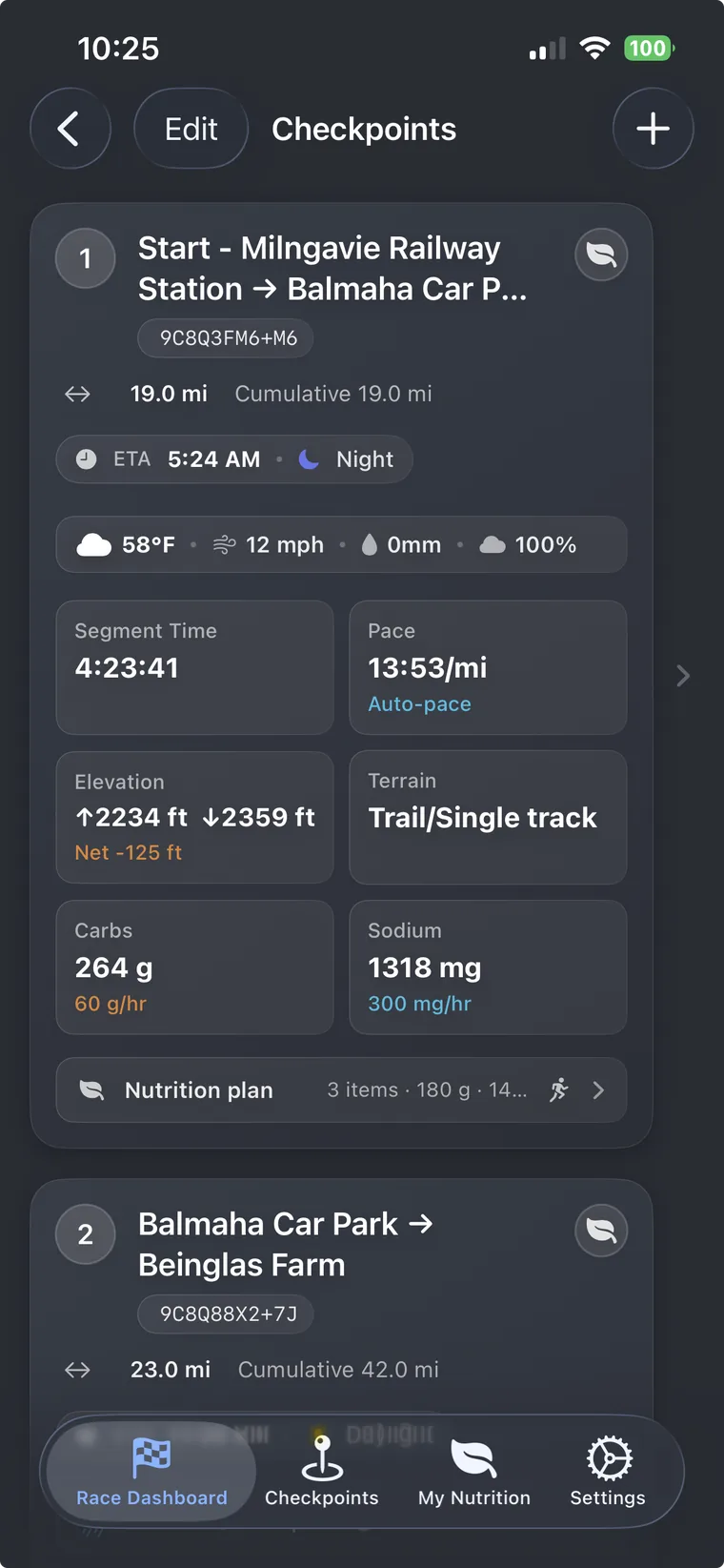
Checkpoints are the backbone of your plan. Each one represents an aid station, crew point, or key landmark along the route.
Once your checkpoints are in place, UltraPlanRun gives you a segment-by-segment breakdown of distance, elevation, and estimated time based on your pace settings.
Open a checkpoint and tap the Nutrition section to plan what you will eat and drink on each segment.
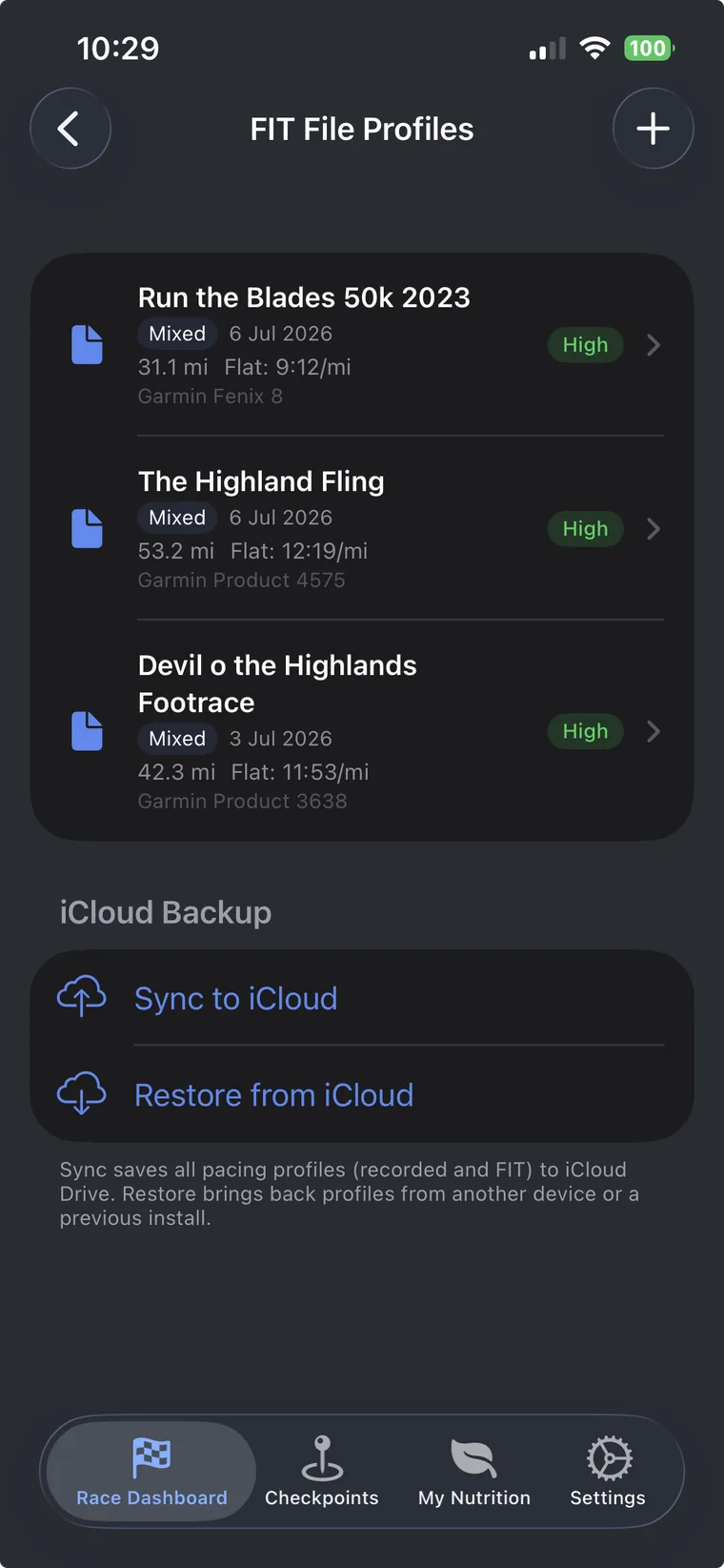
A pacing profile captures how your pace changes with gradient, so UltraPlanRun can predict segment times based on real terrain, not a flat-ground average. There are two ways to create one: a watch-recorded FIT file from a long run is the most accurate, with a phone calibration run as the no-watch fallback.
Option A: Import a FIT file (recommended)
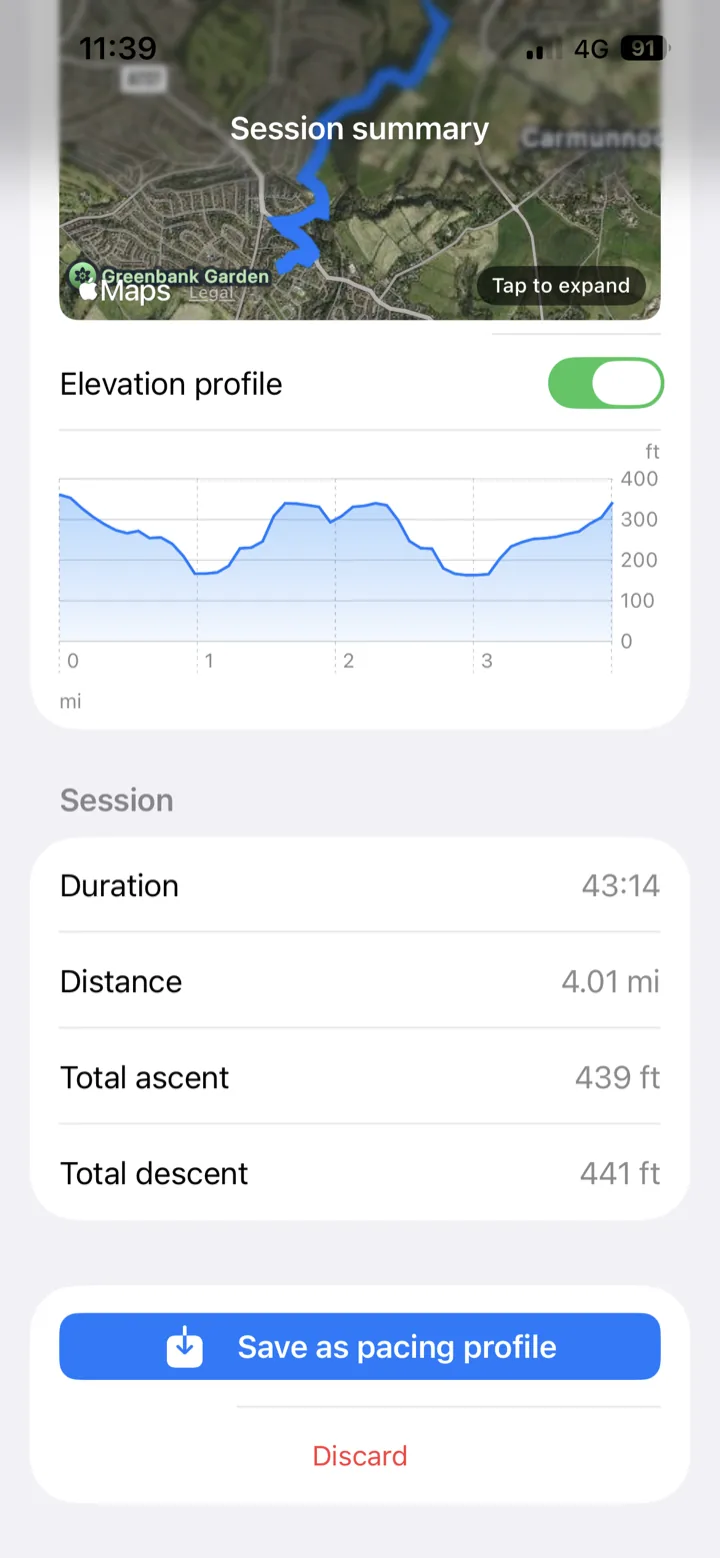
Option B: Record a calibration run
Applying a profile to your race:
UltraPlanRun uses Apple WeatherKit to fetch forecasts at your planned arrival time for each checkpoint along the route.
Weather notifications:
Capture your race registration details so nothing is forgotten on race week.
Emergency contacts:
For 100-mile and multi-day ultras, planned sleep stops can make or break your race.
Between now and race day, UltraPlanRun reads your Apple Health data to show how your training is going and whether you are recovering. Everything here is free for all users; grant Health access when prompted.
Training Log & Health Snapshot:
Readiness:
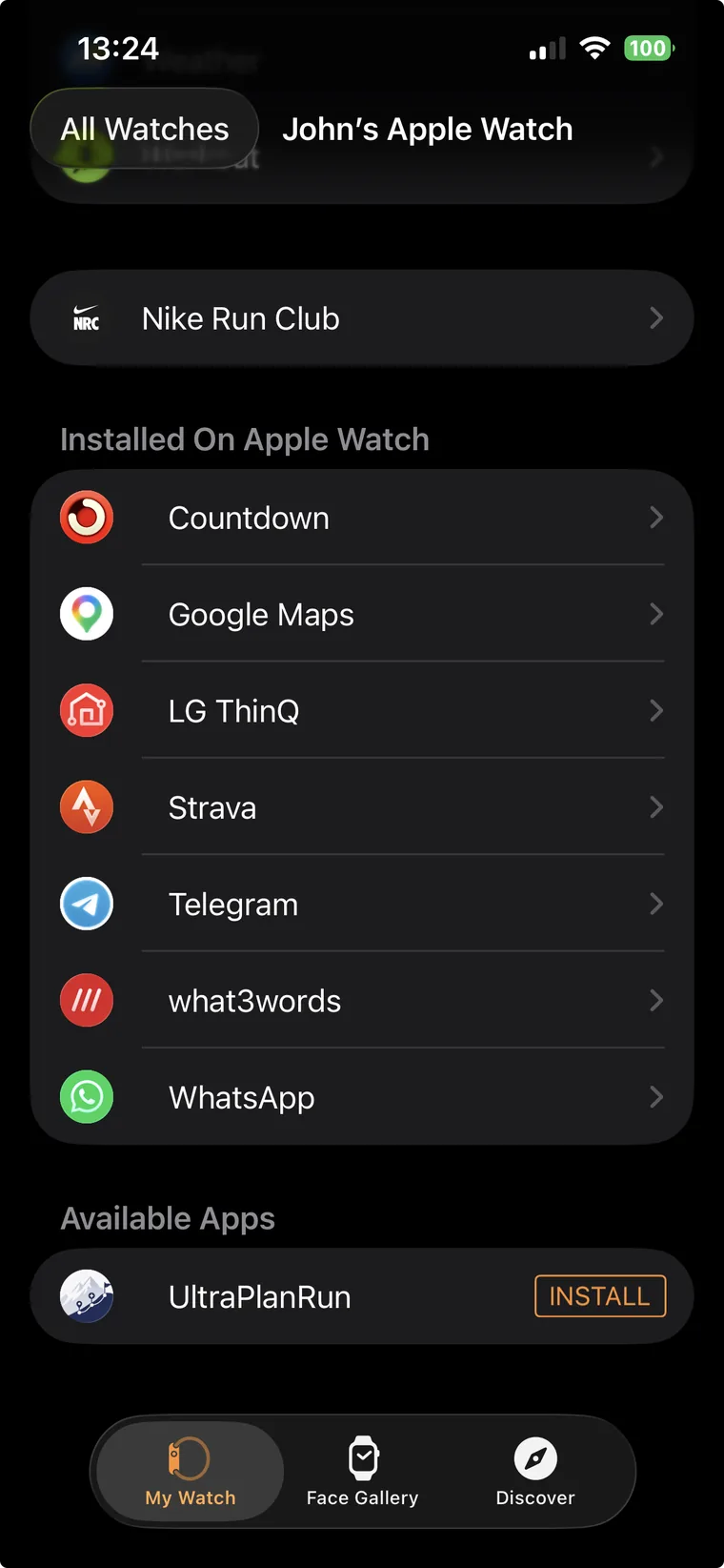
On your Apple Watch:
On race morning, open your plan and tap Start Trail Track. A map previews your race route with your current position; tap Start and your phone records your route as you run.
Lock screen Live Activity:
Take a wrong turn?
Battery saving:
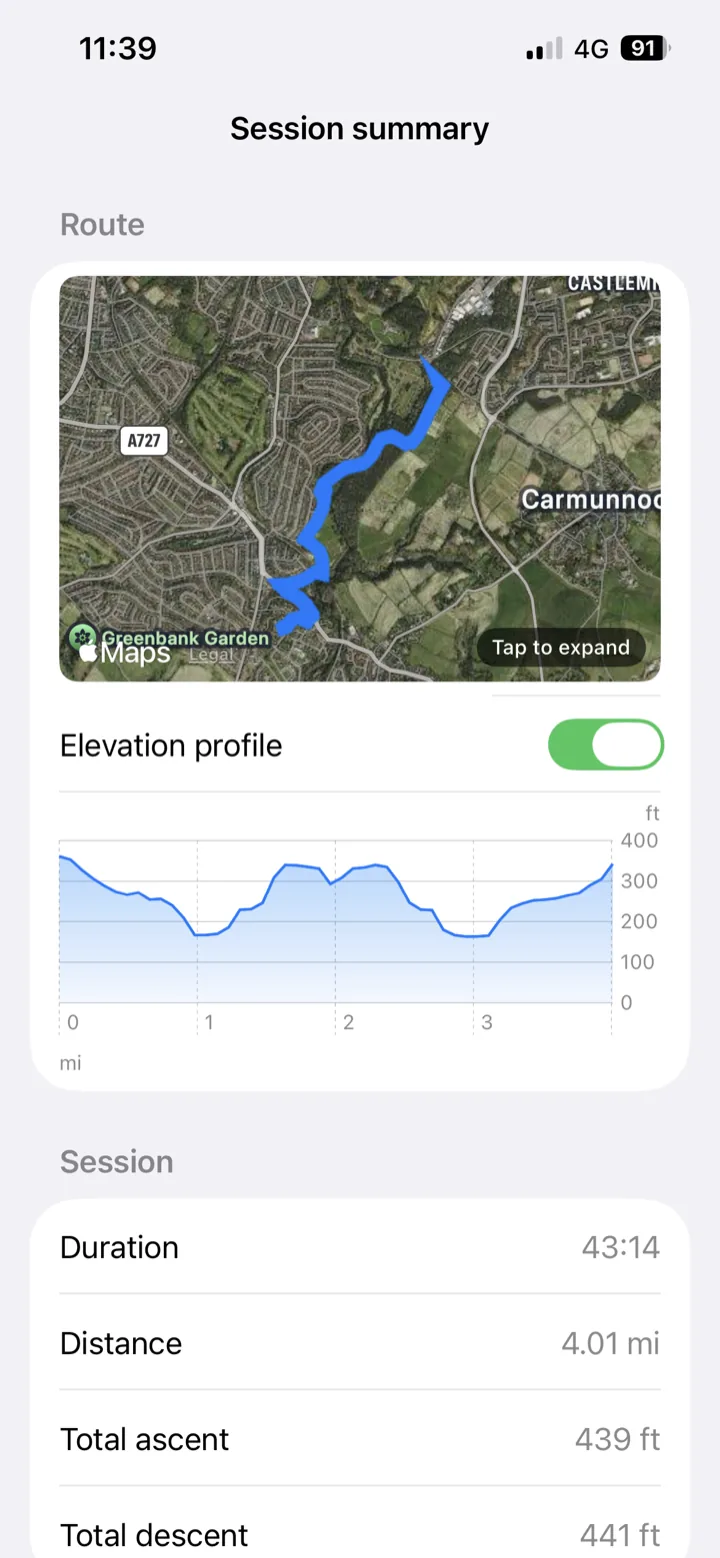
After the race:
Crew Live Link turns your finished plan into a private live web page for your support crew, and it is deliberately the simplest feature in the app. Two taps, total.
A couple of things catch people out right after an import. Both are quick fixes.
No ETA or Daylight on my checkpoints
When you import a GPX that already contains waypoints, or load a race from Find a Race, the checkpoints are created with distance and elevation, but the “ETA 7:21 AM · Daylight” row stays hidden. That row is calculated from your race start time, and an imported race does not have one yet.
Does my crew need UltraPlanRun to follow my race?
No. Crew Live Link is a normal web page: your crew open the link you send them in Safari, Chrome, or any browser, on any phone or laptop. No app, no account, no password. Only the runner needs UltraPlanRun (and Pro) to share the race.
Will the race day beacon drain my phone battery?
No. It is built to be a transmitter, not a tracker. It uses coarse, low-power location with big gaps between fixes, so it typically costs a few percent over a full race day, and it runs alongside the watch that is actually recording your race. Your crew can even watch your battery percentage on the live page.
My crew’s page says “This race link has expired”
Crew links stop working 48 hours after the race ends (and all location data is deleted), and tapping Stop sharing expires the link immediately. If the race is still ahead of you, open the race and tap Share with your crew again: everyone gets a fresh link.
Every checkpoint shows the same “Custom” pace
Imported checkpoints start with a placeholder pace of 9:30/mi, labelled Custom, so the plan has something to calculate from before you have tuned it. This is just a starting point, not your real pacing.
Three example PDFs the app generates for the 2026 Highland Fling Race, preview them before you ever install the app. Every page carries an "UltraPlanRun · Example" watermark; the real PDFs you generate are unwatermarked.
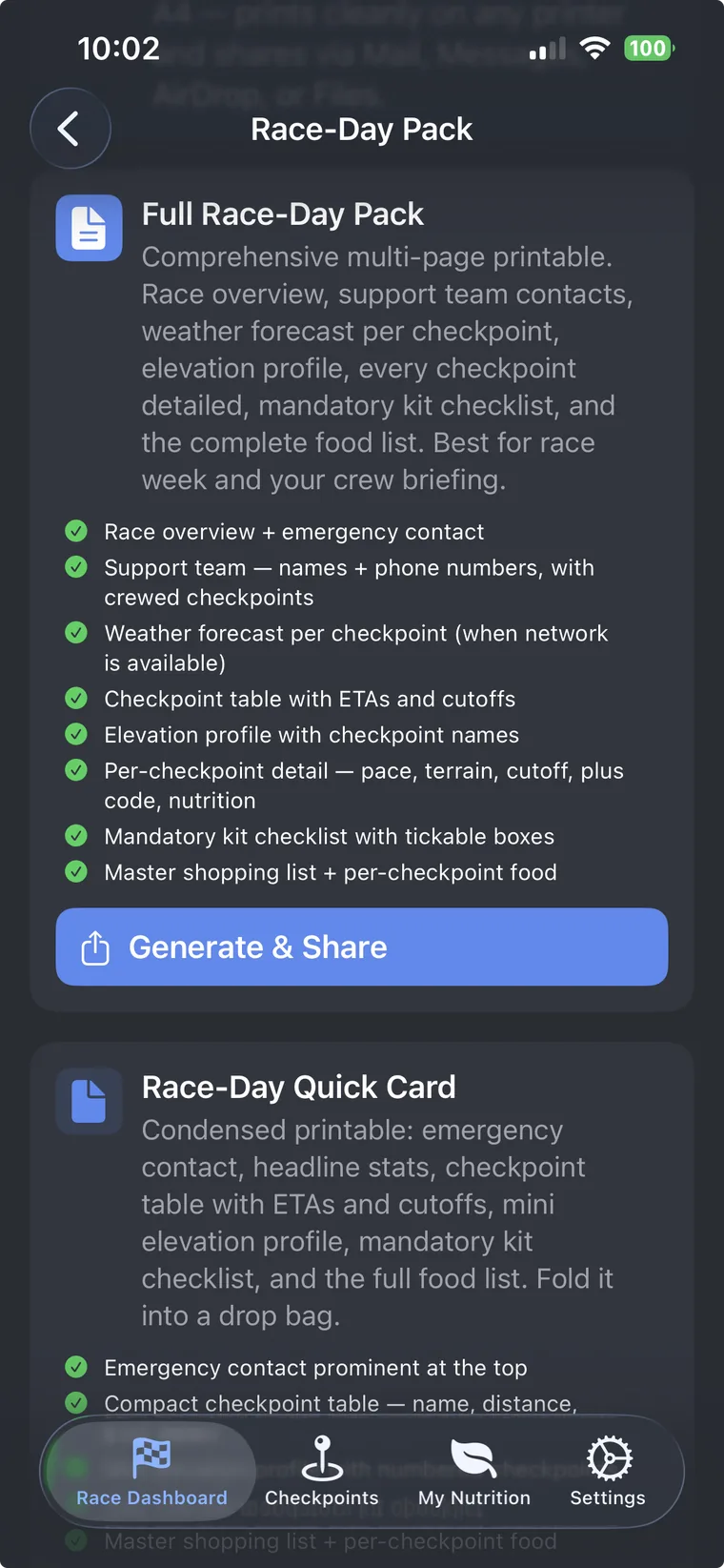
The complete pack, segments, ETAs, drop bag checklists, mandatory kit list, weather, accommodation, coach pickups, crew route. Multi-page, formatted for race-week briefing.
The condensed essentials, emergency contact, headline stats, checkpoint table with ETAs and cutoffs, mini elevation, kit checklist, food list. Fold it into a drop bag or stuff it in your pack.
PDFs are generated entirely on your iPhone. UltraPlanRun never sees them, they go where YOU send them.
Download a ready made race plan and import it into UltraPlanRun to explore the app with real data, segments, nutrition, pacing, drop bags and more, all pre built and ready to browse.
Already have the app? These races, and a growing list of others, are available directly in Find a Race, ready to import in one tap. No download needed: search your event and load the complete plan straight into the planner.
Watch the demo to see how to import a downloaded race plan JSON file and explore everything inside.
Milngavie to Tyndrum along the West Highland Way. A classic 53 mile ultra through Loch Lomond & The Trossachs National Park.
Milngavie to Fort William, the full 95 miles of the West Highland Way. One of Scotland’s most iconic ultra distances.
Tyndrum to Fort William through Rannoch Moor and Glencoe. Remote, exposed, and unforgettable.
A 50k around the turbine trails of Whitelee Windfarm, the UK's largest onshore wind farm. Fast tracks, open moorland and a great introduction to ultra distance running.
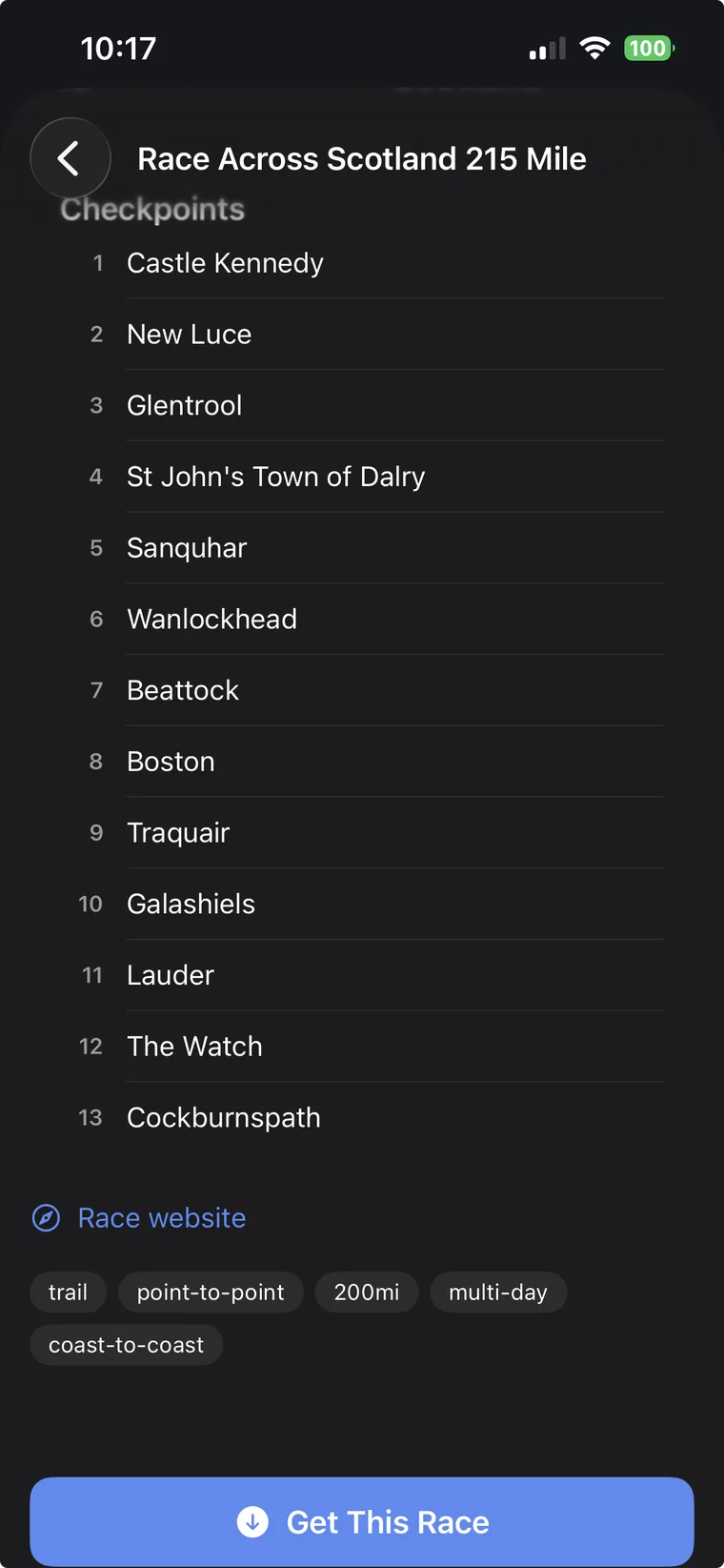
Portpatrick to Cockburnspath coast to coast, 215 miles across Scotland. A serious test of planning, pacing and resilience.
A stunning 73 mile (114 km) foot race between Fort William and Inverness following the Great Glen Way.
Download a plan, then open UltraPlanRun and choose Restore Plan from JSON. Or tap the ⊕ button on the Races screen and choose “Import Race JSON” to import it.
UltraPlanRun never sees your plan. Your data lives on your device and backs up privately to your own iCloud account, nobody else's servers.
Replace spreadsheets and scattered notes with a single race plan built for ultrarunners, and arrive at the start line knowing every detail is already handled. Free to download, with an optional one-off £14.99 lifetime upgrade for the full feature set. Now available on iPhone and Android.